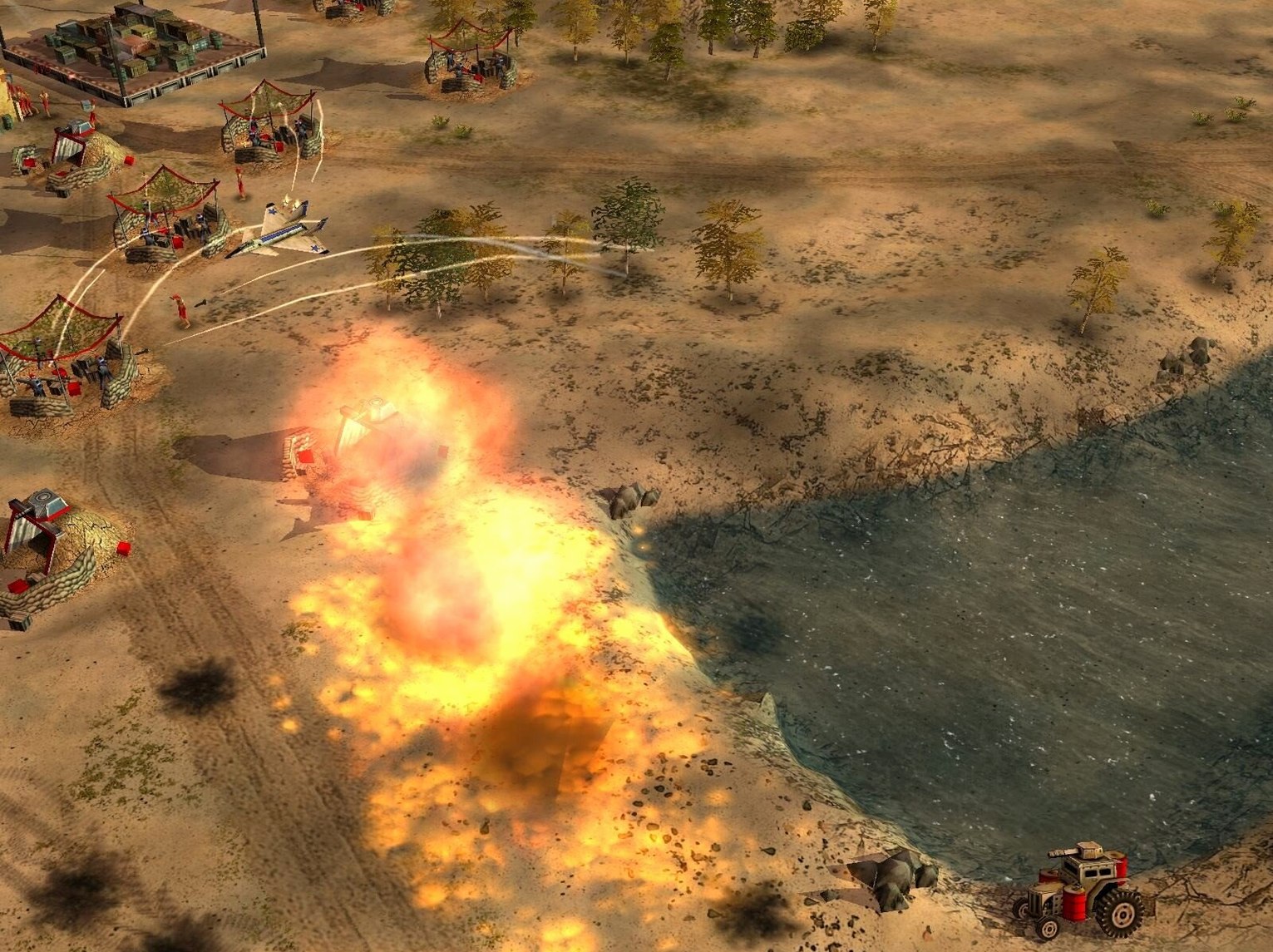
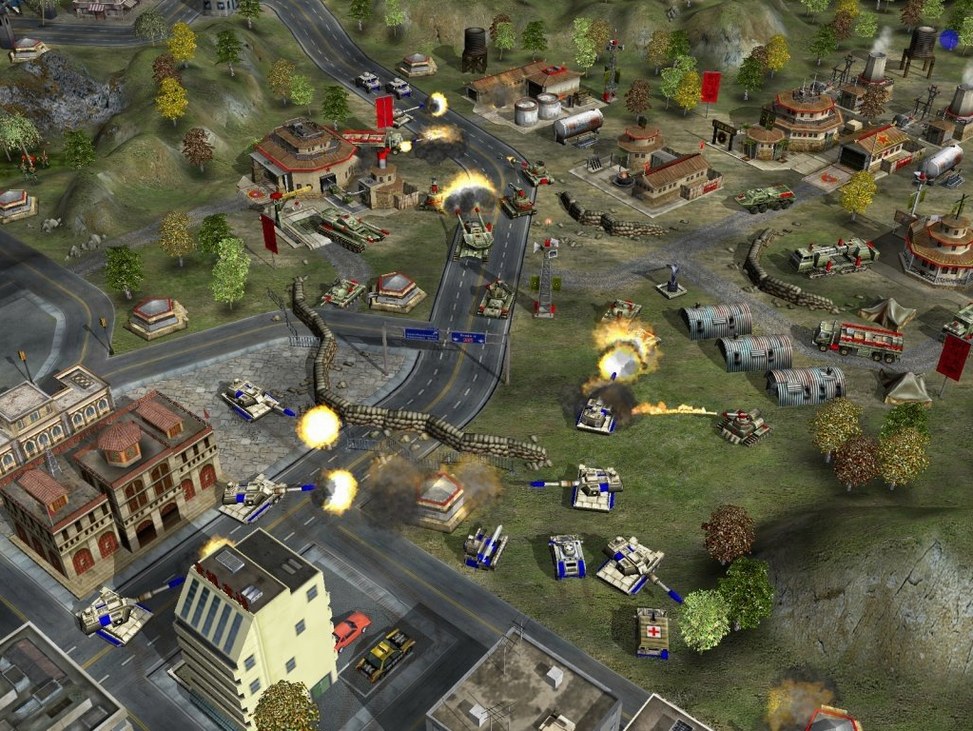
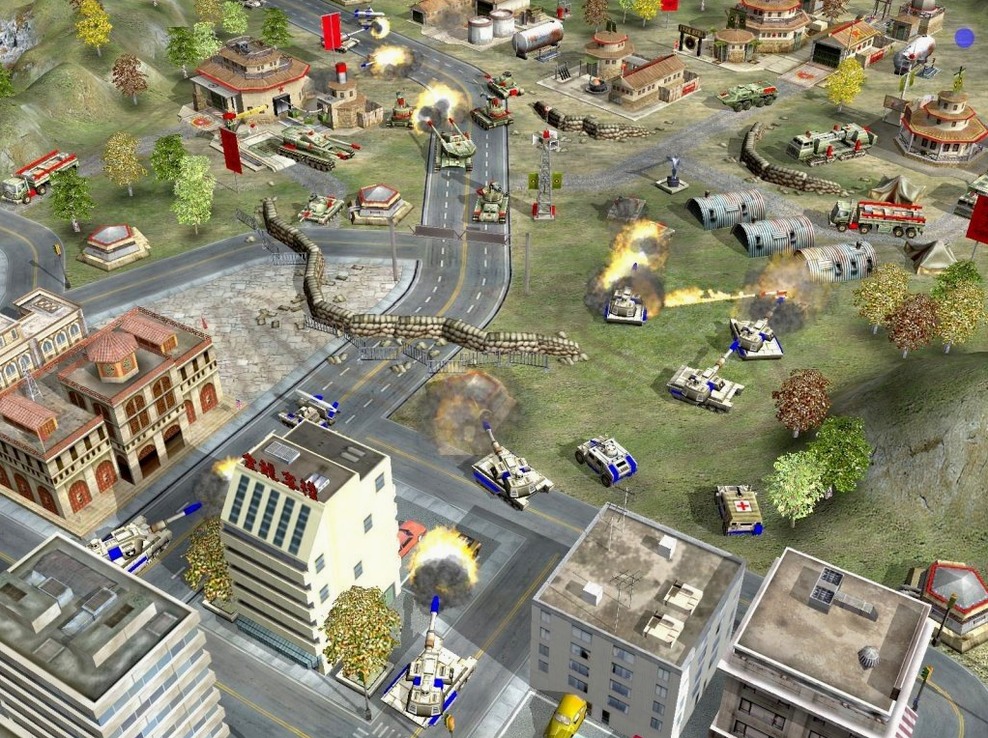
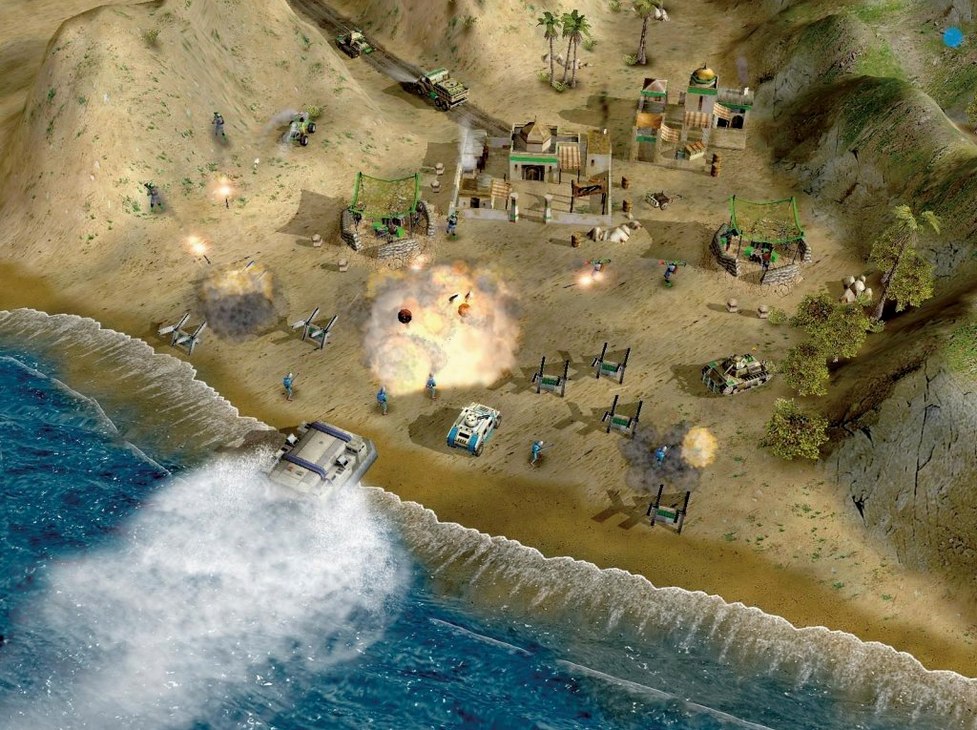
Three factions, each led by a general with a distinct active or passive ability.
Zero Hour — the standalone expansion to Command & Conquer: Generals.
Generals Challenge Mode — a ladder of nine skirmishes against specialized AI commanders, separate from the campaign.
USA Campaign — eight missions that shift from defending supply lines to striking a global terror network.
GLA Campaign — five missions built on ambush tactics, tunnel networks, and a simplified economy that rewards salvage.
China Campaign — two missions that open with a nuclear first strike and close with a tank assault on a hardened position.
Faction Design — each general reshapes the core army. A single choice locks you into a sub-faction with exclusive units, buildings, and a superweapon that replaces the original Super Strike.
Base Capture Logic — several missions skip base building entirely and push you forward with a fixed force. When bases do appear, capturing an enemy structure flips the map economy in seconds.
Bypassing the Gatekeeper Launch Block on macOS
Zero Hour on macOS runs through a Wineskin wrapper, which introduces a few predictable friction points.
- Game won't launch after mounting the disk image. Right-click the app, choose Open, and confirm the Gatekeeper prompt. The standard double-click often fails on first run with unsigned Wineskin bundles.
- Black screen on startup. The wrapper sometimes picks the wrong resolution. Hold
Command + Returnto toggle windowed mode, then adjust the in-game resolution to match your display. - Cursor drifts or clicks land off-target. Disable Retina mode in the Wineskin screen options. The game renders at native resolution, so scaling wrecks input mapping.
- Audio crackles during battles. Open the Wineskin settings, switch the audio driver to
PulseAudio, and reduce the sound channels in-game from High to Medium. - Save files vanish between sessions. The wrapper sandboxes saves inside its own package. Navigate to
~/Library/Application Support/Command & Conquer Generals Zero Hourto back them up manually.
A Generals Challenge Run from Start to Finish
Here is a specific workflow for clearing a Generals Challenge match as Air Force General against Dr. Thrax.
- Map load and early build. Queue three Chinooks immediately. Send two to the nearest supply dock, one to scout the left flank. Drop a power plant, then a supply centre, then a second power plant in a tight cluster.
- First defensive line. Build two Patriot batteries near the front approach, offset so they overlap coverage without sharing a blast radius. Dr. Thrax opens with technicals loaded with toxin rebels; Patriots swat them before they reach structures.
- Airfield timing. At sixty seconds, drop an airfield and queue two Raptors. Do not build a third yet — the upkeep stalls your second supply centre.
- Scout and disrupt. Send a Raptor on a deep recon loop behind the enemy base. Mark the Scud Storm site. Use a fuel-air bomb on the workers clustered around it. Raptor two cleans up the stragglers.
- Mid-game pivot. Once the Scud Storm is offline, switch to Stealth Comanches. Queue four, assign them to a control group, and hunt toxin tractors before they can spread contamination near your perimeter.
- Endgame push. Drop a strategy centre, unlock the Spectre Gunship, and send it on a wide arc over the rear supply line. While the gunship draws anti-air fire, push three Raptors straight into the command centre. The AI does not split attention well.
The whole match takes under twelve minutes if you deny the first Scud Storm. Dr. Thrax folds without his area-denial tool.
Taming Twitchy Edge Scrolling on Modern Trackpads
Zero Hour ships with defaults that ignore twenty years of hardware progress and screen changes.
- Scroll speed. Drop it from the default 100 to about 40. On modern trackpads and mice, edge scrolling is far too twitchy.
- Right-click orders. Enable Alternate Mouse Setup in the input options. This switches right-click to a direct move order instead of the context menu, cutting a click off every unit command.
- Waypoint lines. Turn on Show Command Queue Lines. Seeing the exact path your units will take before you commit stops misclicks on bridge chokepoints and cliff edges.
- Audio balance. Slide the music volume down to 30% and leave voice lines at 100%. The mission briefings and unit acknowledgements carry critical information the soundtrack tends to drown out.
- Auto-save interval. Set it to every two minutes. The wrapper's occasional instability means a crash mid-mission is annoying; losing forty minutes of a campaign slog is a reason to quit the session entirely.
A few players also grab a generals zero hour torrent that bundles custom resolution patches, but the stock Wineskin build handles 1920×1080 without modifications.
- New — Standalone expansion structure with a separate launcher and save system.
- New — Nine generals spread across three factions, each with unique abilities, unit rosters, and tech trees.
- New — Generals Challenge mode, 15 campaign missions, and faction-specific superweapons.
- Improved — Super Strike mechanic retired; replaced by general-specific powers that change per commander.
- Architecture: Intel (x86 64-bit)
- Tested on: macOS Monterey (MacBook Air M1, 2020)
Comments 0
Sign in to leave a comment.Sign inCreate an account
No comments yet. If a step is still there after you install it, say so.
More in Games
All in Games Counter-Strike
Drops you into a round where teamwork and virtual money decide the outcome.
11 steps saved
 Craft The World
Lets you direct a dwarf tribe's priorities instead of every swing.
21 steps saved
 Updated
Crimson Desert
Drops you onto a war-torn continent of open-world fights and mercenary jobs.
15 steps saved
 Civilization V
Turns geography into a silent opponent that rewards long-term planning.
12 steps saved
 Crusader Kings III
Steers a noble house across centuries of intrigue, war, and inheritance.
12 steps saved
 Chilla's Art The Caregiver
Builds slow-burn dread around mundane caregiving tasks in an isolated house.
6 steps saved
 Cult of the Lamb
Tasks one lamb with building a following and cleansing four regions.
10 steps saved
 Celeste
Turns a mountain climb into a series of precise, death-teaching platforming rooms.