
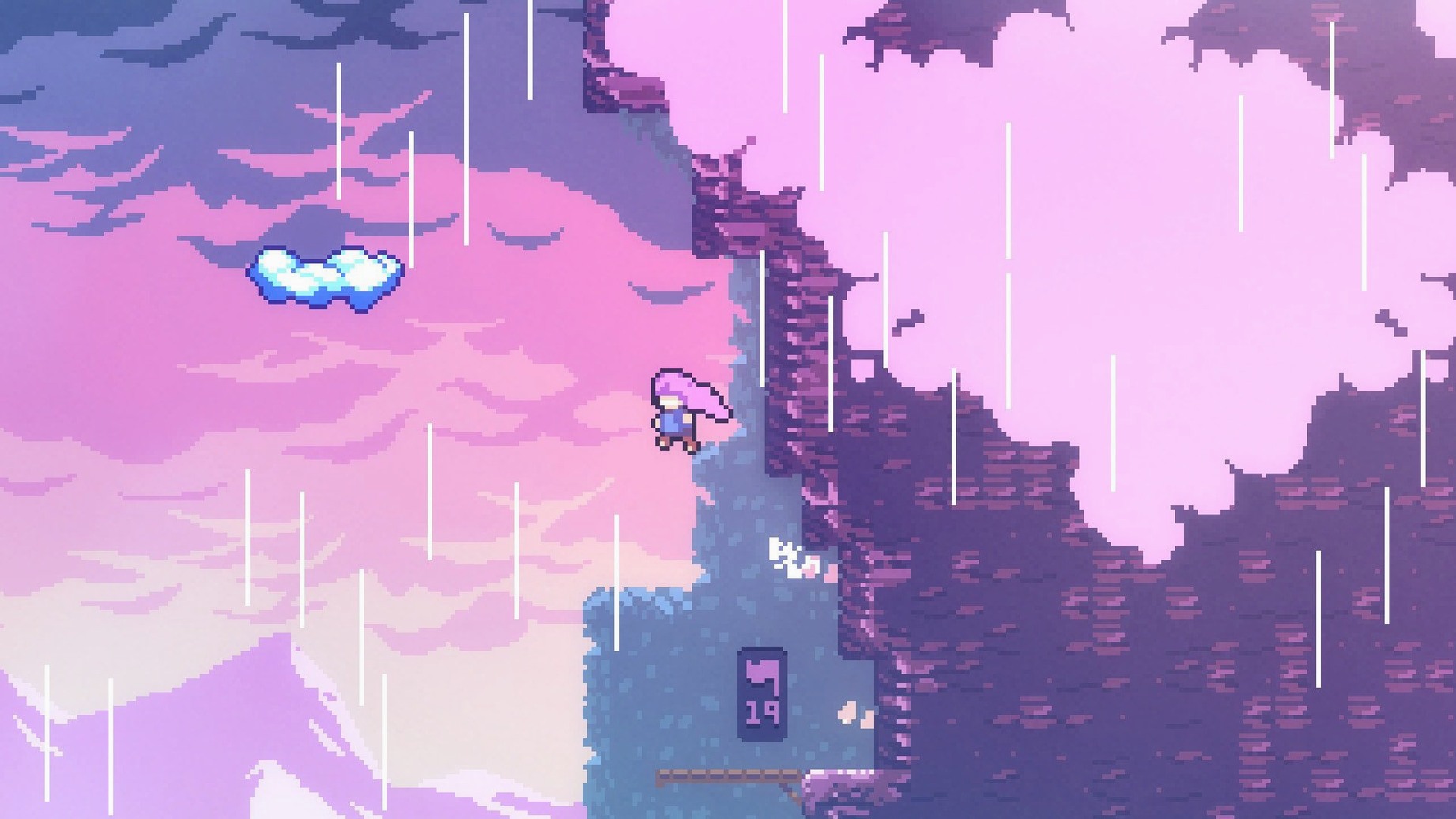
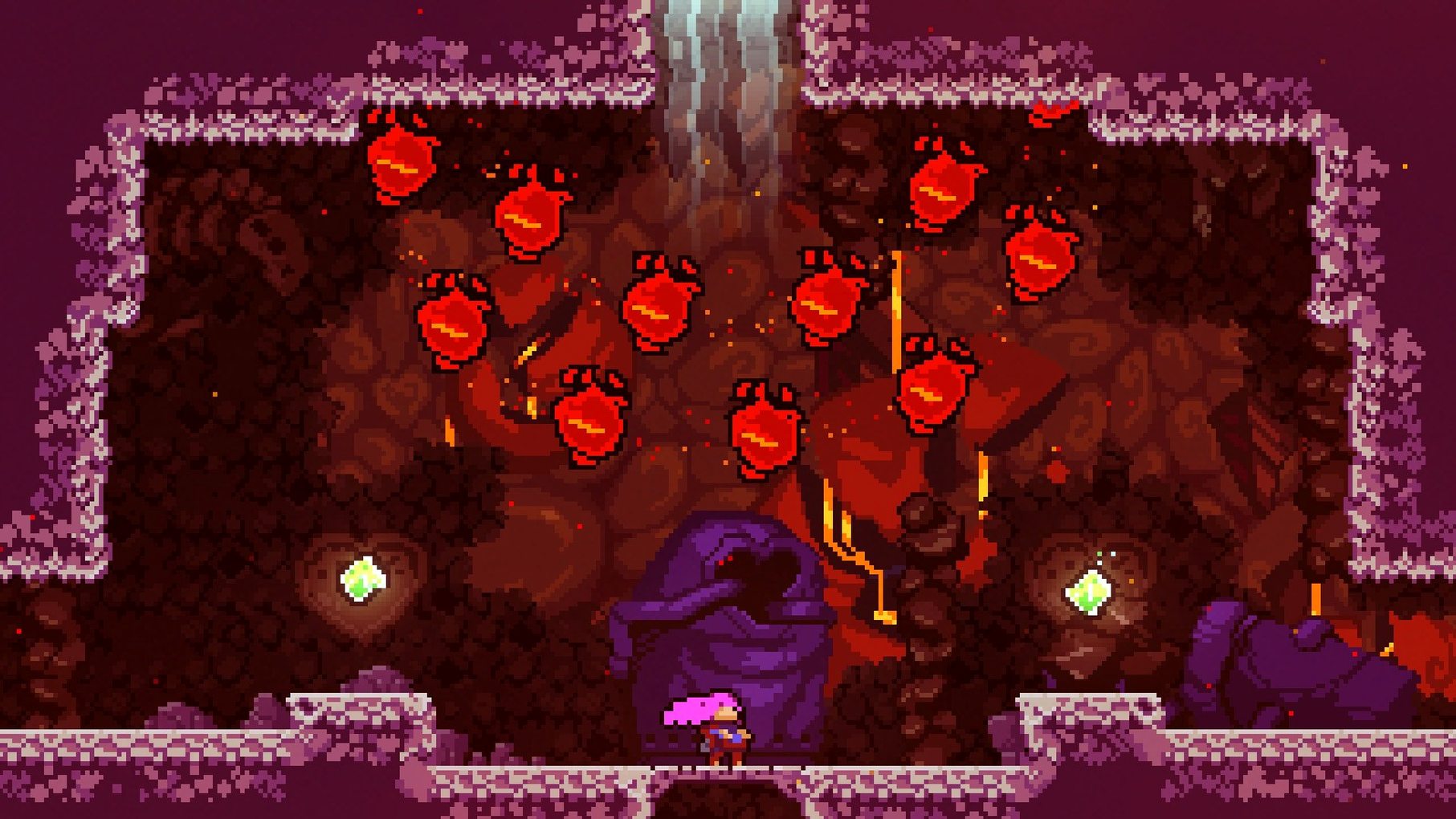
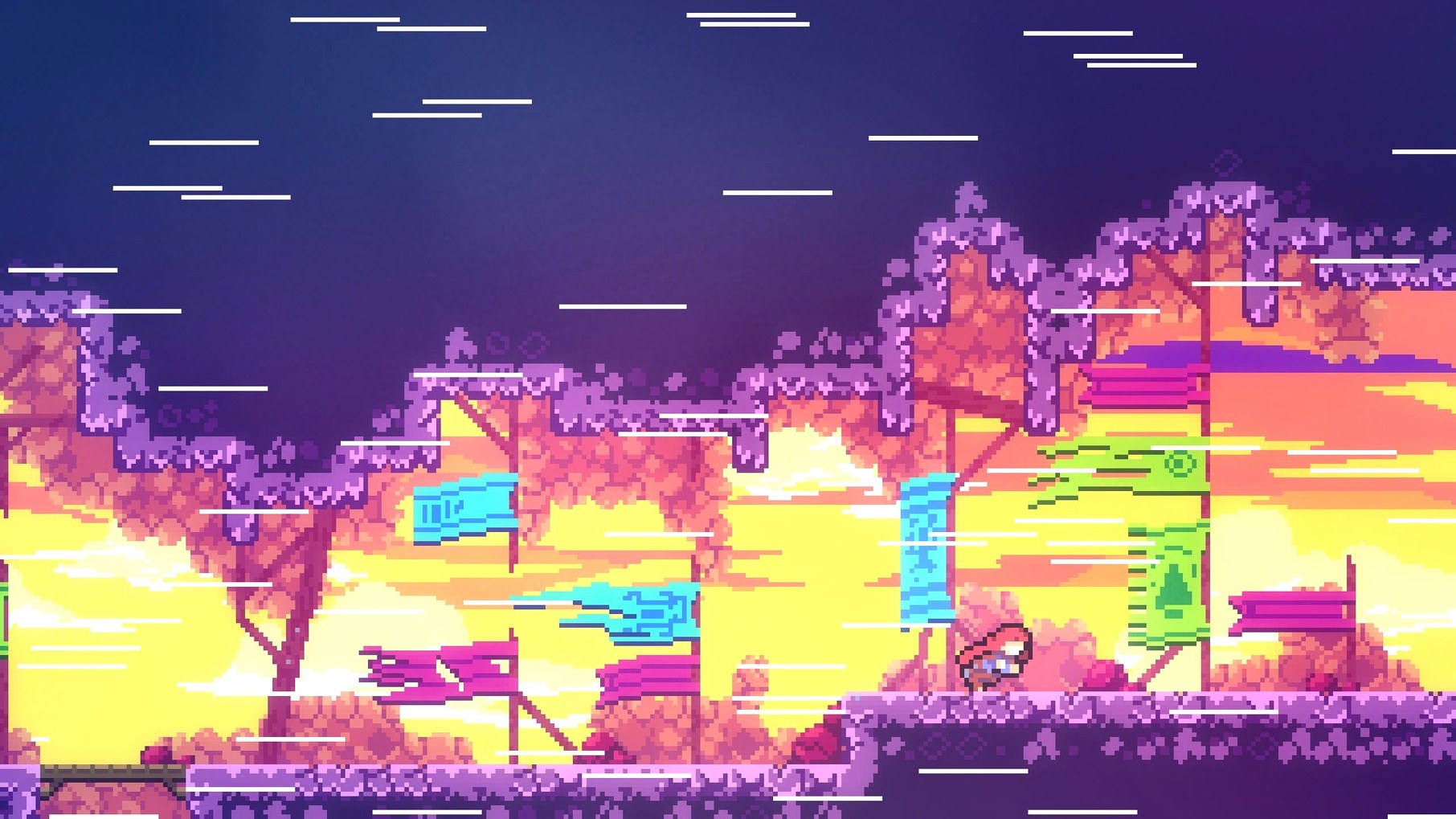
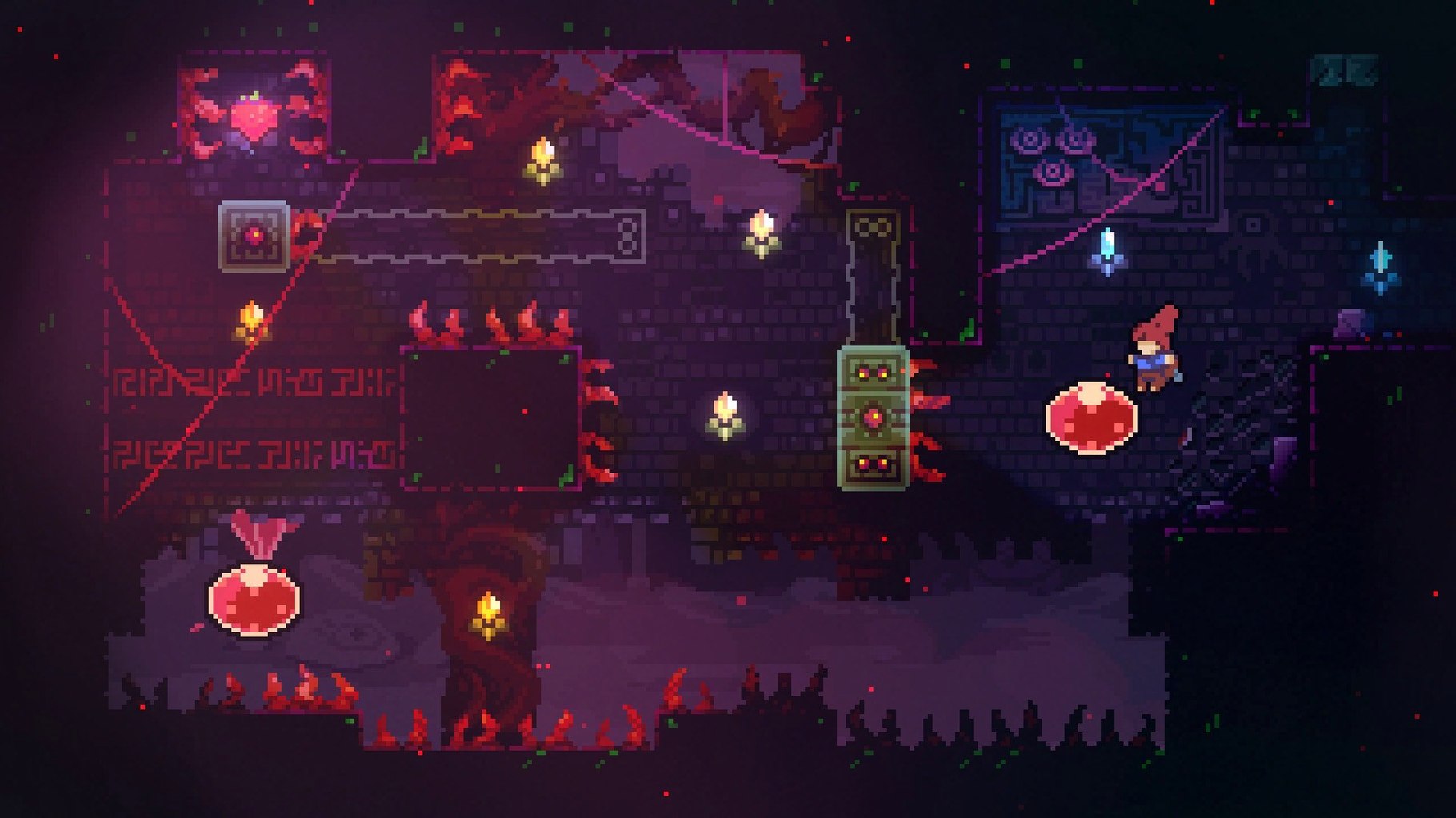
Speedrunners, completionists, and anyone who enjoys tight platforming will find something in Celeste. Madeline’s journey to the summit is a series of precise dashes, wall jumps, and rooms that teach through repeated failure.
What’s the core loop?
Each screen is a self-contained challenge. You die often, respawn instantly, and refine your route until you clear it. The controls—move, jump, dash, climb—stay simple, but the combinations they demand grow complex.
Does it come with extra content?
Yes. The base game includes a full epilogue chapter, and hidden areas are tucked away for players who explore every corner. The package also contains all chapters from the farewell update with no separate download needed.
What languages are supported?
Interface text and subtitles come in nine languages: English, French, Italian, German, Spanish, Japanese, Portuguese, Russian, and Simplified Chinese.
Who made it?
Common mistakes that slow you down
Most early frustration comes from fighting the controls instead of learning them. Three mistakes show up often in the first few hours.
- Dashing before you jump. The dash is not a double jump. Spending it early leaves you without a recovery option when a platform shifts or a spike lines up badly.
- Holding climb on flat ground. Grip drains fast. If you cling to a wall while planning your next move, you slide before you act. Touch the wall, aim, then commit.
- Ignoring the retry rhythm. Death is not a setback here. The screen reloads in under a second, and your muscle memory improves with each attempt. Treating every death as a failure makes the climb feel worse than it is.
Drilling Dash-Jumps and Stamina Resets First
Before chasing strawberries or hidden cassette tapes, spend time with the basics in Chapter 1.
- Practise the dash-jump from a standing start until it feels automatic.
- Learn the stamina reset: let go of climb for a split second, then grab again.
- Watch how Madeline’s hair changes colour after a dash. That is your visual cue for when the dash recharges.
- Keep a US keyboard layout active from the first launch. Some key prompts depend on it.
Turn off screen shake in the options if the camera movement distracts you. It is not a difficulty setting, just a visual one, but calmer feedback helps when you are reading a room with moving obstacles.
A full climb: Chapter 2 from start to finish
Here is a practical route through the opening stretch of the Old Site, using the habits above.
- Start with a standing dash-jump across the first gap. Do not dash again until you land.
- At the dream blocks, dash through them only while they are solid. Watch the rhythm: two beats solid, one beat gone.
- For the vertical shaft with moving platforms, climb in short grips. Release between grabs to keep stamina above half.
- When the shadow appears, do not chase it. Follow the path it opens, not the character itself.
- Stop at the cassette room only if you want the extra challenge. The main path is to the right and up.
This route works with the default controls. If a specific dash angle feels unreliable, try it five times in a row before considering any settings change — the issue is usually timing, not input.
Players who want the full complement of chapters can search for celeste mac download and get the complete package, including the farewell content, in one pass.
Matt Makes Games Inc., the studio behind the arena fighter TowerFall, developed Celeste. This is their single-player platformer, released in early 2018.
- Architecture: Intel (x86 64-bit)
Questions I get before install
What architecture does the Mac version require?
The game runs on Intel-based Macs with x86 64-bit architecture.
Is this a multiplayer game?
No. Celeste is a single-player experience focused on Madeline's solo climb.
Who developed Celeste?
It was developed by Matt Makes Games Inc., the creators of TowerFall.
Comments 0
Sign in to leave a comment.Sign inCreate an account
No comments yet. If a step is still there after you install it, say so.
More in Games
All in Games Chilla's Art The Caregiver
Builds slow-burn dread around mundane caregiving tasks in an isolated house.
12 steps saved
 Caves of Qud
Generates a deep, lethal world where permanent death raises the stakes of every mutation choice.
15 steps saved
 Civilization V
Turns geography into a silent opponent that rewards long-term planning.
4 steps saved
 Cat Quest III
Sets an action RPG across an open archipelago you explore by ship and on foot.
20 steps saved
 Castle Crashers
Throws up to four players into a chaotic scramble of hacking, magic, and cartoon brawling.
4 steps saved
 Updated
Cast n Chill
Puts manual casting and reeling control at the centre of a laid-back fishing trip.
11 steps saved
 Car For Sale Simulator
Builds the full flipping loop around finding, repairing, washing, and selling used vehicles.
4 steps saved
 Command & Conquer: Generals
Pits three distinct factions against nine specialized AI commanders.