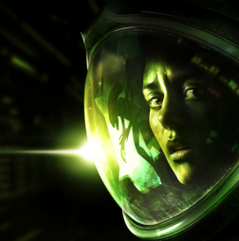
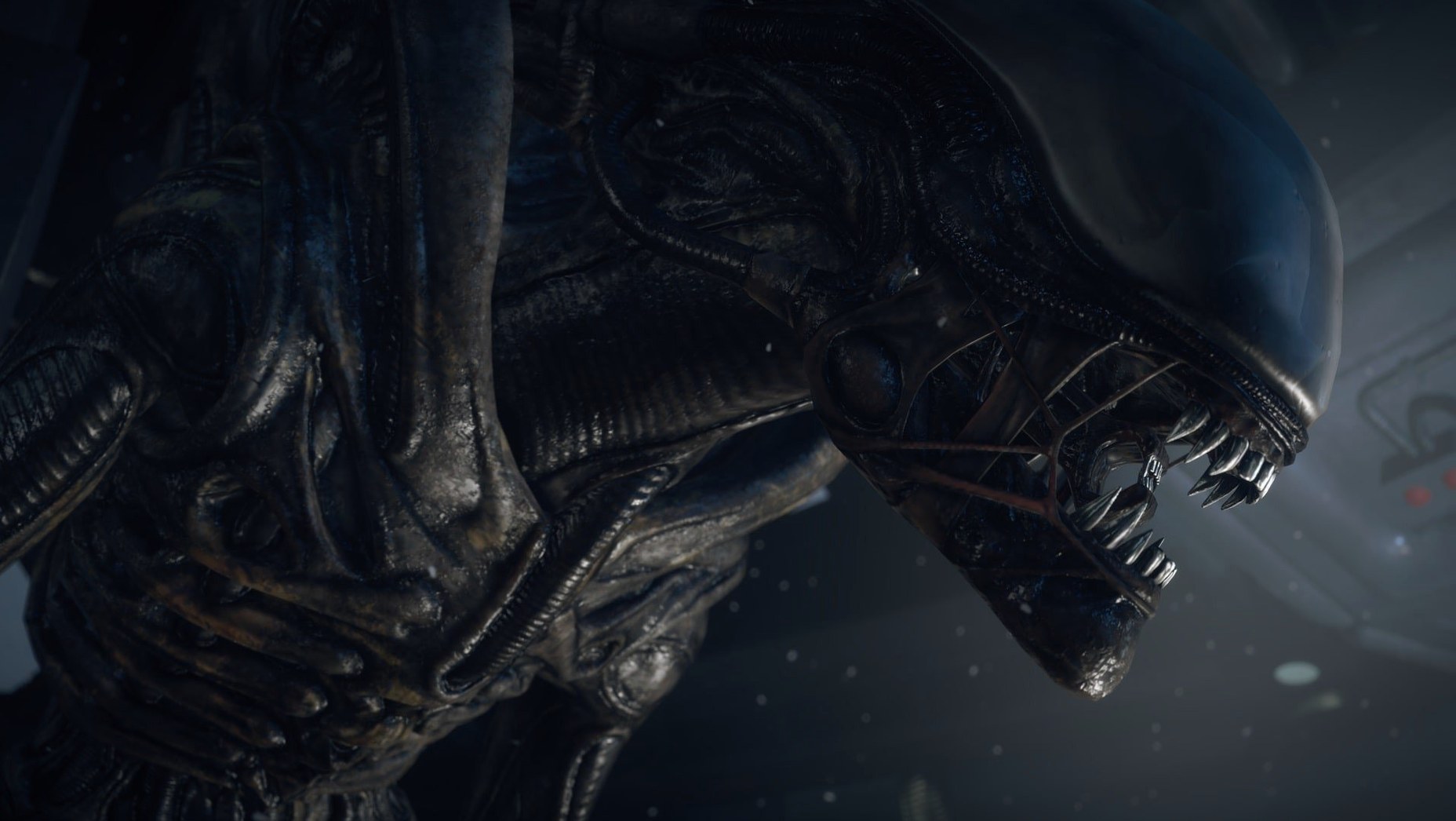
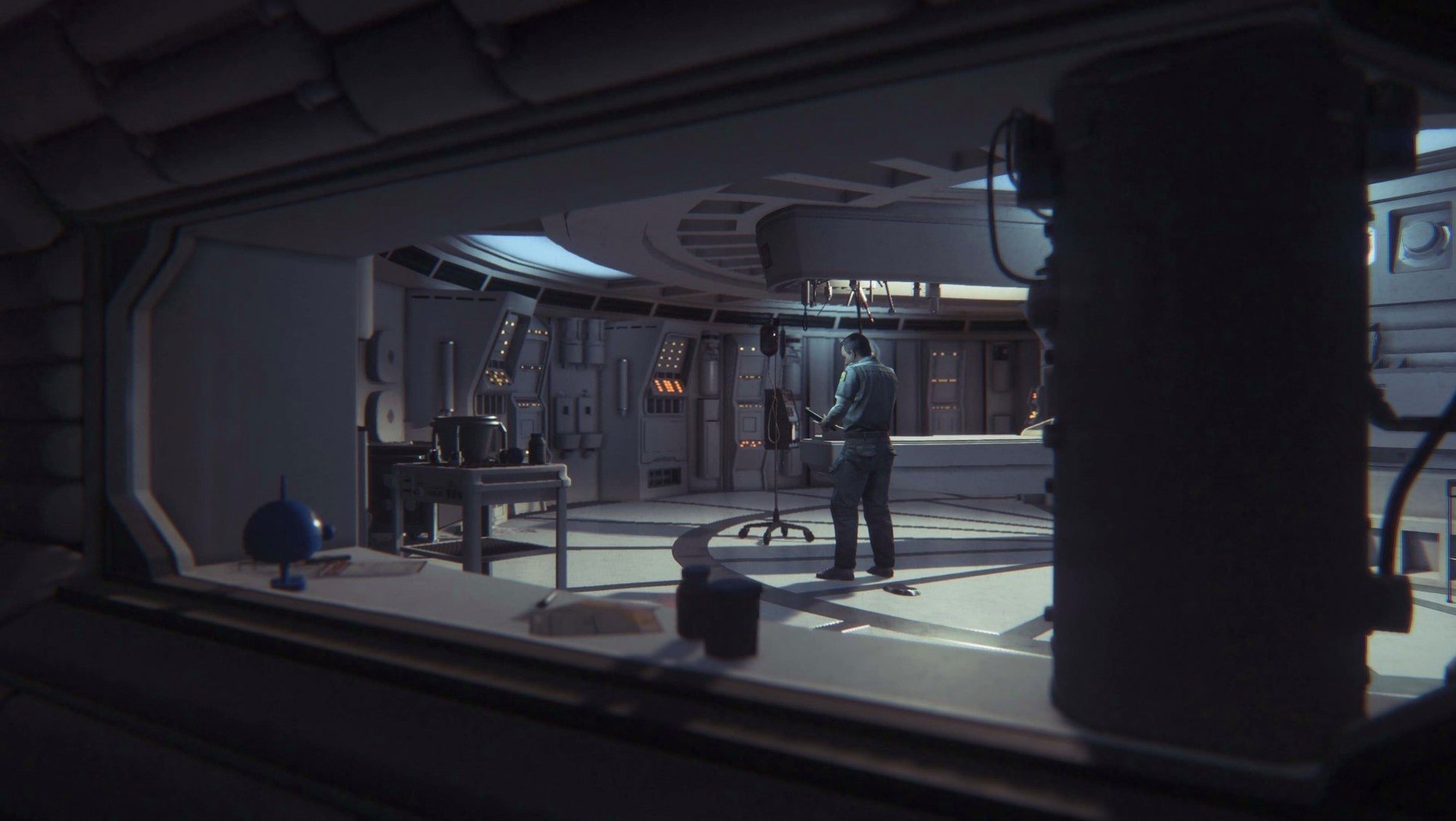
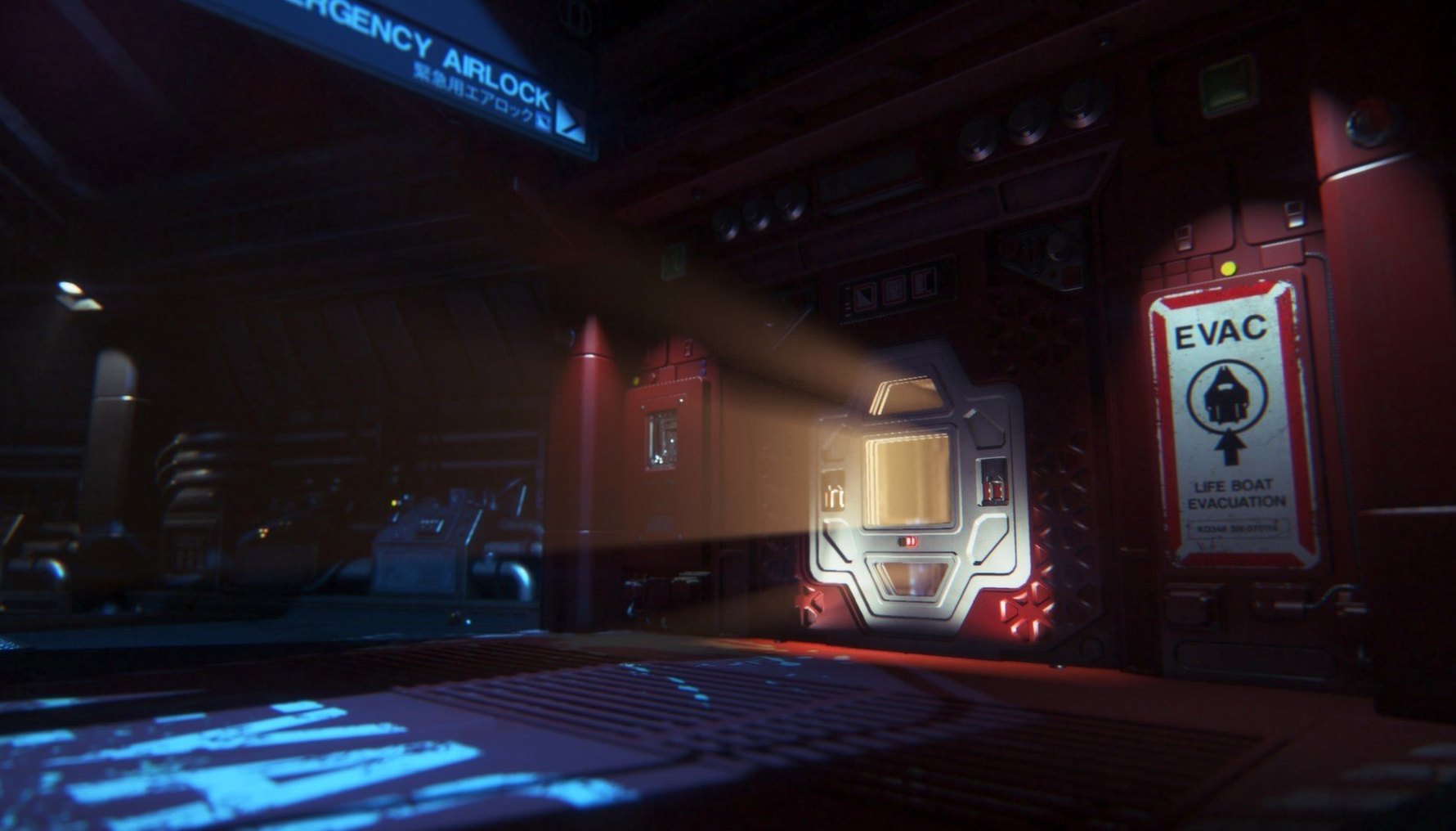
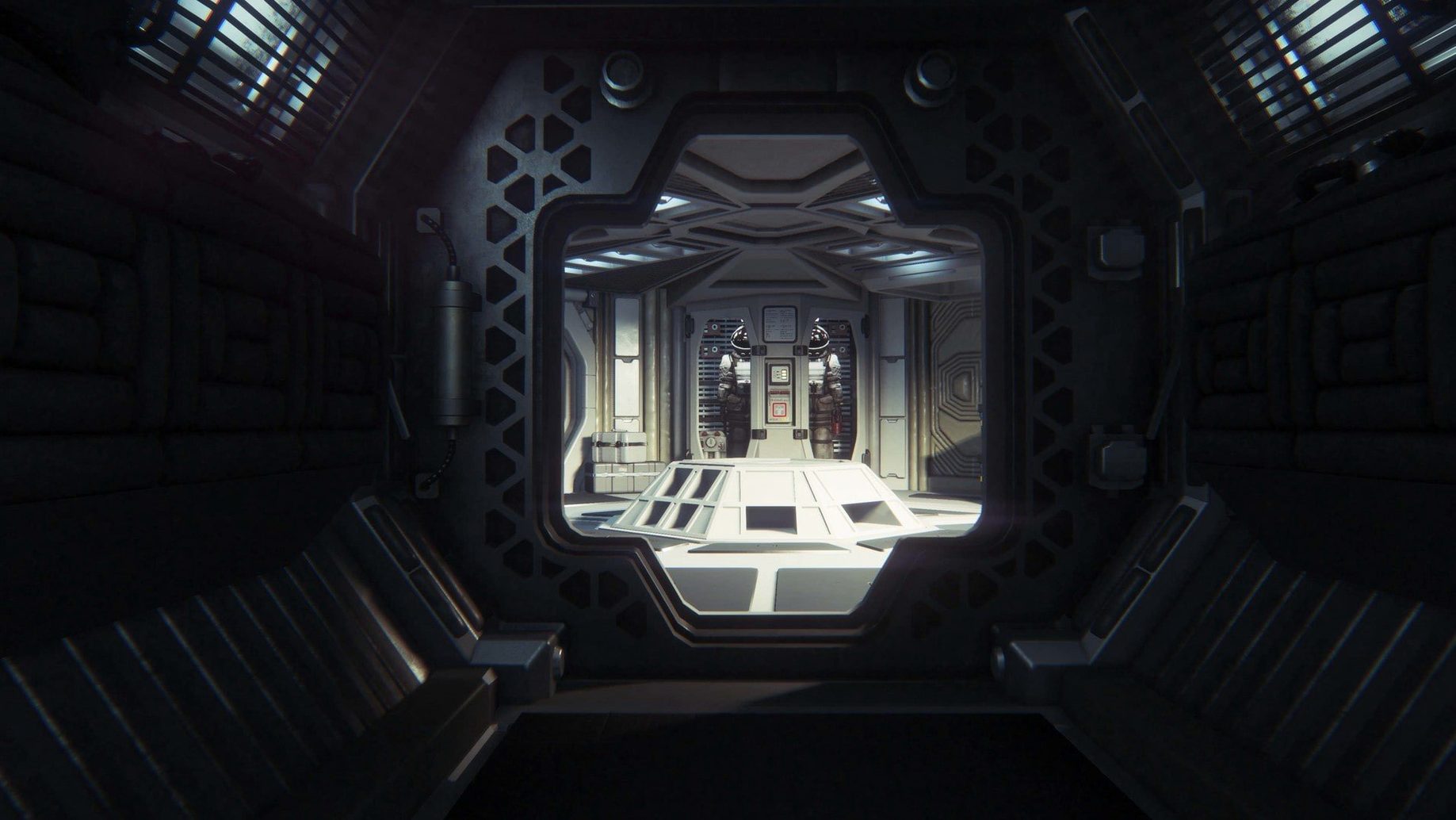
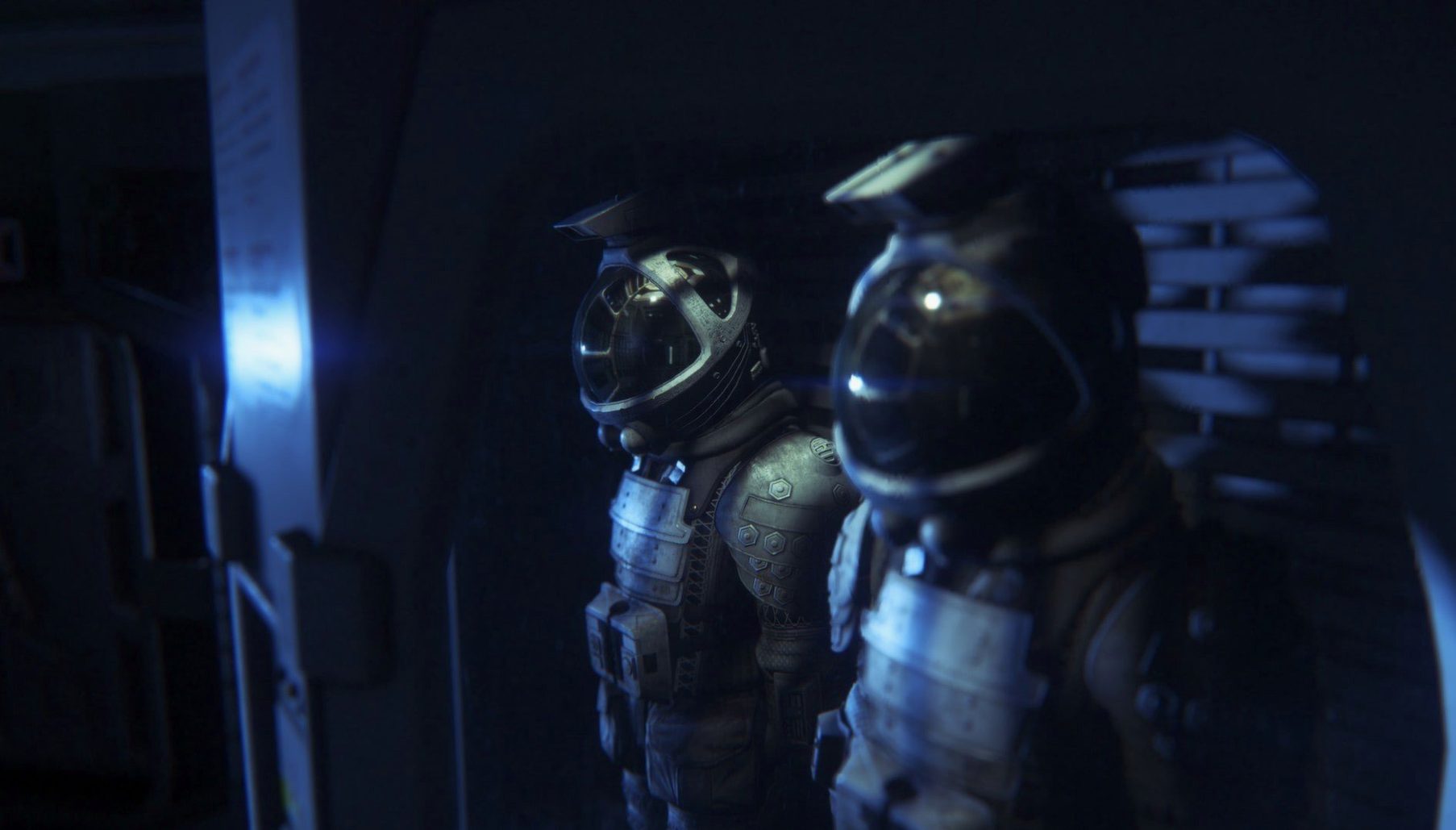
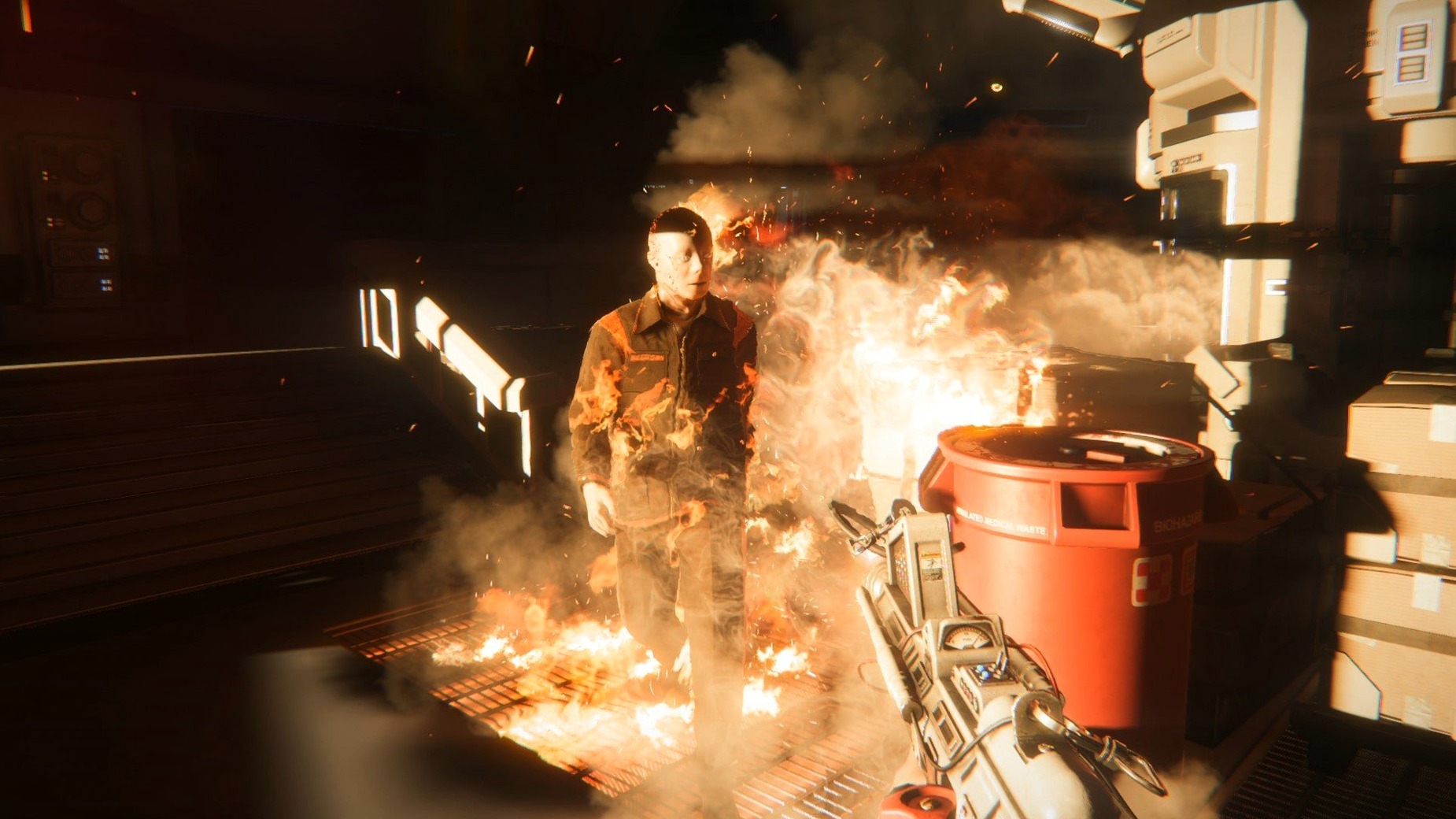
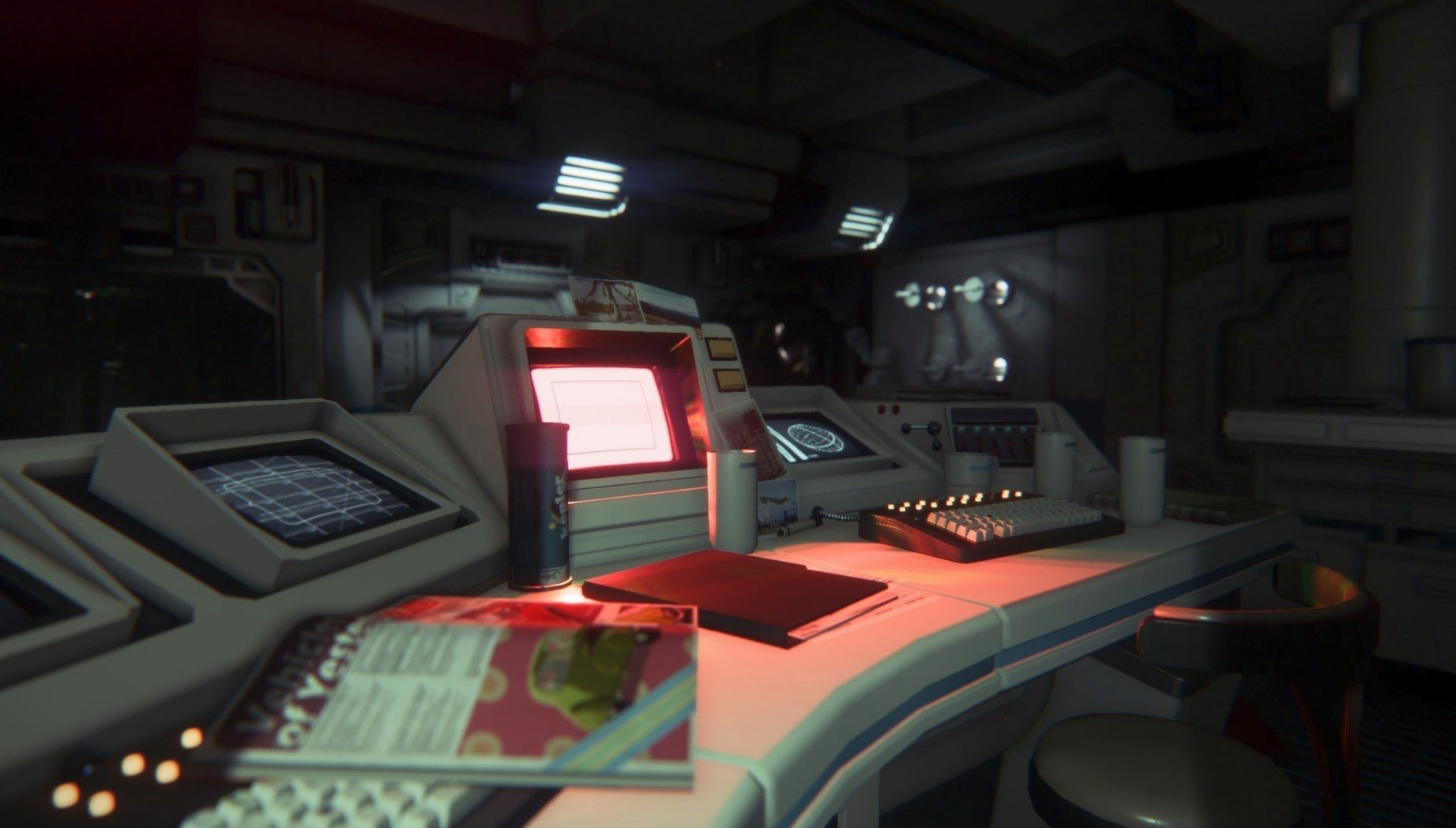
Most horror games push you forward with a shotgun. Alien: Isolation takes everything away and tells you to survive the next sixty seconds with a motion tracker and a flare. You are Amanda Ripley, alone on a decaying space station, and the problem is simple: a perfect organism is hunting you, and it cannot be killed.
Your minutes are spent in a tense loop of observation and resourcefulness. You crouch-walk through flickering corridors, prying open lockers for scrap, wires, and sensor bombs. Every drawer you open makes noise. Every vent you pass could hold something breathing. You craft noisemakers to distract, medkits to recover, and EMP mines to disable the Working Joe androids that patrol in unsettling silence.
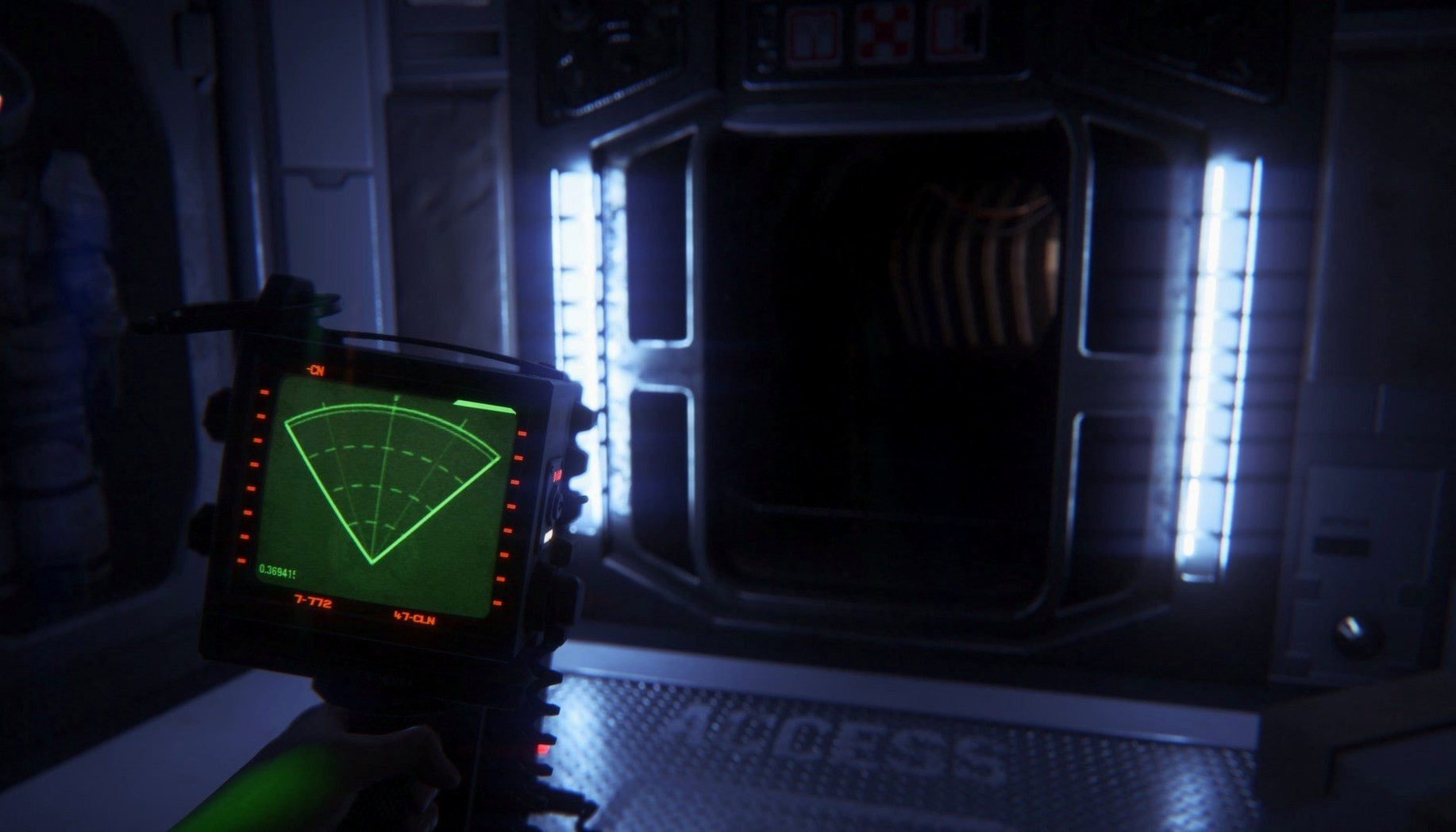
The motion tracker becomes your most treasured—and most stressful—tool. A blip on its screen forces an immediate decision: freeze under a desk, crawl into a locker, or risk a sprint to the next room. The Alien learns. It ignores the same hiding spot twice. It hears your footsteps and searches longer if you break its line of sight too late. You are not fighting; you are managing a predator’s attention while you reroute power, hack terminals, and piece together what happened to your mother.
Gamepad Works in Menus but Not During Play
Most trouble comes down to input, audio, or corrupted saves. A gamepad that works in the menus but not during play usually needs to be unplugged before launch, then reconnected once the main menu loads. If that fails, disabling Steam Input for the game clears up most mapping conflicts on third-party controllers.
Sound cutting out after a cutscene is a known annoyance on some Intel Macs. Toggling the output device in System Settings, then switching back, brings the mix back without a restart. For intermittent frame drops in the medical wing, drop shadow quality to medium—the environment is dense there, and the difference is barely visible in low light.
Save files occasionally show as missing after an unclean shutdown. The game autosaves at station checkpoints, so a hard crash rarely costs more than ten minutes. Keep a manual backup of the save folder, though, if you are deep into a no-death run.
Quiet Fan for an Hour, Then Steam Kicks It On
On an M1 MacBook Air running macOS Sequoia under Rosetta 2, the game holds a steady 30 fps at default settings. The fan stays quiet for the first hour, then becomes audible during heavy sequences with lots of steam and particle effects. That is normal for a 2014 title running through translation.
Load times are the only real patience test. Launching into alien isolation mac from an external SSD takes about forty seconds; internal storage shaves that to under thirty. Mid-level loads are shorter, but dying repeatedly in the same section means staring at the same loading screen often enough to memorize it.
Memory use sits around 3 GB during active play, so the 4 GB minimum leaves enough room for background apps. Stability is good for a port of this age—one crash in roughly twelve hours of play, typically during a checkpoint transition. The game never stutters when the Alien drops from a vent, which is the one moment you cannot afford a hitch. For daily use, alien isolation on mac feels like a native title that happens to need Rosetta, not a compromised port.
- macOS 10.10.4 or later
- 64-bit Intel processor
- 4 GB RAM
- 35 GB available disk space
Comments 0
Sign in to leave a comment.Sign inCreate an account
No comments yet. If a step is still there after you install it, say so.
More in Games
All in Games Angry Birds Reloaded
Topples pig fortresses by aiming a fixed flock from a slingshot.
4 steps saved
 Updated
Age of Empires II: Definitive Edition
Rebuilds the classic medieval strategy game with remastered campaigns and online matches.
18 steps saved
 Updated
Arctic Awakening
Turns choice-driven dialogue into a branching mystery in the frozen North.
19 steps saved
 Assassin's Creed Revelations
Sends you through a dense city where each mission follows an observe-plan-strike loop.
13 steps saved
 Assassin's Creed Shadows
Pivots your whole approach between a direct-force samurai and a quiet shinobi.
11 steps saved
 Assassin's Creed Unity
Separates parkour into up and down controls for fluid rooftop movement.
15 steps saved
 BAD END THEATER
Asks you to choose a hero, then delivers a short tale where every route ends badly.
17 steps saved
 Batman: Arkham City - Game of the Year Edition
Bundles every story add-on and challenge map with the full open-world Gotham.