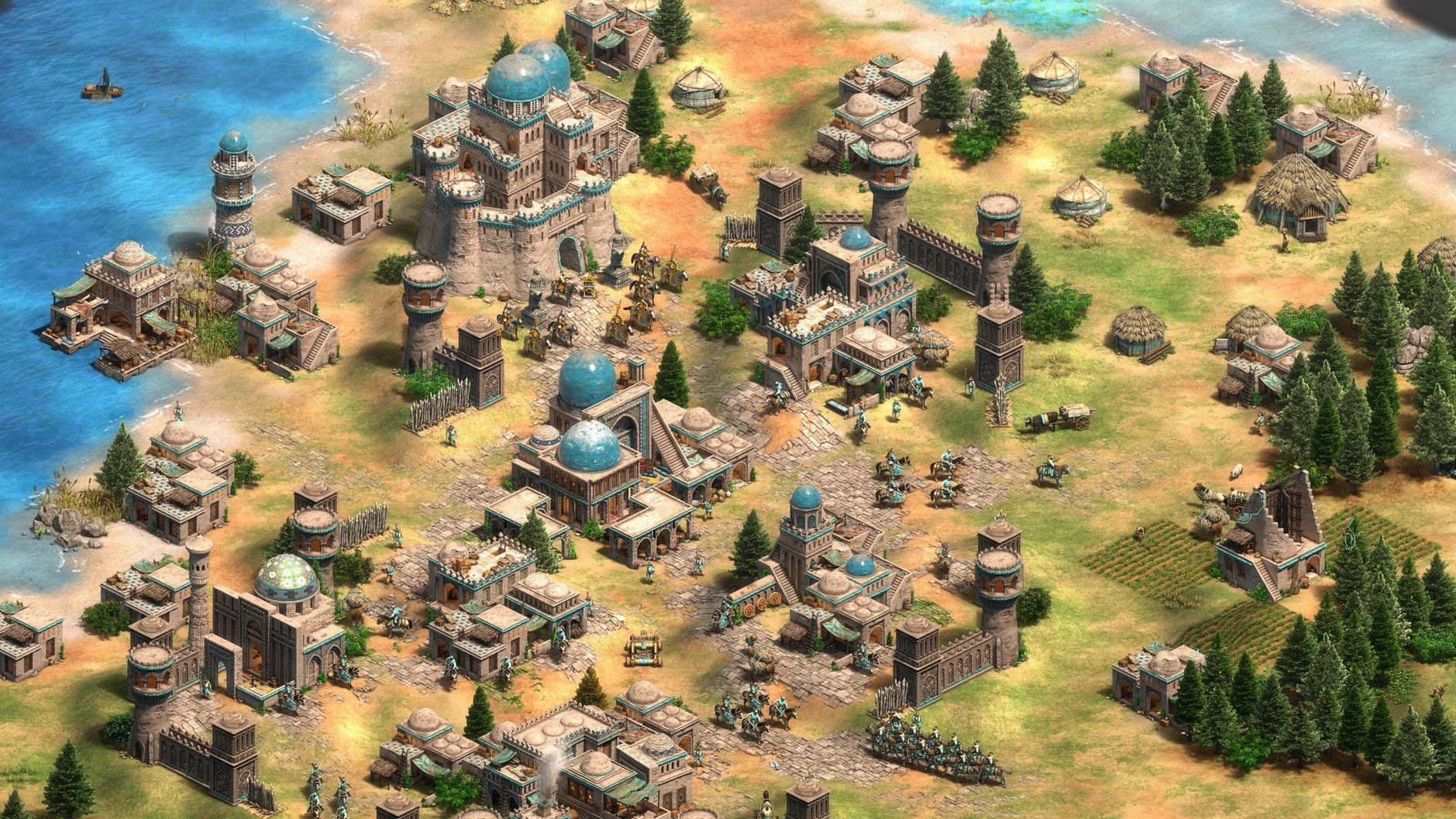
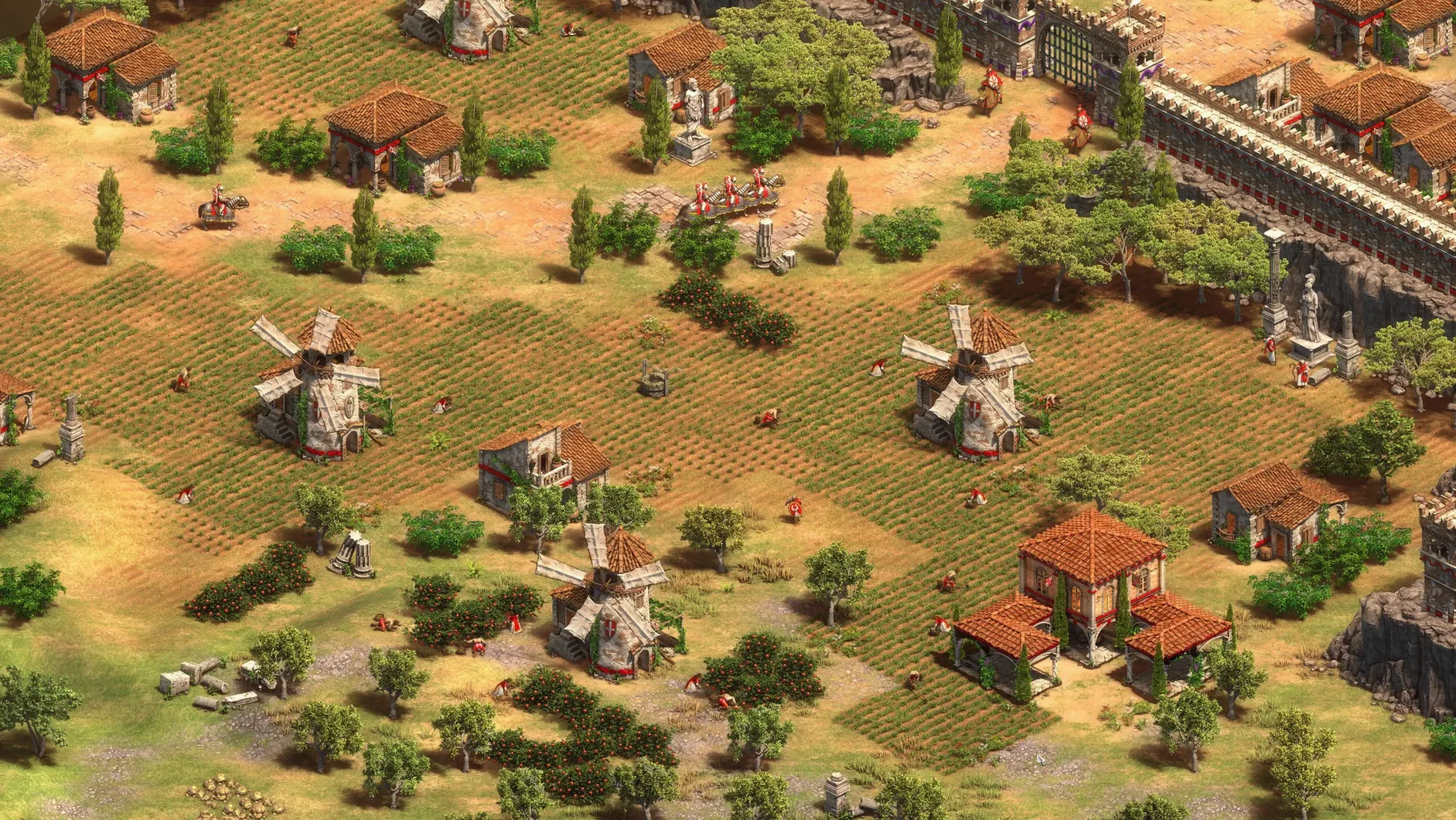
Strategy fans who want a native Mac build, not a port wrapped in emulation. History buffs working through single-player campaigns. Multiplayer regulars who still settle scores on Arabia.
What single-player content is included?
Over 200 hours of historical campaigns spanning 1,000 years, plus skirmish mode against the AI. The package includes the The Last Khans expansion and a fully functional scenario editor for building custom maps.
Which multiplayer modes are available?
Online multiplayer matches you against other macOS players. Recent updates added a quick play mode for faster pairing and a battle royale mode that drops eight players into a shrinking map.
Is it a port or a native Mac application?
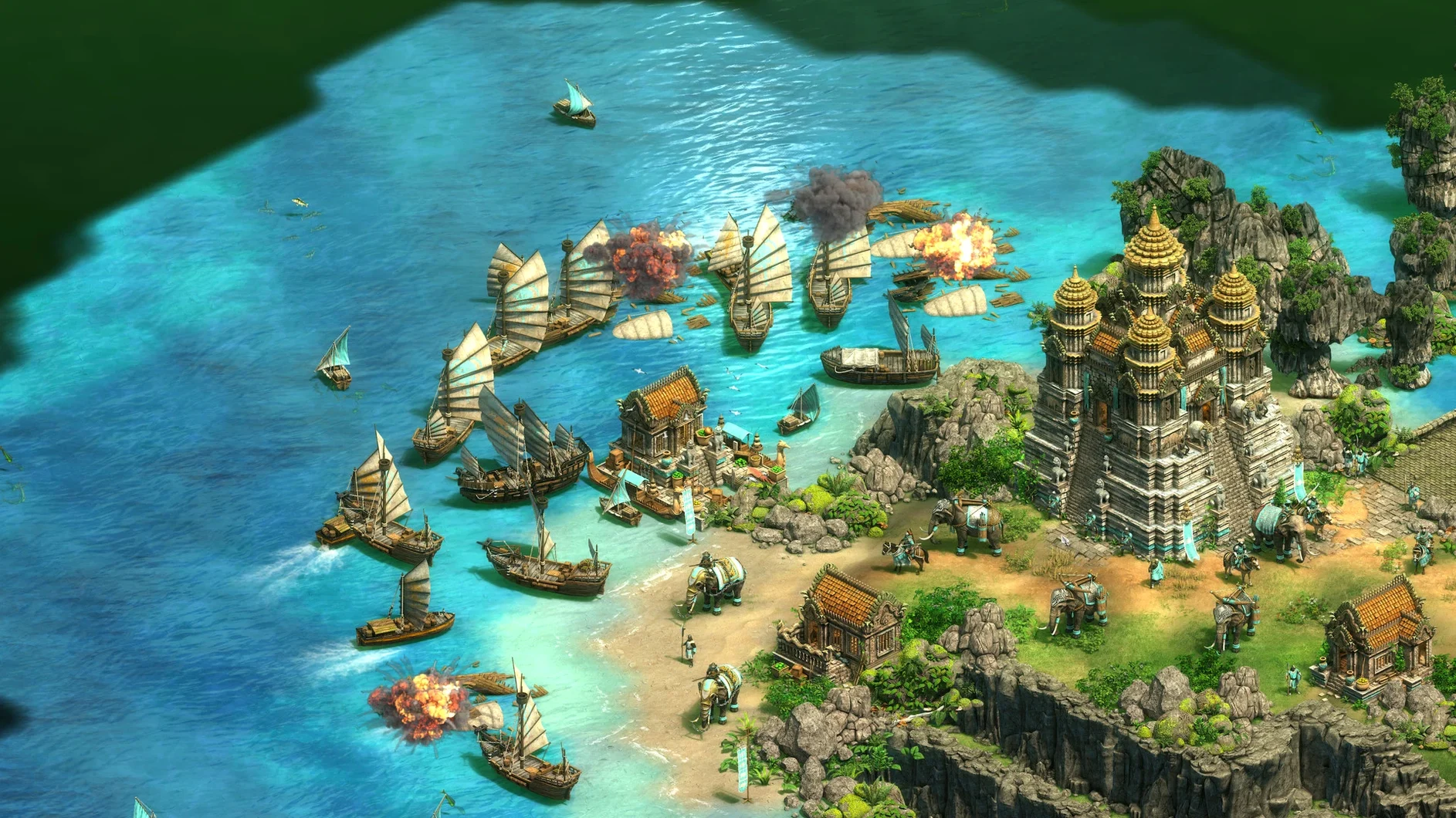
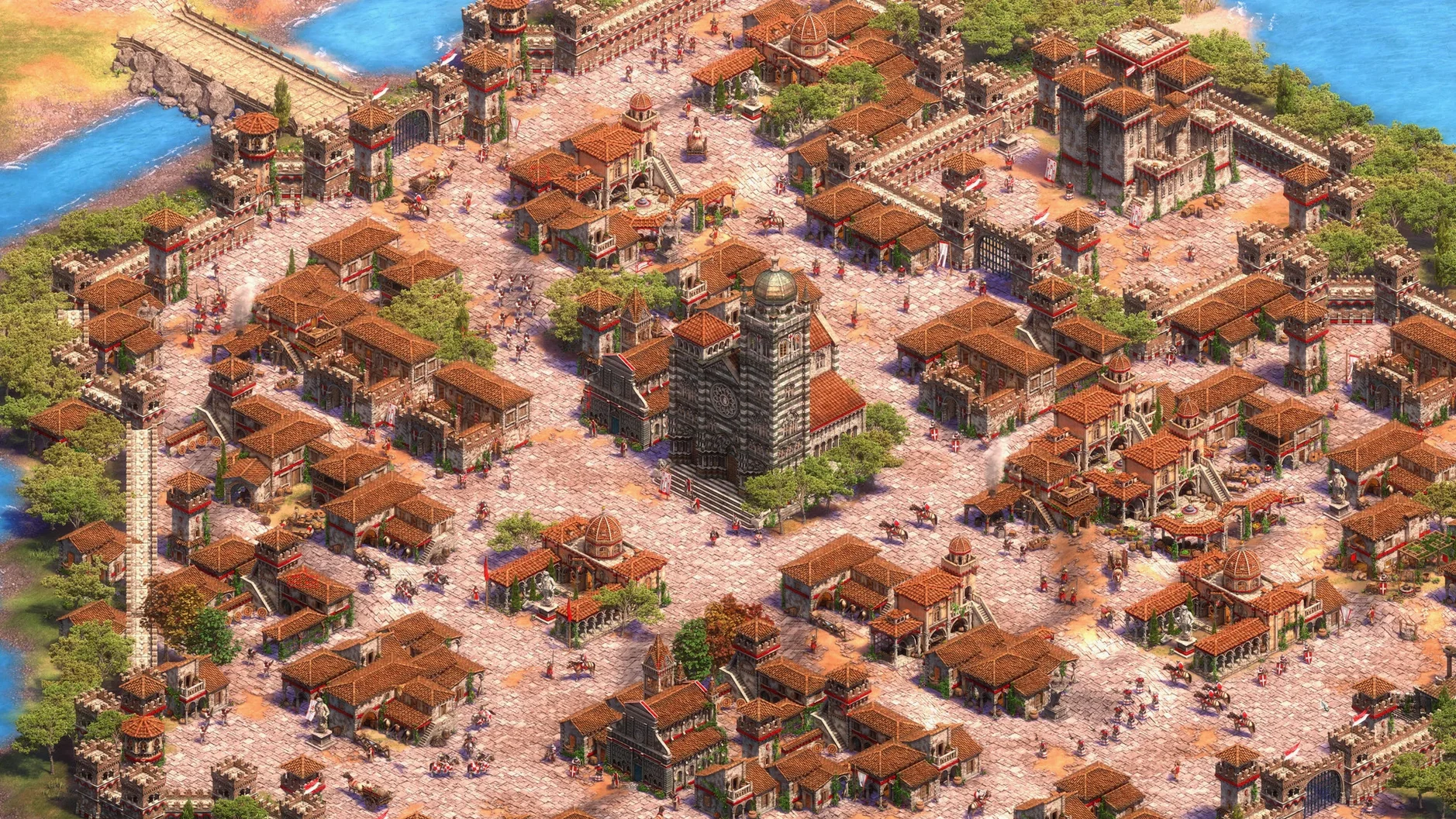
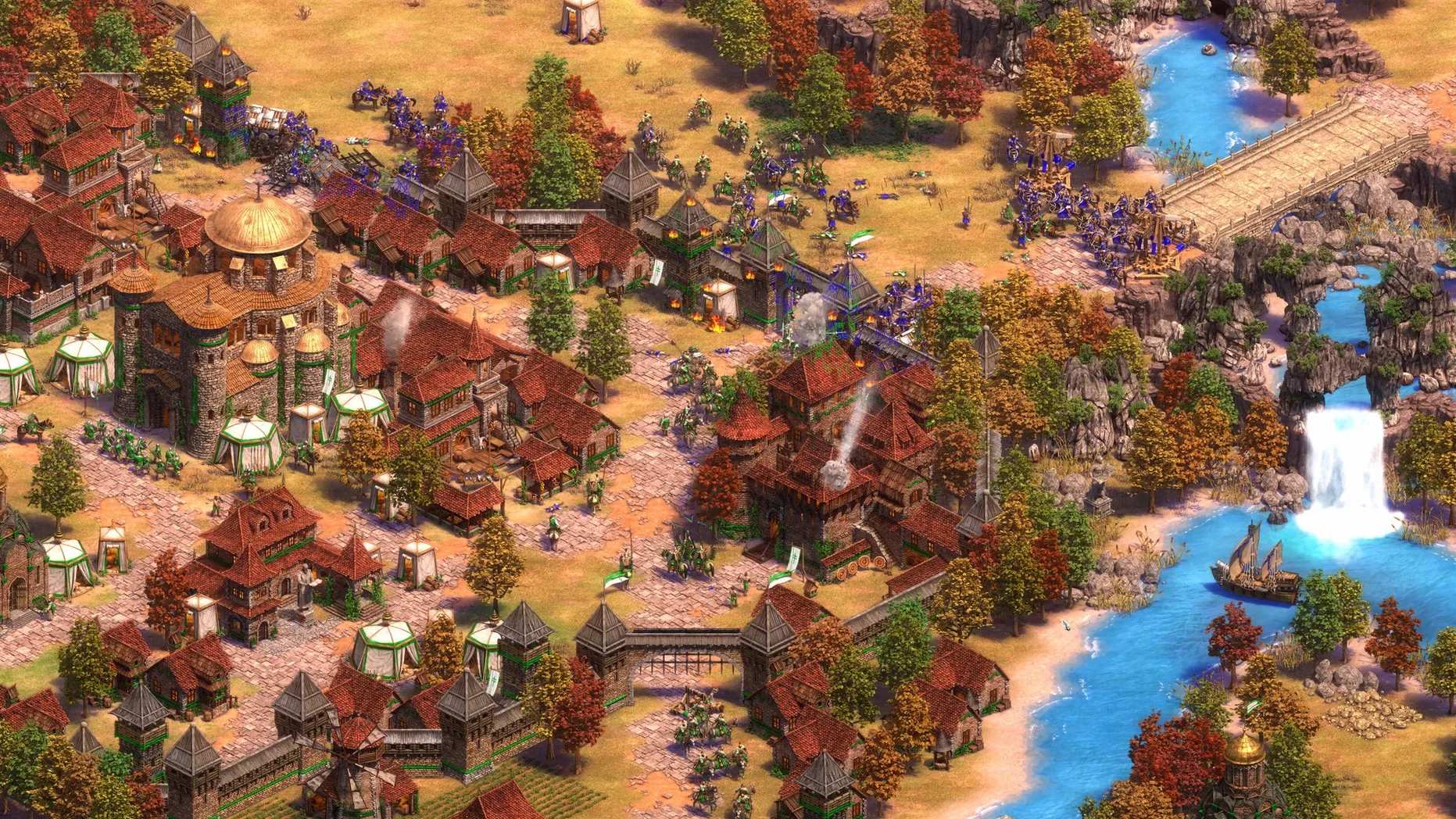
It is a native version produced with Feral Interactive, built for Apple silicon and modern Macs. The release delivers Ultra HD 4K visuals, a remastered soundtrack, and a refined interface.
What languages are supported for voice and text?
Nine voice languages include English, German, French, Spanish, Italian, Portuguese, Korean, and both Chinese variants. The interface ships in sixteen languages, from Russian and Vietnamese to Hindi and Japanese.
All 35 civilisations plus The Last Khans
Does the Mac release include the same civilisations as the Windows version? Yes. All 35 civilisations playable online are present, along with the four added by The Last Khans: Bulgarians, Cumans, Lithuanians, and Tatars. The three expansion packs — Lords of the West, Dynasties of India, and Dawn of the Dukes — are bundled in as well.
Will an M1 or M2 MacBook Air run it without melting? The build is Apple silicon native. On a fanless Air, expect warm aluminium after an hour of eight-player matches, but frame rates hold steady at 4K. The game isn't lightweight, but it is properly optimised.
Can I play cross-platform with Windows or Xbox players? No. The Mac build matches you with other macOS players only. If your regular group plays on Steam or the Microsoft Store, you will need to coordinate a Mac-only lobby.
Gatekeeper blocks first launch
Game won't launch after copying to Applications. The most frequent culprit is Gatekeeper blocking unsigned code. Right-click the app icon and choose Open, then confirm in the dialogue. Do this once — macOS remembers the choice afterwards.
Multiplayer lobby fails to connect. The game needs permission to access the local network. Check System Settings > Privacy & Security > Local Network and toggle it on if it is off. While you are there, confirm the firewall is not set to block incoming connections for the app.
4K resolution feels sluggish on an Intel Mac. The app defaults to the highest available resolution. On Intel machines with integrated graphics, drop the render scale to 75% or switch to 1440p in the graphics settings. The remastered sprites still look crisp, and unit selection becomes snappier.
Voiceover language doesn't match the interface. Voice and text are set independently. Open Options > Language and pick your voice language from the dropdown. The change applies after restarting the app.
Mistakes beginners repeat
Idling the town centre in Dark Age. The single most punishing habit. A town centre that isn't producing villagers for more than ten seconds is losing you the game before you have three farms down. Queue villagers first, then issue scout commands.
Ignoring the scenario editor because it looks complicated. The editor is not a developer tool — it is a map painter with triggers you learn in an afternoon. Start with a blank map, place two opposing teams, and set a victory condition. You will have a working skirmish map faster than a standard campaign mission runs.
Queueing five units and calling it macro. Resources tied up in a queue are resources not spent on upgrades or a second military building. Queue two units per building while you learn timings, then learn to queue one and spend the rest on blacksmith tech.
Version 1.3 Native has landed with full Apple Silicon support — no Rosetta required.
- Apple Silicon or Intel 64‑bit Mac
Comments 0
Sign in to leave a comment.Sign inCreate an account
No comments yet. If a step is still there after you install it, say so.
More in Games
All in Games Alien: Isolation
Drops you onto a haunted space station with a motion tracker and no backup.
5 steps saved
 Angry Birds Reloaded
Topples pig fortresses by aiming a fixed flock from a slingshot.
18 steps saved
 Updated
Arctic Awakening
Turns choice-driven dialogue into a branching mystery in the frozen North.
10 steps saved
 Updated
9 Kings
Reshapes a settlement into a kingdom with distinct strategic paths each run.
21 steps saved
 Updated
7 Days To Die
Puts you in a zombie-filled open world to scavenge, craft and fortify a base.
17 steps saved
 60 Seconds! Reatomized
Gives you sixty seconds to grab supplies before the blast, then tests how you ration them.
19 steps saved
 Assassin's Creed Revelations
Sends you through a dense city where each mission follows an observe-plan-strike loop.
13 steps saved
 Assassin's Creed Shadows
Pivots your whole approach between a direct-force samurai and a quiet shinobi.