
XO runs on any Mac with macOS 10.13 or later, on both Intel and Apple Silicon processors. It loads as a plug-in inside your DAW or as a standalone application.
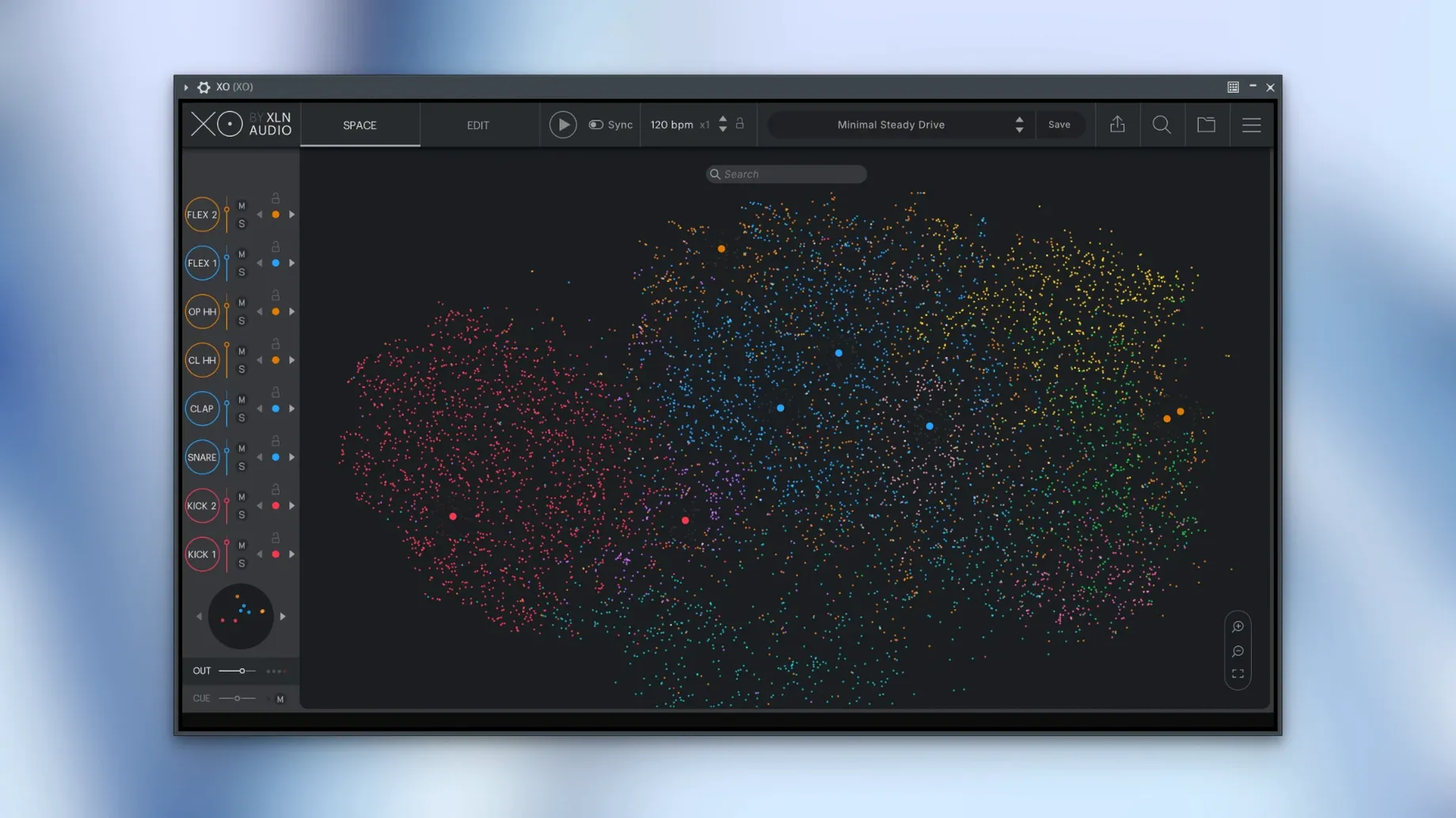
The centrepiece is the XO Space. The plug-in analyses your entire sample collection and places similar sounds together — kicks cluster with kicks, snares near snares — turning an anonymous folder tree into a colour-coded galaxy. Click a dot, hear a preview, and the next click lands on a sound that fits the same texture. Hot Swap lets you cycle through alternatives without stopping playback.
Beat-making happens in the built-in sequencer. Accents, nudges and per-channel effects sit right on the grid. You can drag 240 editable presets into a pattern or build one from scratch, then shape it with Groove Templates that add swing without MIDI tweaking. Finished ideas export as audio stems or MIDI, and the latest release fixed MIDI export when lanes are muted.
The library ships with over 8,700 one-shot samples, but the real weight comes from Playground mode — a space where you audition combinations of sounds the engine thinks belong together. It replaces the hunt with a suggestion, and the results sit in the mix with a coherence that folder-diving rarely delivers.
A beatmaker who scores short-form video content opens XO at the start of every project. Their library pulls from field recordings, classic drum machines, and a messy collection of sample packs accumulated over years. Before XO, finding a rim shot that sat well with a crunchy kick meant scrolling through folders and hoping memory served. Now they drop into the Space, click the kick they already like, and immediately see half a dozen rim shots clustered nearby — each share a spectral fingerprint with the material already in the timeline.
Rescanning Your Library Right in the Blank Project
Here is how a typical working session unfolds when someone sits down with the plug-in and a blank DAW project.
- Load XO on a drum bus or instrument track. Wait a few seconds while the engine re-scans any new samples added since last session.
- Point the browser to a folder of one-shot sounds. The Space populates — kicks in one cloud, hats in another, oddball percussion scattered along the edges.
- Pick a kick by clicking a dot in the low-frequency cluster. Audition a few neighbours with Hot Swap, listening while the sequencer runs a placeholder pattern.
- Build a pattern in the sequencer grid. Add a snare on beats two and four, a closed hat on the off-eighths. Adjust the Accentuator per channel to bring out the hat transient without touching the DAW mixer.
- Apply a Groove Template from the preset list. The pattern shifts from rigid to human in one click — the hats drag slightly, the snare pushes forward.
- Export the result as MIDI and audio stems onto separate DAW tracks. Muted lanes stay silent in the export, a behaviour that version 1.8.10 cleaned up.
- Keep tweaking in the DAW, or return to XO to swap sounds with the full arrangement playing. Audio export while the host runs is also fixed in the current build, so no need to stop playback.
Muted Lanes Now Stay Out of MIDI Exports
Version 1.8.10-2026.09.04-Complete tightened every-day workflow in small but noticeable ways. MIDI export no longer includes muted lanes, which removes a cleanup step that used to annoy producers who mute parts while iterating. Audio export now works while the host transport is rolling, so capturing a quick bounce during playback does not force a stop-start routine. A rare slow start-up issue — where XO would hang for tens of seconds on launch — is resolved. For anyone who keeps a large sample library indexed, the difference is a session that begins when inspiration strikes, not forty seconds later.
- macOS 10.13 or later
- Intel or Apple Silicon Mac
- VST, AU, or AAX host (or standalone use)
Questions I get before install
Does XO work as a standalone music production tool?
Yes, XO includes a standalone mode alongside VST, AU and AAX plug-in formats, so you can open it directly without a DAW.
Can I use my own drum samples with XO?
Absolutely. XO analyses your own sample folders and maps them inside the XO Space, letting you browse your personal library by sonic similarity.
How do I transfer a beat from XO to my DAW?
You can export your pattern as audio stems or as a MIDI file and drag it directly into your DAW's timeline.
Comments 0
Sign in to leave a comment.Sign inCreate an account
No comments yet. If a step is still there after you install it, say so.
More in VST Plugins
All in VST Plugins XLN Audio Life
Turns a door slam or coffee shop clatter into a rhythmic bed without manual slicing.
17 steps saved
 Xpand!2
Layers up to four independent sound parts inside a single multitimbral patch.
20 steps saved
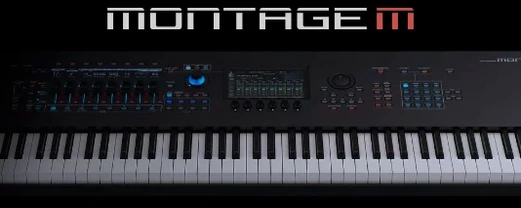 Yamaha Expanded Softsynth Plugin for MONTAGE M
Puts the MONTAGE M sound engine inside your DAW for offline rendering and cable-free recall.
5 steps saved
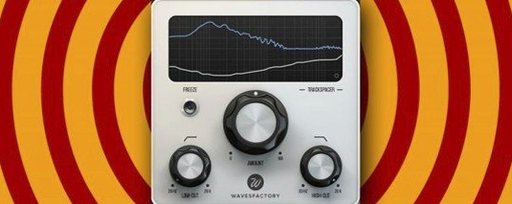 Wavesfactory Trackspacer
Carves space in a mix by ducking only the frequencies that clash with the sidechain signal.
5 steps saved
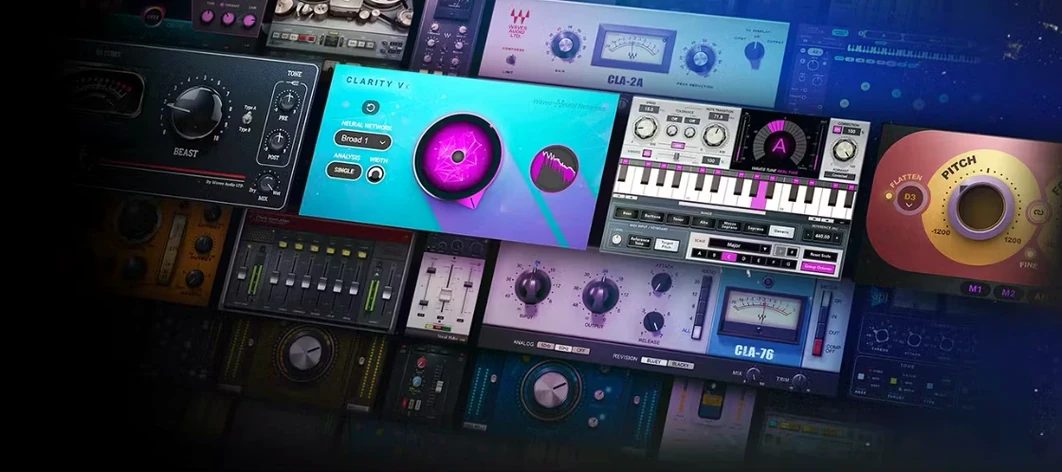 Waves Ultimate
Collects over 230 Waves plugins for mixing, mastering and sound design.
13 steps saved
 WaveLab Pro
Keeps every mastering decision visible across a clean, non-destructive workspace.
14 steps saved
 VocalSynth 2
Layers synthetic texture onto a vocal using blendable colour modules.
6 steps saved
 VocalNet
Reshapes a dry vocal into a new performance directly on the track.