
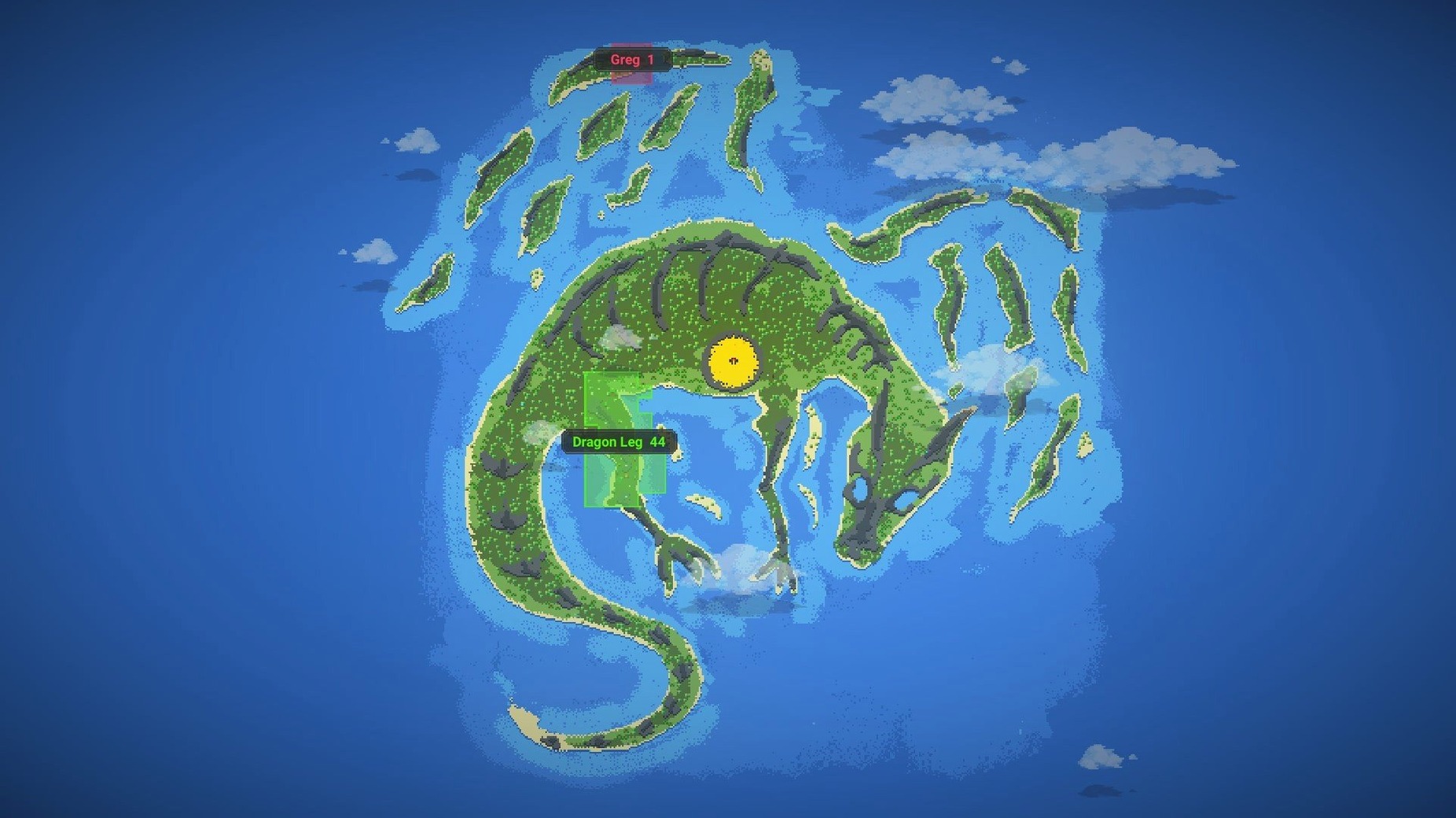
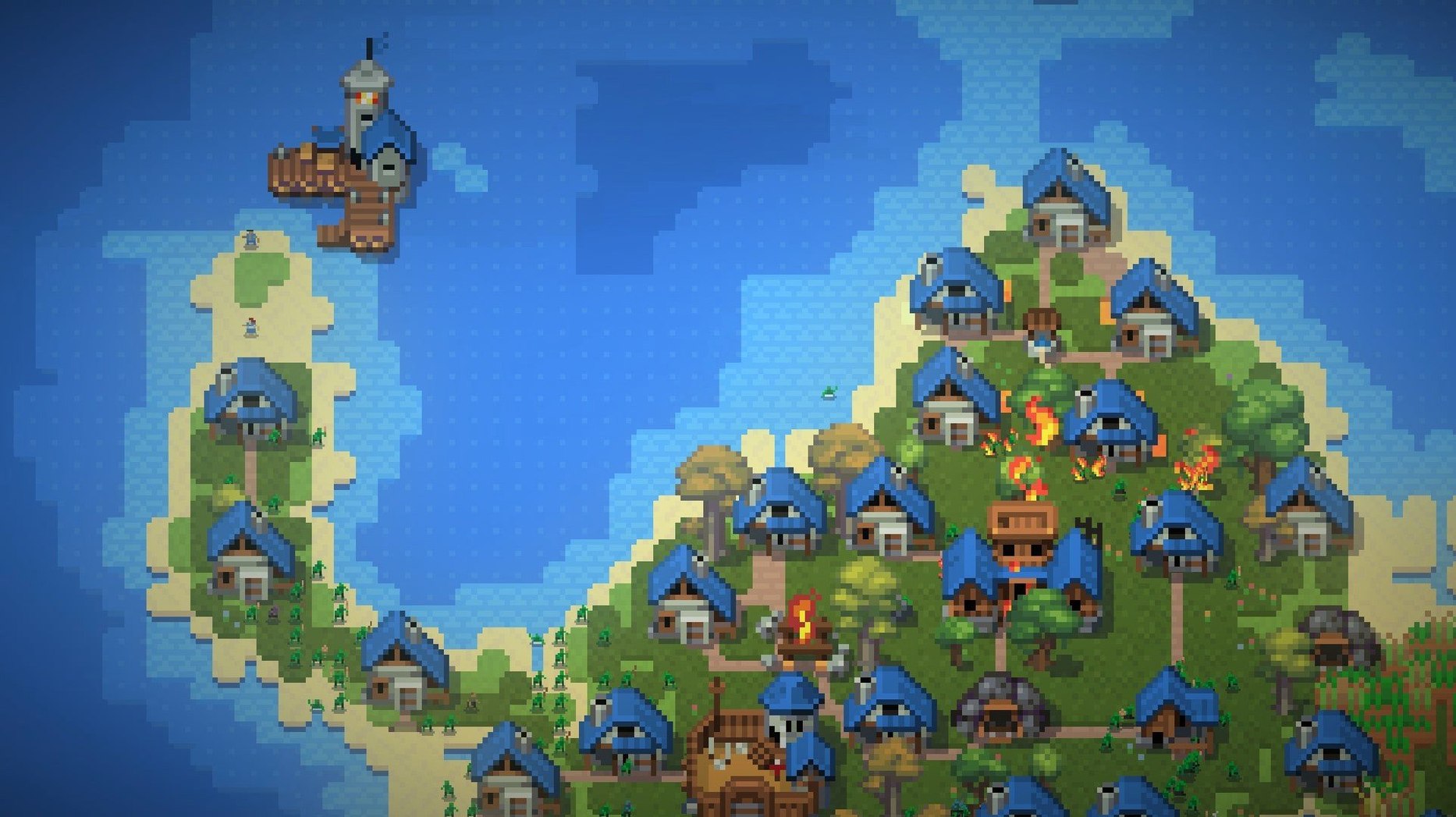
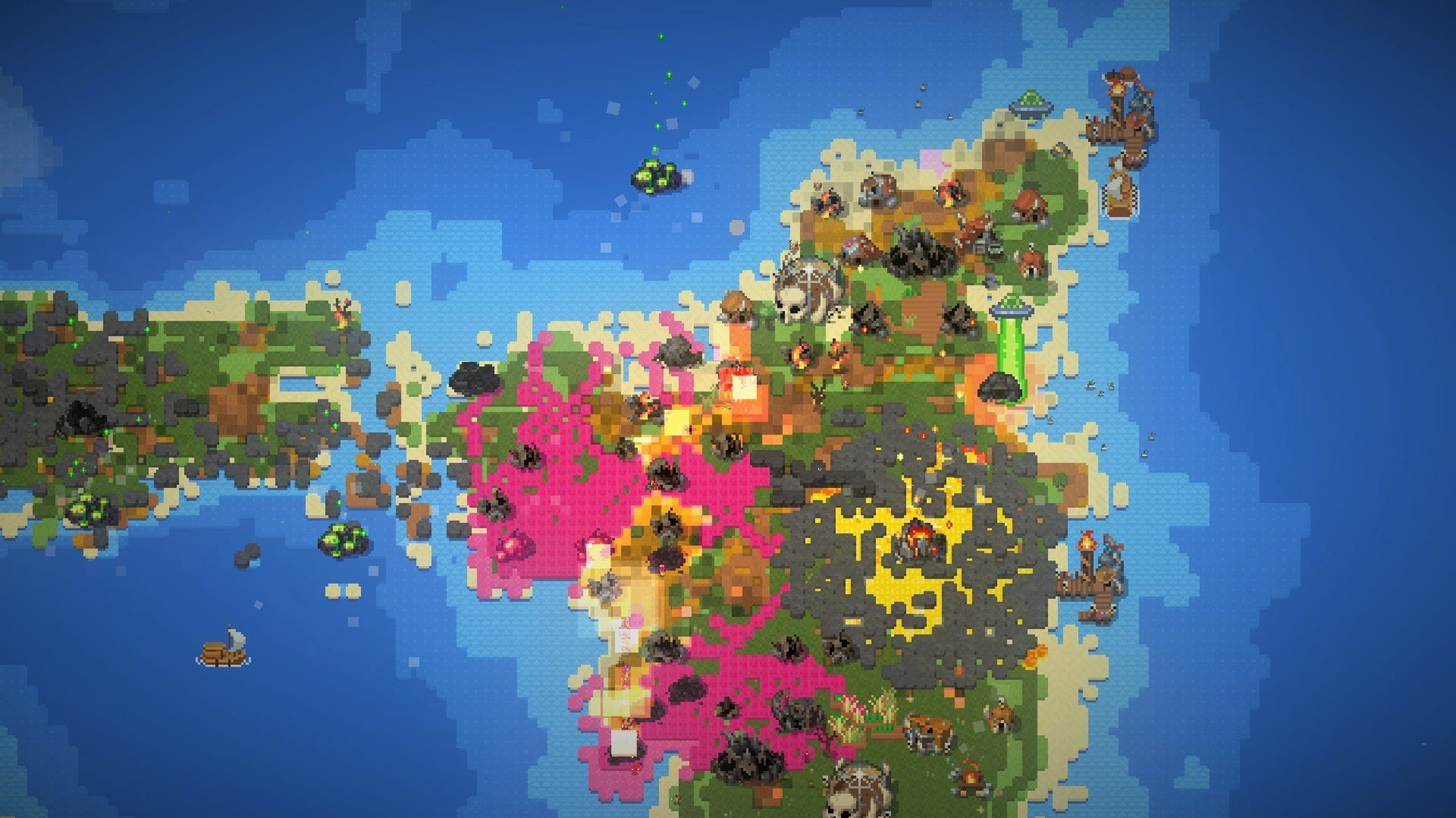
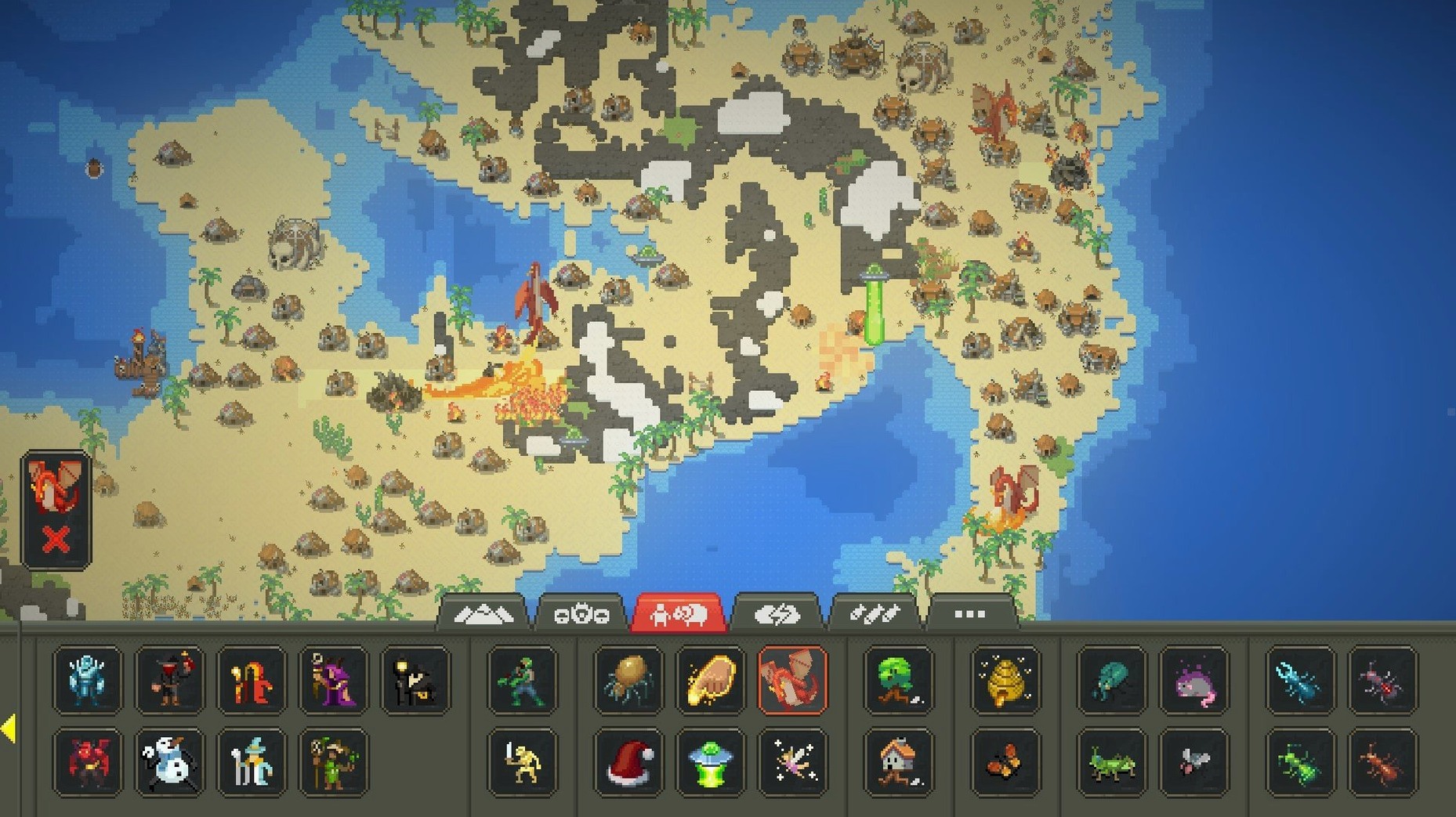
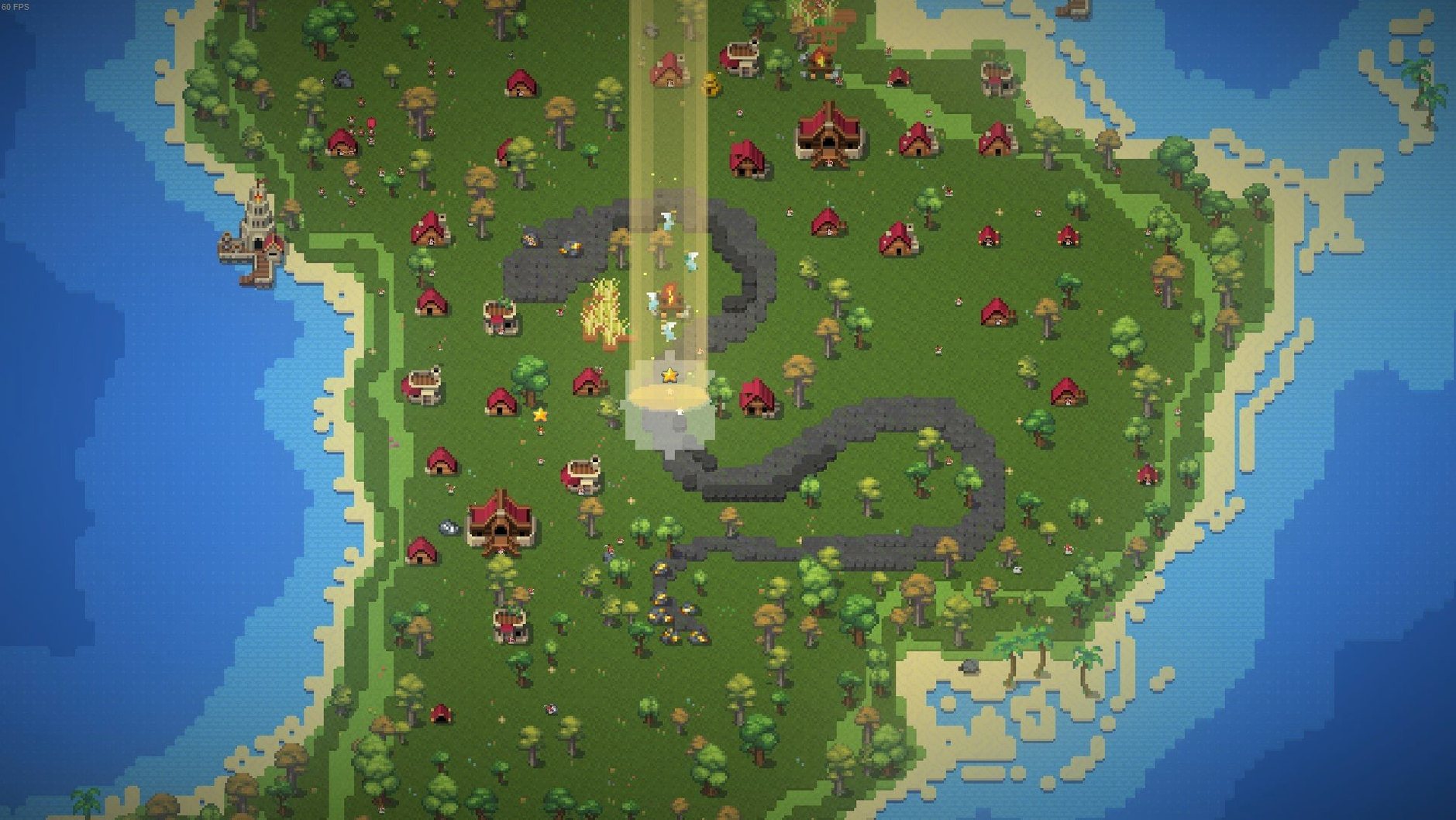
WorldBox runs on Intel-based Macs. Apple Silicon Macs use Rosetta 2. The game is not a demanding title, so performance is consistent even on older machines. Keyboard and mouse controls work as expected; there is no controller support. Expect a quiet fan and smooth simulation unless you spawn thousands of creatures on a titanic map.
Running a world in four steps
- Generate a world. Pick a size and let the procedural engine draw oceans, forests, and mountains.
- Place the four races. Drop humans, orcs, elves, and dwarves onto the land. They build villages, form kingdoms, and explore.
- Watch or interfere. Civilizations sail to distant continents. Kings wage war for territory. Cities rebel and fracture. Animals hunt for food while you watch the ecosystem balance itself.
- Apply powers. Use destructive tools freely — lightning, acid rain, meteorites, dragons, UFOs, or an atomic bomb. No mana or resource cost limits your hand.
WorldBox is a low-pressure sandbox. You can nudge a civilization toward prosperity or erase it with a plague. The simulation runs itself, and you decide how much to meddle.
Workflow: seeding a continental war
- Generate an iceberg map. Two large landmasses separated by a narrow ocean channel. Set world age to “young” so forests and mineral deposits are generous.
- Place dwarves on the western continent. Drop humans on the eastern landmass. Give each side roughly equal starting room. Wait until both races establish three or four villages and crown their first kings.
- Accelerate shipbuilding. Sprinkle a few extra trees near each coastline. Civilizations with wood surpluses build docks faster. Once a dwarf vessel appears, the race toward colonization begins.
- Drop a single gold deposit on a disputed island between the continents. Both kingdoms will spot it within minutes. The first skirmish usually starts when a landing party meets a rival settler.
- Escalate from the sidelines. A well-placed lightning strike on a border fort or a brief acid rain over a farmland region can tip the balance without wiping out either side. Let the war play out organically.
- Observe the aftermath. Watch for rebellions in overextended cities, refugee villages springing up on distant coasts, and the eventual peace treaty — or total collapse.
Desert spreads halt creature breeding
Creatures stop reproducing early. The most frequent cause is depleted food. Check the biome overlay: large deserts and frozen zones produce little to no vegetation. Use the magnet tool to drag berry bushes and small animals into barren areas. That restarts the food chain within a few in-game years.
Cities never build docks. A coastal village needs at least five mature trees within its border and a stable population above 12. If either condition fails, the village stays landlocked. Clear out competing civs nearby or drop a forest tile right at the shoreline to nudge construction.
Kingdoms stall on one-tile islands. Island-bound races with no neighbour to fight won’t colonize unless you give them a target. Drop a single skeleton or a cold one on a neighbouring isle. The king will commission a boat to chase it — and discover new land in the process.
Performance drags on large maps. WorldBox works fine on Intel Macs, but a titanic map with 3,000-plus creatures can stutter. Pause the simulation, cull animals with the eraser tool, then unpause. The simulation recovers in seconds.
UFOs wipe everything too fast. If a single alien craft obliterates a continent before you can enjoy the chaos, spawn a Crabzilla near it. The two entities will lock into combat, giving you time to evacuate your favourite kingdoms with the magnet tool.
- macOS (Intel, runs via Rosetta 2 on Apple Silicon)
Comments 0
Sign in to leave a comment.Sign inCreate an account
No comments yet. If a step is still there after you install it, say so.
More in Games
All in Games XCOM 2 Collection
Puts you in command of a stolen ship to reclaim Earth from alien rule.
15 steps saved
 Updated
WolfQuest: Anniversary Edition
Drops you into the Lamar Valley with nothing but scent trails and a need to survive.
6 steps saved
 YAPYAP
Sends a co-op team through a monster-filled tower to hit a damage quota by sunrise.
8 steps saved
 Windblown
Throws you into fast co-op runs through a floating, ever-changing world.
16 steps saved
 Updated
Warnament
Lets you manage a nation province by province with weighty pacts and sanctions.
4 steps saved
 Warhammer 40,000: Rogue Trader
Puts you in command of a voidship where decisions reshape entire star systems.
15 steps saved
 Victoria
Simulates a century of industrial policy, politics and population from one national ledger.
12 steps saved
 Vasilisa and Baba Yaga
Frames a folk tale as discrete chores a visual novel protagonist must finish.