
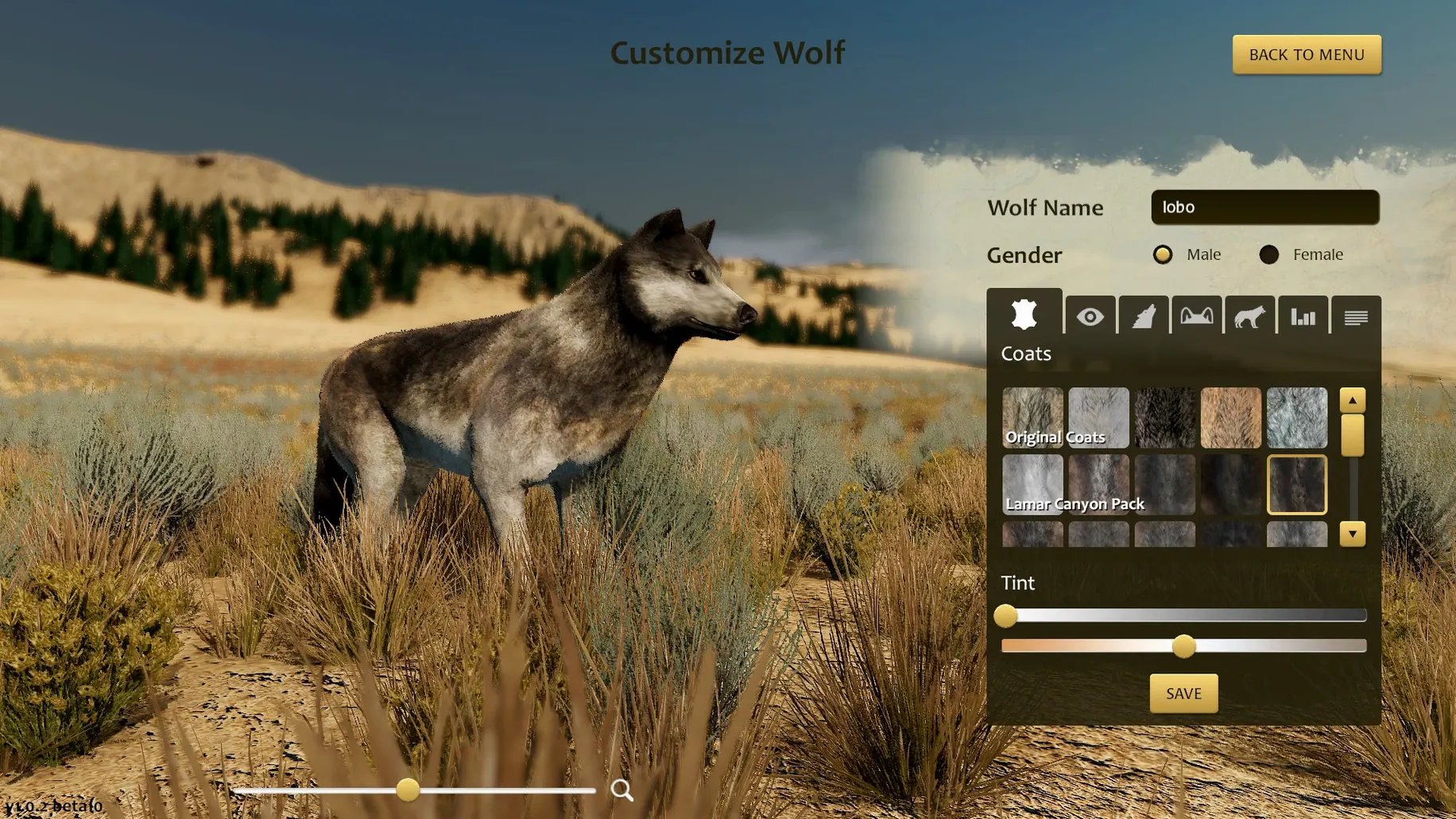
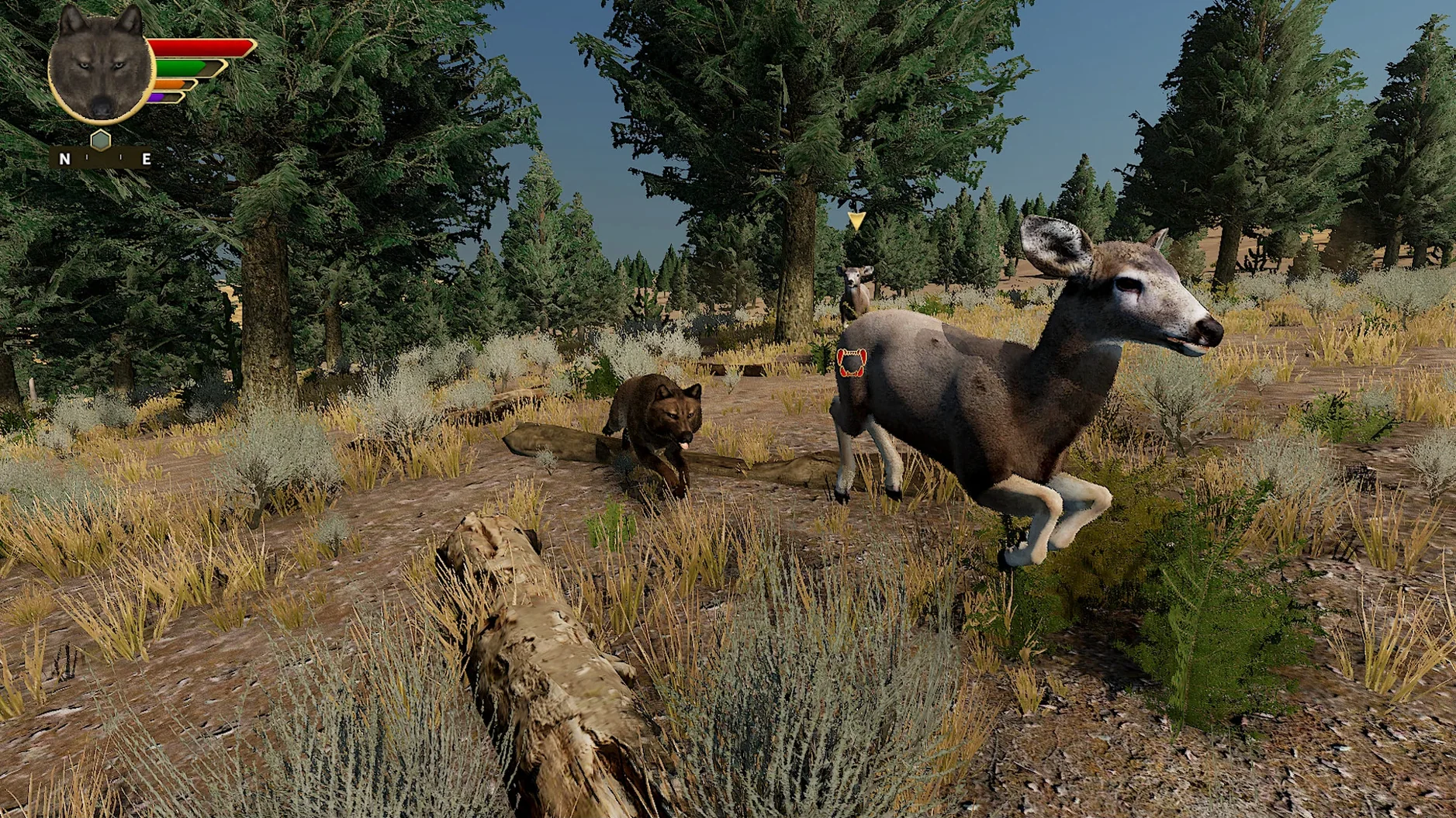
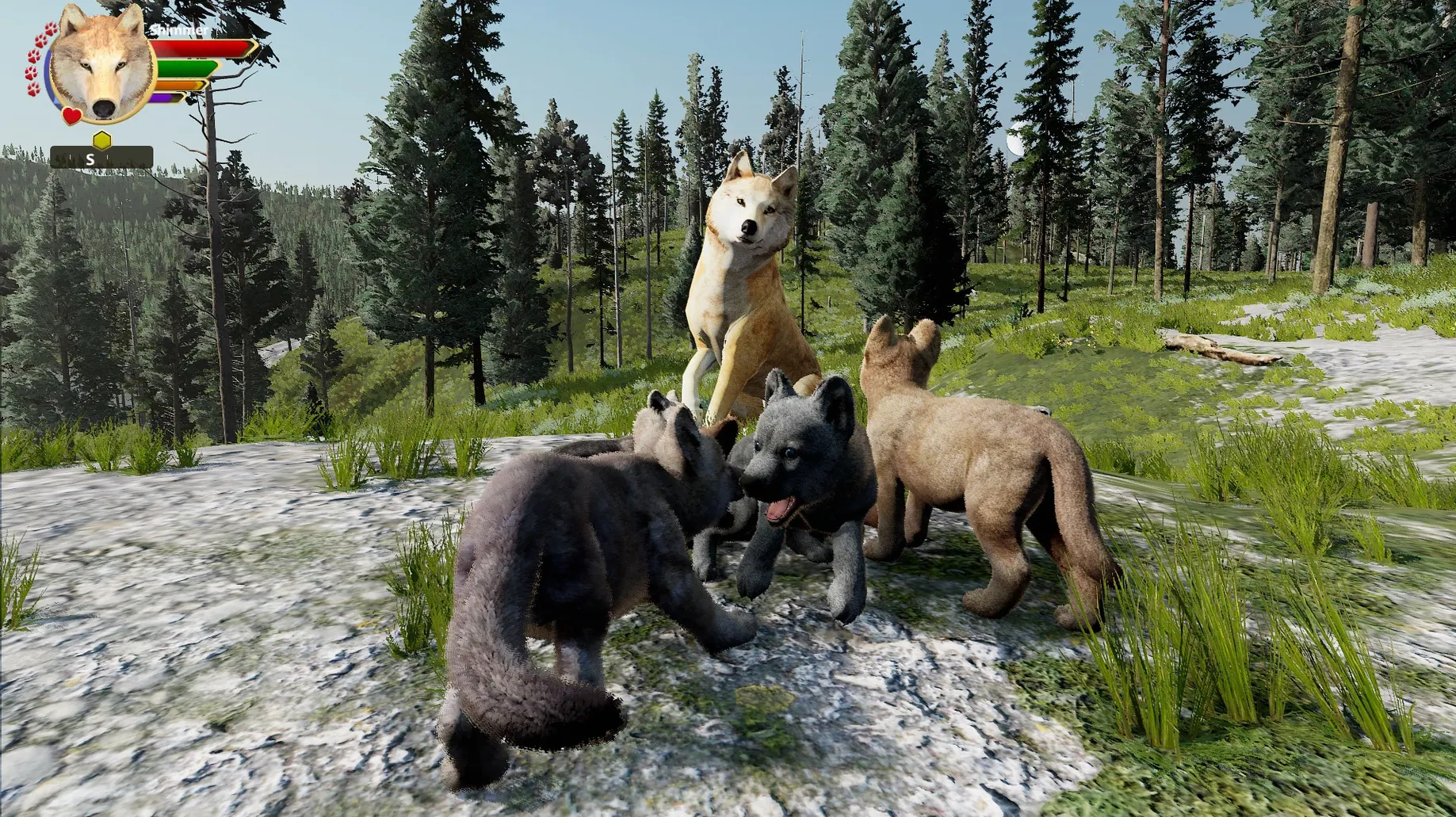
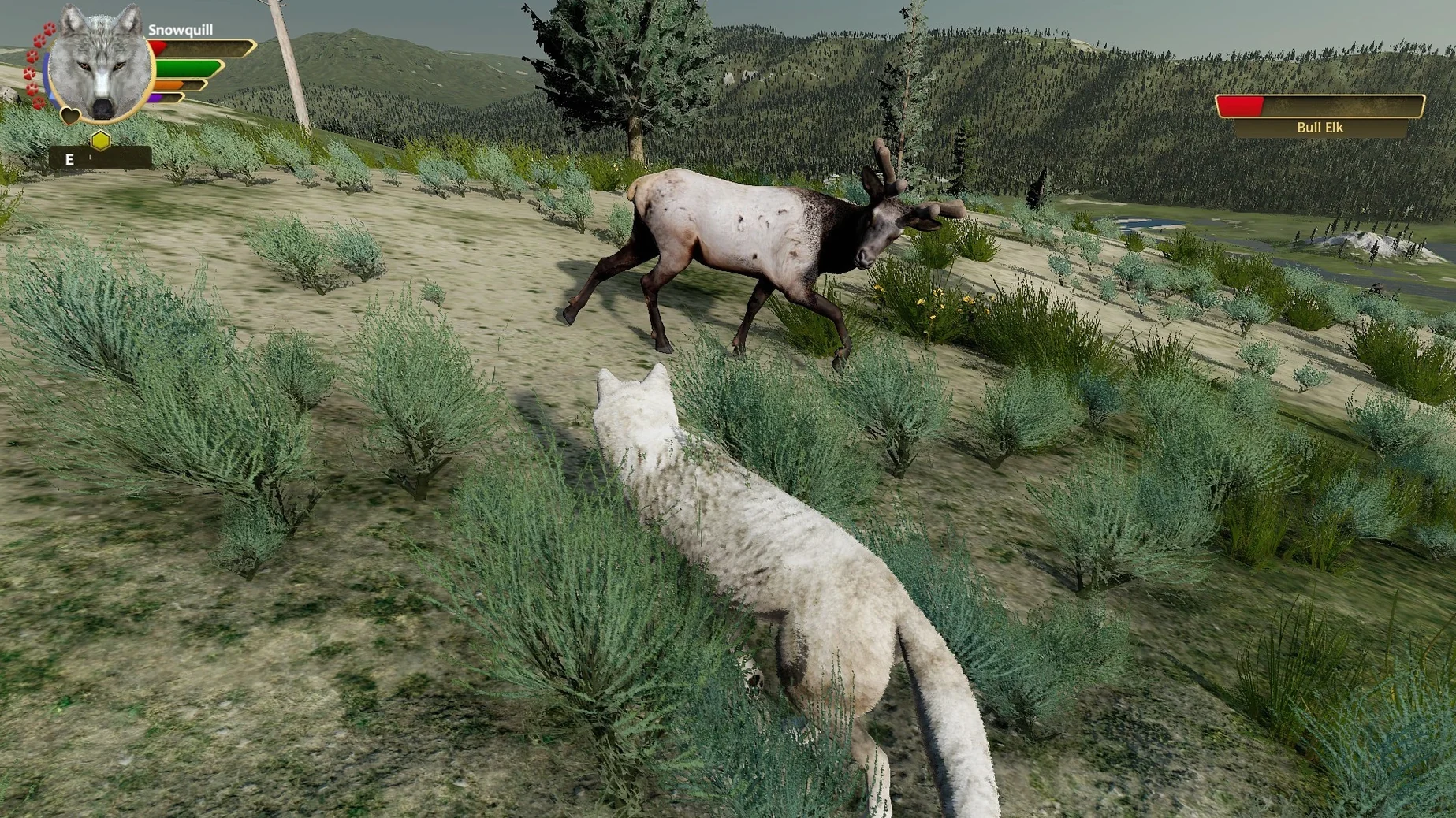
Think of it as the opposite of a power fantasy. Where other simulations let you build a city or manage a theme park, WolfQuest: Anniversary Edition drops you into the Lamar Valley with nothing but scent trails and a need to survive. The 3.3.3 release is the complete remake of the original, packing every mode into a single, focused ecosystem simulator.
- Single-player story: find a mate, establish territory, raise pups through the seasons
- Co-op multiplayer: raise pups with friends, each controlling a wolf in the pack
- Slough Creek map: dense forests, creeks, and multiple den sites to claim
- Hunting simulation: track elk, hares, and other prey using scent and sound
- Predator encounters: defend kills and pups from cougars, coyotes, and grizzlies
- Lost River DLC: bonus map with a mysterious, abandoned human settlement to explore
The simulation runs on a single, large map pack. Everything you do—marking territory, chasing ravens to a carcass, or carrying pups by the scruff—feels built to teach natural behaviour, not just entertain.
Camera Fights and Other Quick Fixes
Most friction points trace back to a handful of predictable places. The fixes are straightforward once you know what to look for.
- Camera fights you during a hunt — Switch from auto-follow to manual camera in the settings. The default behaviour tracks prey automatically, which sounds helpful until a hare doubles back and your view swings into a tree trunk.
- Frame rate tanks in Slough Creek — The densest tree cover hits the GPU hardest. Pull the shadow quality slider down one notch before touching anything else. That single change often recovers 15-20 frames on integrated graphics.
- Pups stop following during a move — A stuck pup is almost always a pathfinding hiccup. Pick it up, carry it ten body-lengths forward, set it down. The AI resets and the rest of the litter usually catches up.
- Mate won't eat or rest — This is rarely a bug. Check the pack affinity meter. A neglected mate with low affinity ignores commands until you reinforce the bond with social emotes.
If the game refuses to launch on your Mac, confirm you are on macOS 13 or later. The binary runs native on both Apple Silicon and Intel, but earlier macOS versions will block it outright regardless of hardware.
Burn Stamina Before the Hunt Begins
New players tend to overcorrect and burn stamina before anything actually happens. The simulation punishes impatience more than poor aim.
- Sprinting everywhere — Stamina is your single most precious resource. Sprinting to a distant scent marker leaves you defenceless if a grizzly appears. Walk unless you are closing on prey or fleeing.
- Ignoring territory decay — The hex map loses strength faster than people expect. A newly claimed hex can drop below 50% in under two game days. Do a maintenance sweep every morning before heading out to hunt.
- Picking a den near water, far from cover — Looks scenic. Attracts every predator on the map. Choose a den tucked against a rock face with at least one escape route that funnels attackers into a narrow gap.
- Downloading the wrong build — Search results still surface the older 2.7 version on some Mac sites. If you want the full remake with every map and co-op mode, make sure you hunt down the download wolfquest anniversary edition for mac package specifically, not the legacy release.
- Apple Silicon or Intel 64-bit Mac
Questions I get before install
Does WolfQuest: Anniversary Edition include the Lost River map?
Yes, the 3.3.3 release packages the Lost River DLC alongside the core Yellowstone maps, so it is included in the install.
Comments 0
Sign in to leave a comment.Sign inCreate an account
No comments yet. If a step is still there after you install it, say so.
More in Games
All in Games Windblown
Throws you into fast co-op runs through a floating, ever-changing world.
13 steps saved
 WorldBox - God Simulator
Spawns, shapes and destroys living worlds full of kingdoms and creatures.
5 steps saved
 XCOM 2 Collection
Puts you in command of a stolen ship to reclaim Earth from alien rule.
6 steps saved
 YAPYAP
Sends a co-op team through a monster-filled tower to hit a damage quota by sunrise.
16 steps saved
 Updated
Warnament
Lets you manage a nation province by province with weighty pacts and sanctions.
4 steps saved
 Warhammer 40,000: Rogue Trader
Puts you in command of a voidship where decisions reshape entire star systems.
15 steps saved
 Victoria
Simulates a century of industrial policy, politics and population from one national ledger.
12 steps saved
 Vasilisa and Baba Yaga
Frames a folk tale as discrete chores a visual novel protagonist must finish.