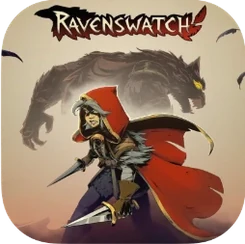
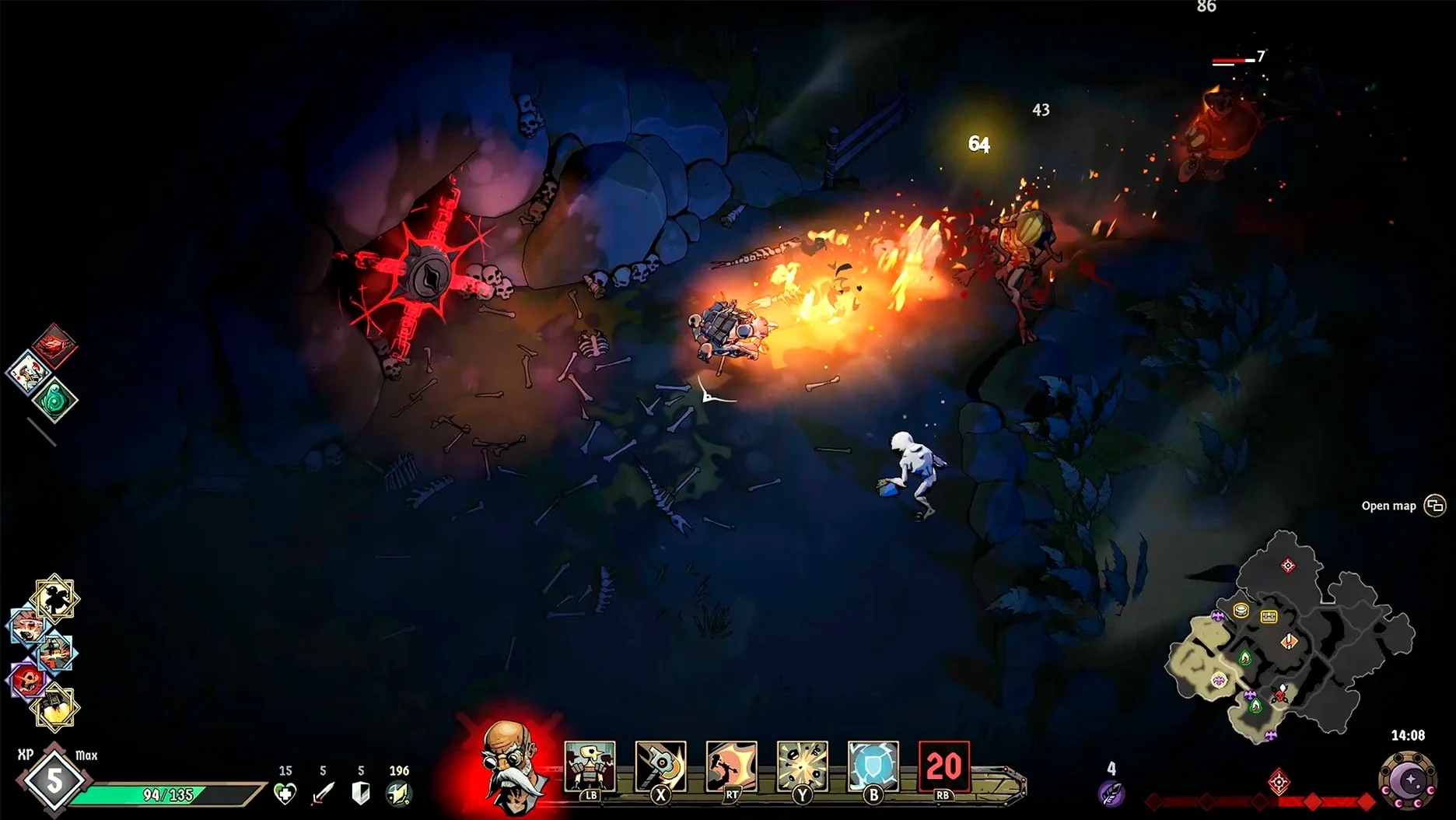
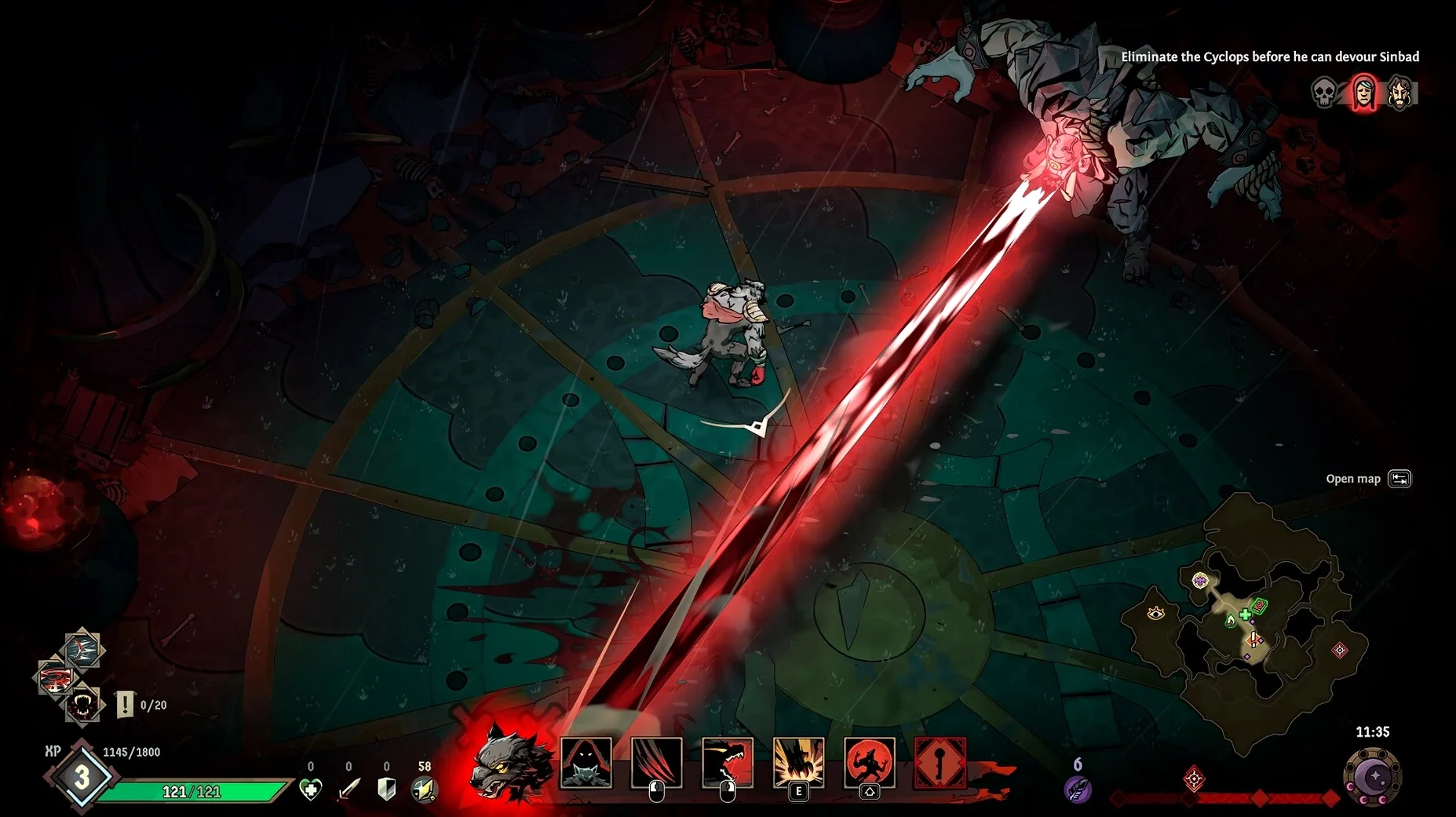
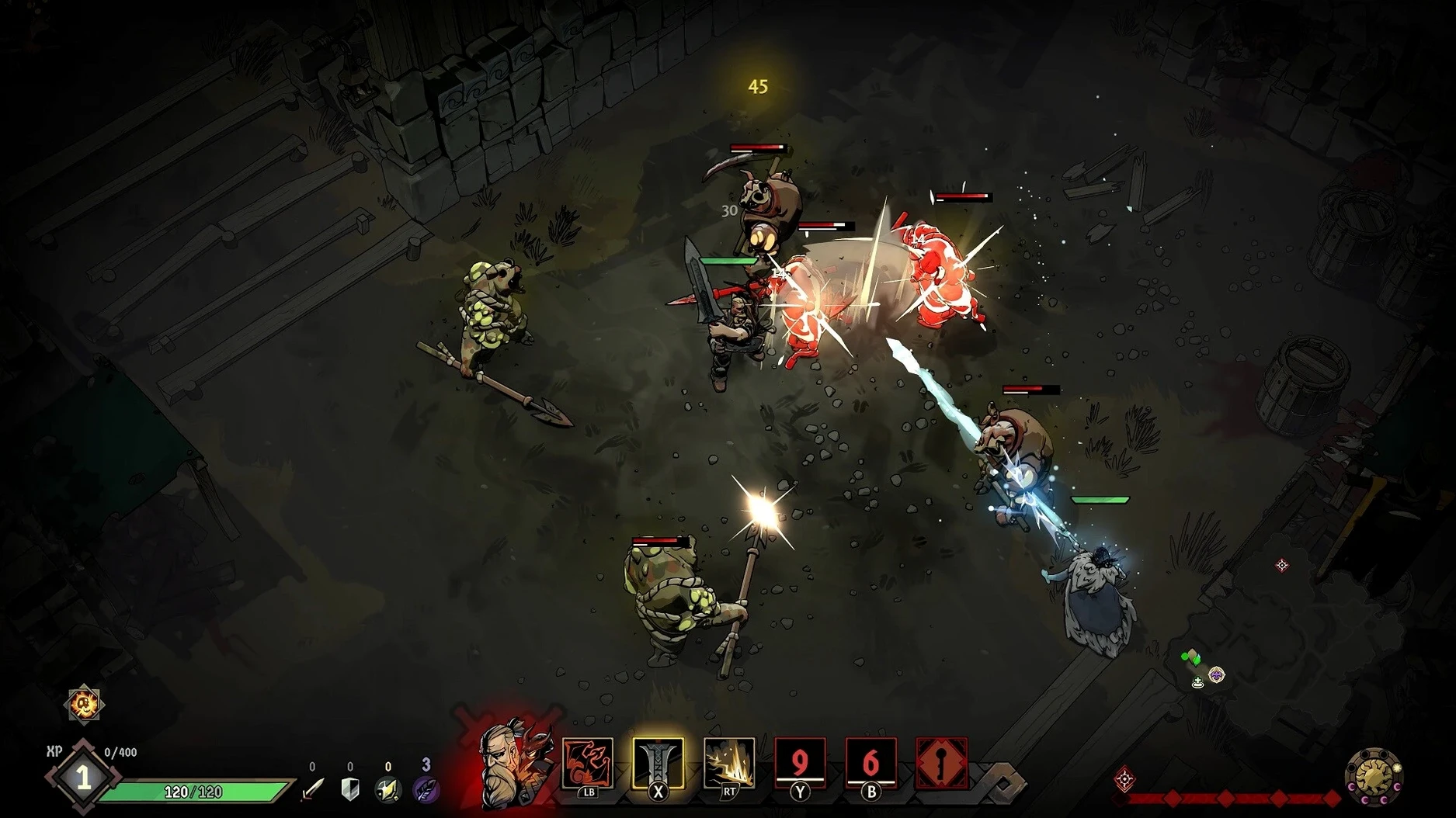
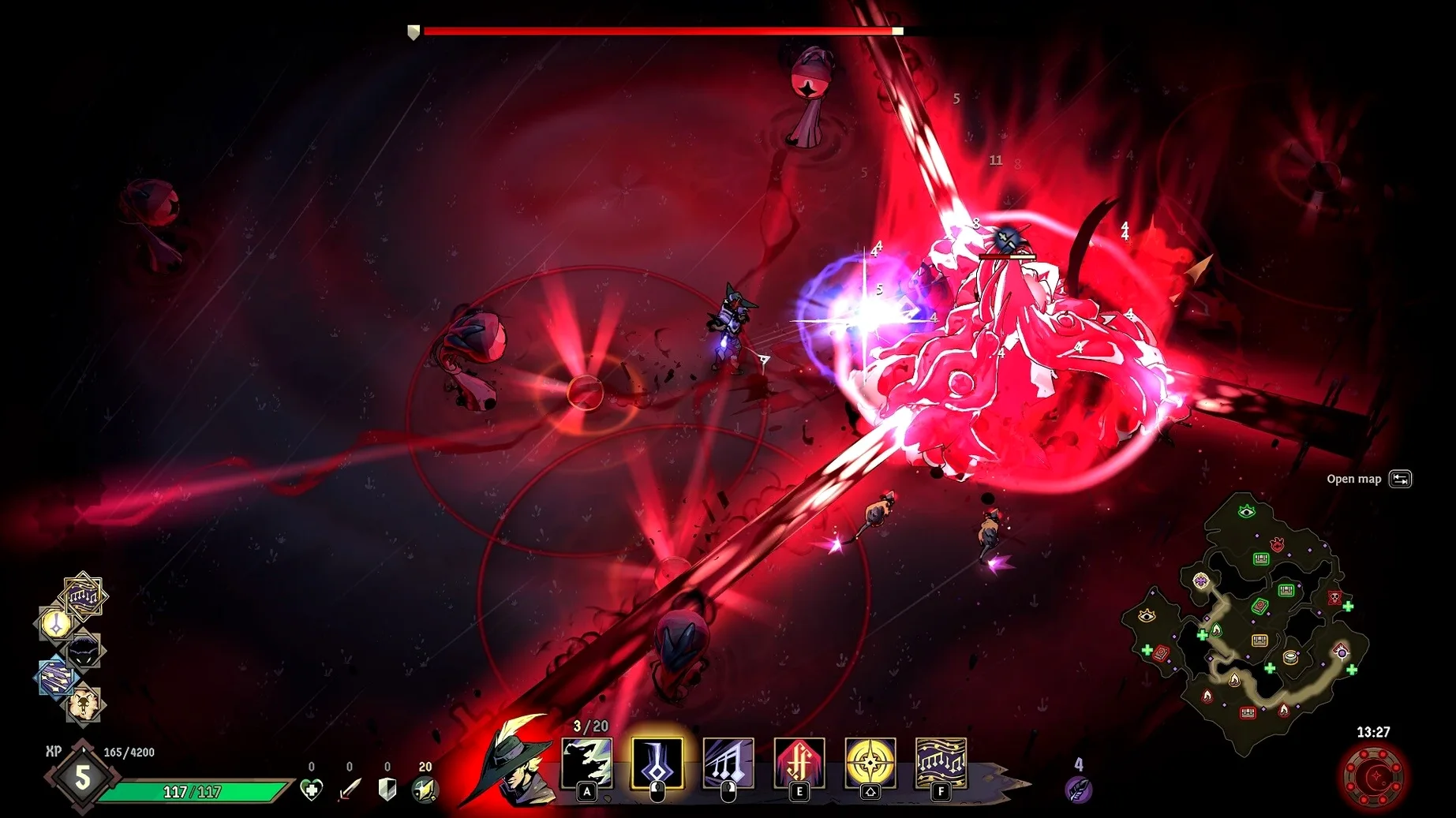
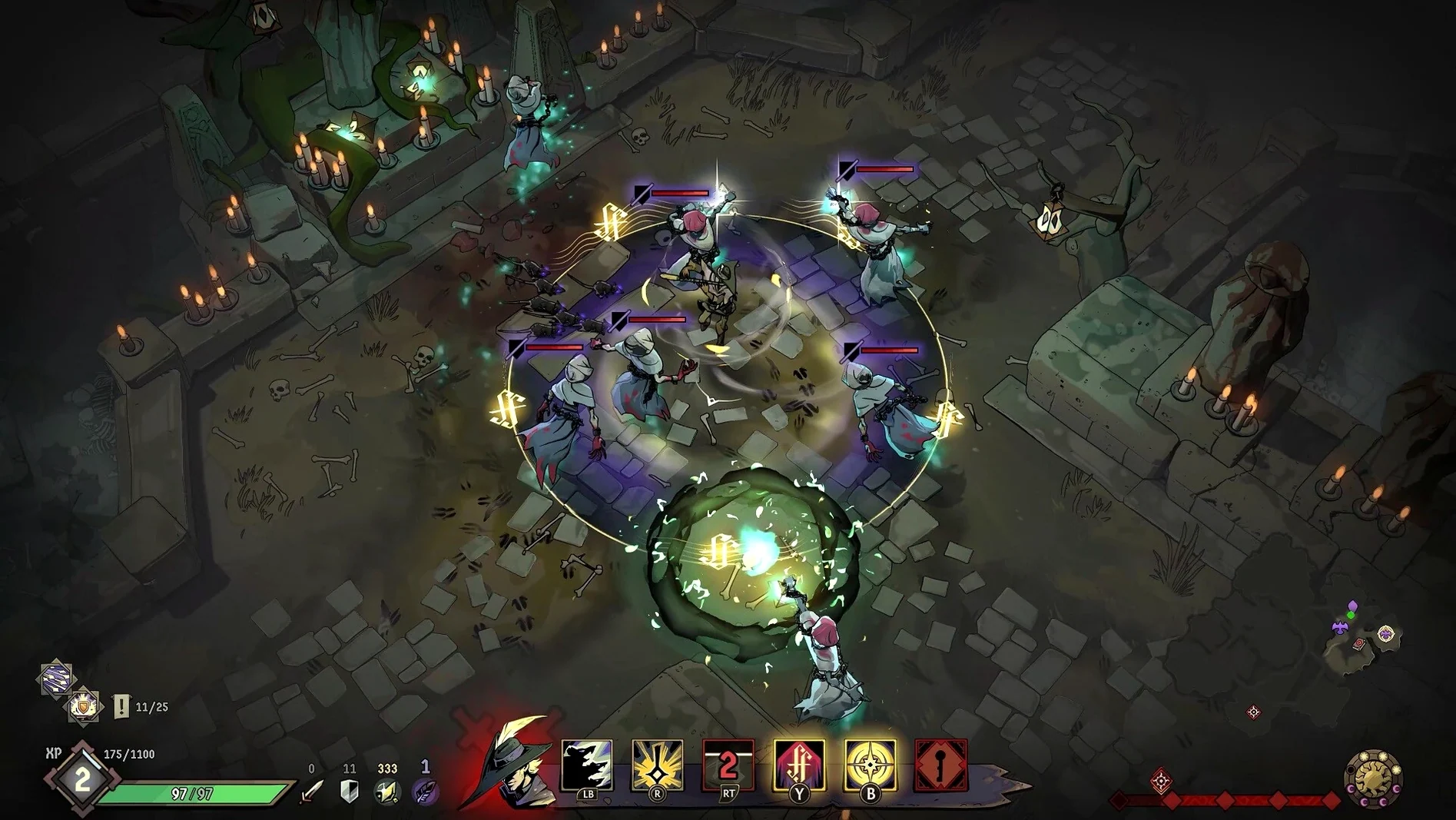
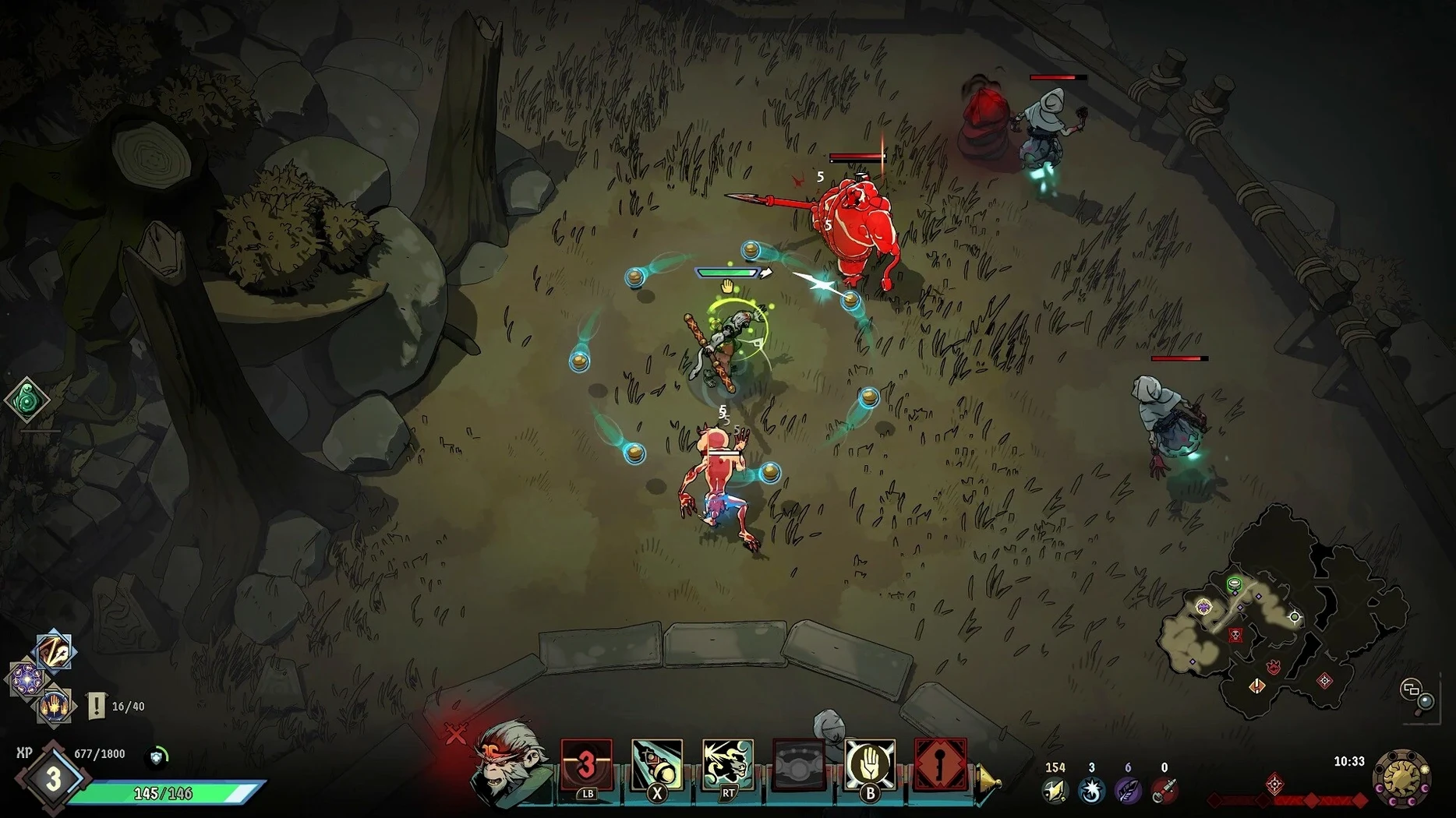
The Grimoire of Gems changes how a run feels. That is the hook Ravenswatch uses to pull you into Reverie, a dark-fantasy world built on old folk tales and legends. On a MacBook Air (M1, 2020) running macOS Sequoia, the top-down action stays readable even when the randomly generated map fills with enemies.
| Detail | Value |
|---|---|
| Version | 1.04.01 |
| Developer | Passtech Games |
| Genre | Top-down roguelike action |
| Play modes | Solo, co-op |
| Architecture | Apple Silicon |
| Languages | 12, including English, French, German, Russian |
Expect a mouse-and-keyboard setup to work cleanly. Movement is direct, abilities land where you click, and the camera stays close enough to track more than 50 unique enemies without losing the co-op partner. Four difficulty levels and 50 magic items give a run structure without clutter. Performance on the M1 holds steady in early areas; later fights with heavy effects will push the fan, but the frame pacing stays playable. For a Mac game with no Intel build, Ravenswatch makes the Apple Silicon requirement feel less like a limit and more like a clean baseline.
First days with Ravenswatch
Start with the first hero you unlock, not the one that looks flashiest. Scarlet and Beowulf teach spacing and dodge timing without relying on gear. Spend the first two or three runs learning enemy tells — the pigmen charge, the scarecrows telegraph, the hags punish greed. Dying is part of the loop, so treat each run as a talent audit.
- Open the talent screen before every run and pick two goals: one damage path, one survival path.
- Use the day/night cycle. Night spawns more elites, so clear side objectives before dusk.
- Tag magic items you have not seen before. The Grimoire fills faster when you experiment.
- Co-op voice chat helps, but the ping system carries most of the coordination.
For solo players, customize a run with lower difficulty and no timer pressure until the map layout stops surprising you. The randomly generated map rewards route memory less than pattern memory — learn what each objective asks for, not where it sits.
Run the disk image Fix file once to clear launch errors
Some players hit a launch error right after copying the app. The disk image includes a Fix file for exactly that case; run it once and Ravenswatch starts normally. Do not skip this step if you see a Wine-related message on first boot.
Language switching catches people out. The game does not expose a language picker in menus for this build. Open language.txt inside the app bundle and replace english with your choice — russian, german, french, and the rest all work. Save, relaunch, done.
Save files live inside the app bundle under _Save. Back that folder up before a macOS update. Some users on Apple Silicon report the fan spinning up during late-run boss fights; lowering shadows and effects in the settings menu settles most of it. If co-op drops mid-run, host migration is not graceful — restart the lobby and pick a different map seed. Few things annoy a group more than replaying the same layout because one person's connection hiccupped. When you grab Ravenswatch for Mac cracked builds, check that the Fix file is present and matches version 1.04.01 for the tested experience.
- macOS (Apple Silicon)
- English voice supported
- Interface languages: Russian, English, German, Spanish, Italian, Traditional Chinese, Simplified Chinese, Korean, Polish, Portuguese, French, Japanese
Questions I get before install
Does Ravenswatch run on Intel Macs?
No. The current version requires an Apple Silicon Mac.
Can I play Ravenswatch alone?
Yes. Solo play is supported alongside co-op.
Which languages are included?
Russian, English, German, Spanish, Italian, Traditional Chinese, Simplified Chinese, Korean, Polish, Portuguese, French, and Japanese.
Comments 0
Sign in to leave a comment.Sign inCreate an account
No comments yet. If a step is still there after you install it, say so.
More in Games
All in Games Raft
Strands you on a tiny wooden platform and asks you to build a life where no land exists.
6 steps saved
 Resident Evil Village
Hunts through a cursed European village in a survival horror tale.
6 steps saved
 Revhead
Starts you with a shed and a ute, then asks you to strip and rebuild a wreck.
18 steps saved
 Quarantine Zone: The Last Check
Puts you in charge of a border crossing during a zombie outbreak.
7 steps saved
 RimWorld
Generates unscripted moments where you draft colonists and position them behind cover.
10 steps saved
 Riven
Offers a ground-up remake with free real-time movement through the Age of Riven.
5 steps saved
 Prince of Persia: Lost Crown
Chains attacks and rewinds missteps inside a crumbling citadel.
15 steps saved
 Sally Face
Rewards attention to small details as a dark mystery unspools across five episodes.