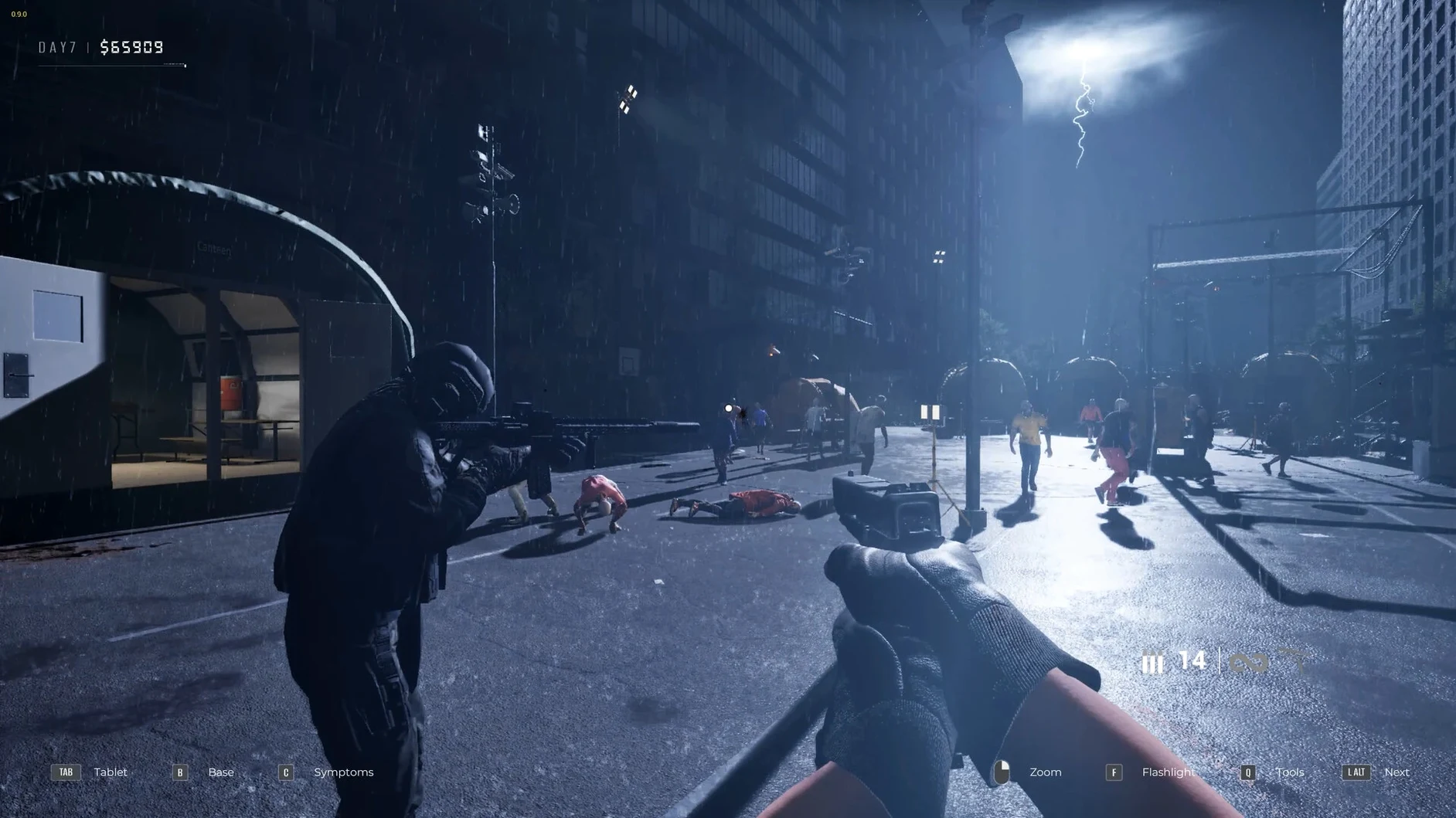
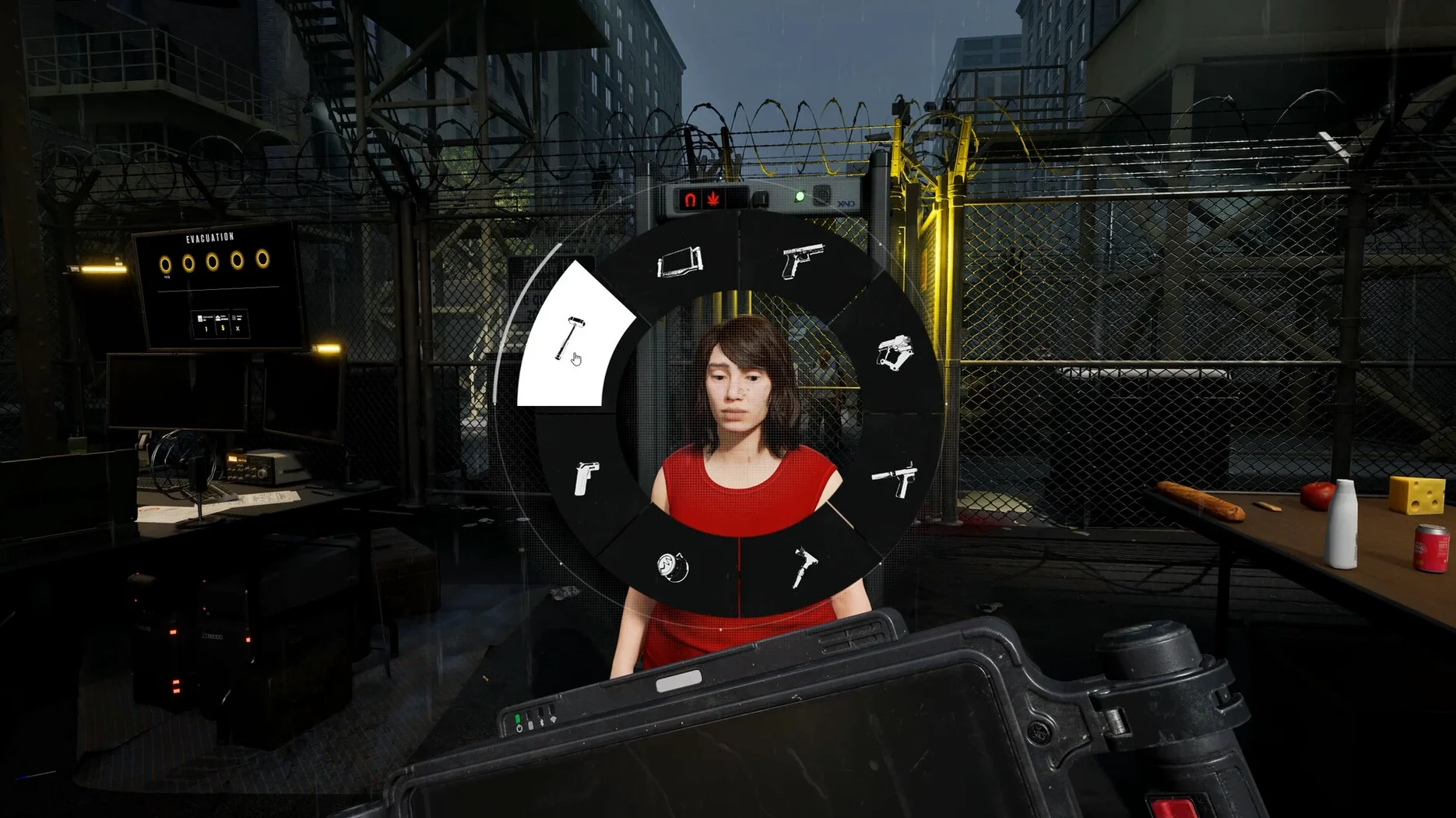
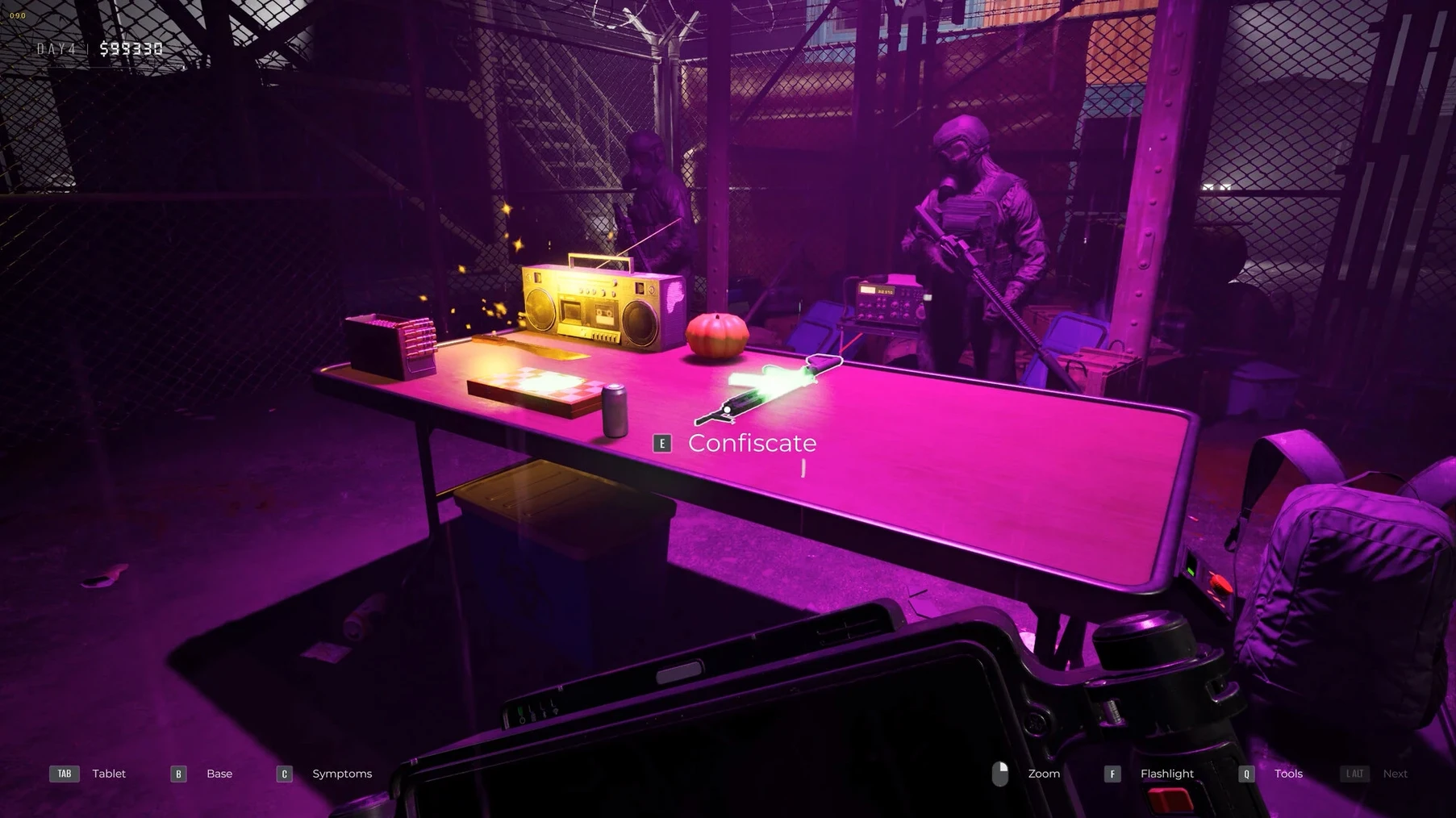
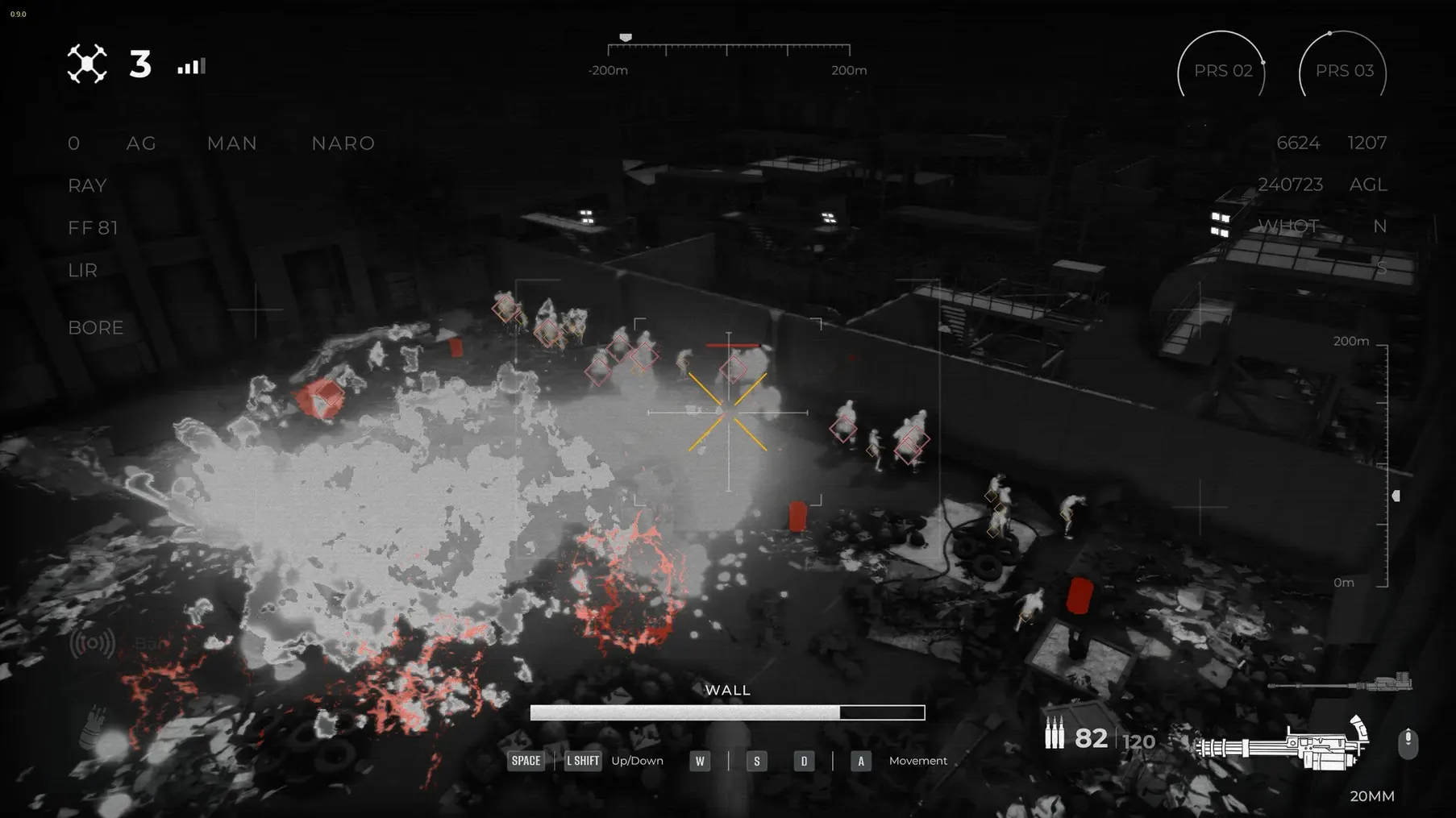
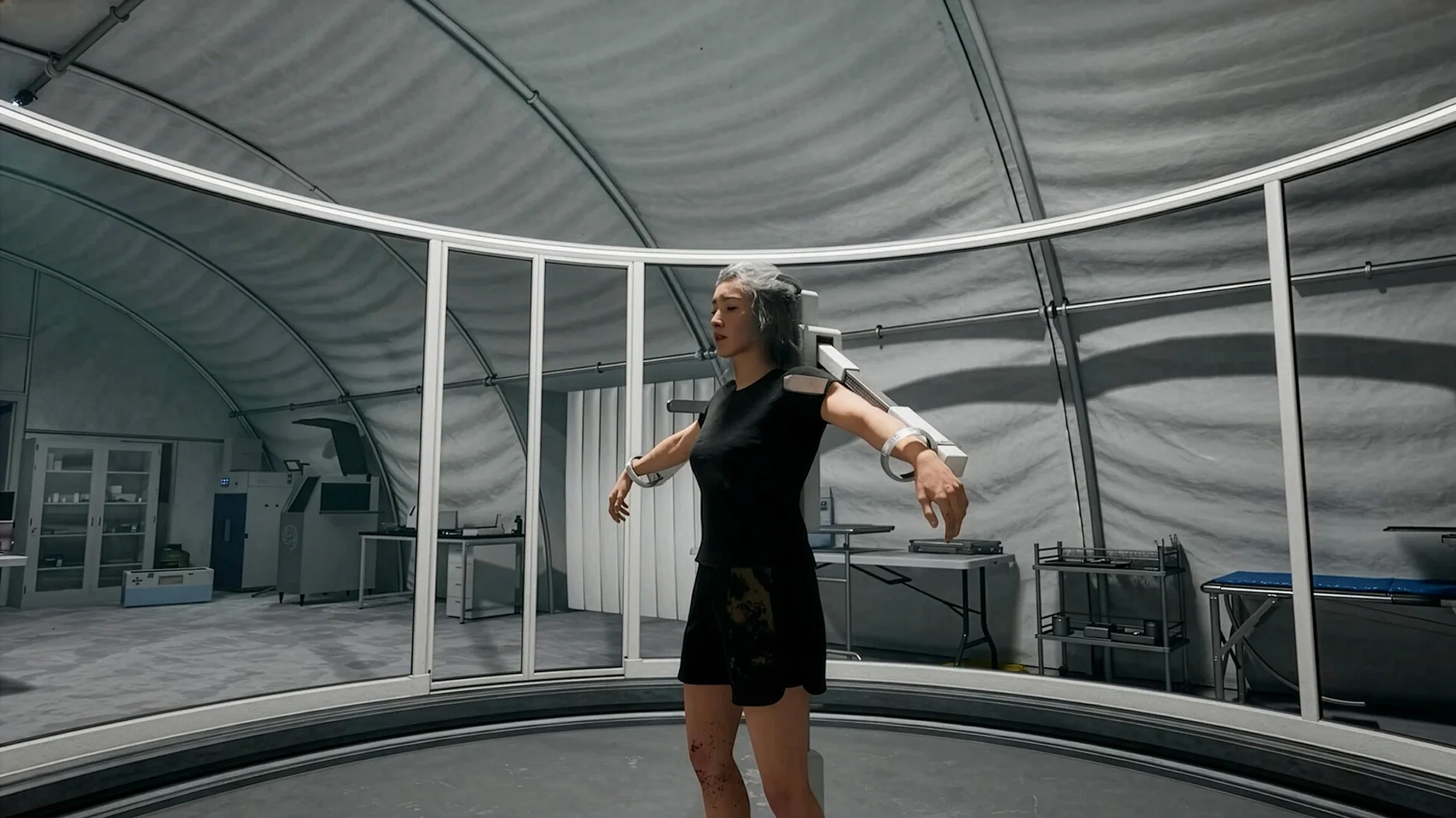
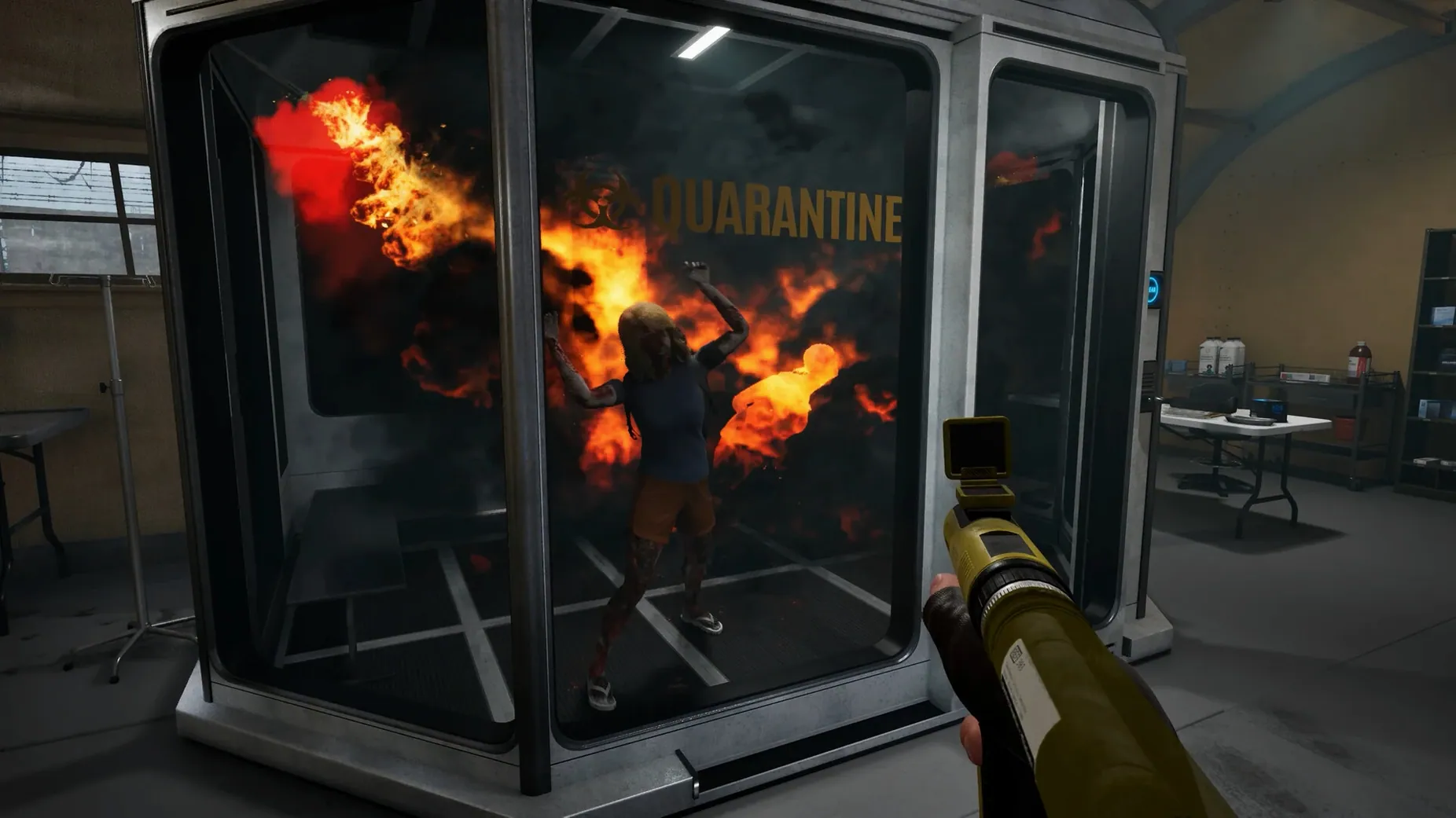
Quarantine Zone: The Last Check is a checkpoint management simulation that puts you in charge of a border crossing during a zombie outbreak. You decide who gets through, who gets held back, and how to keep your facility from collapsing under the pressure.
Core loop
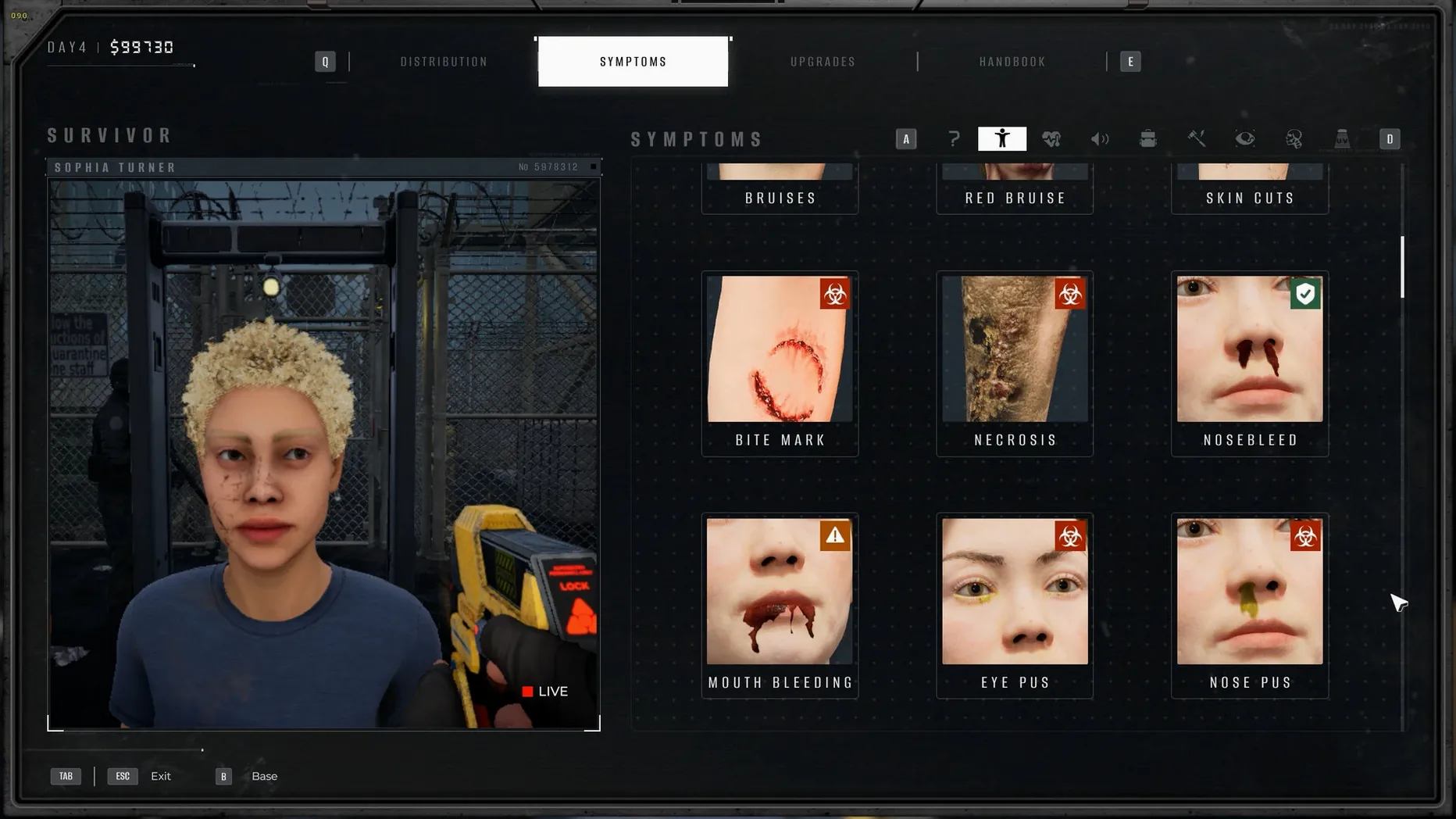
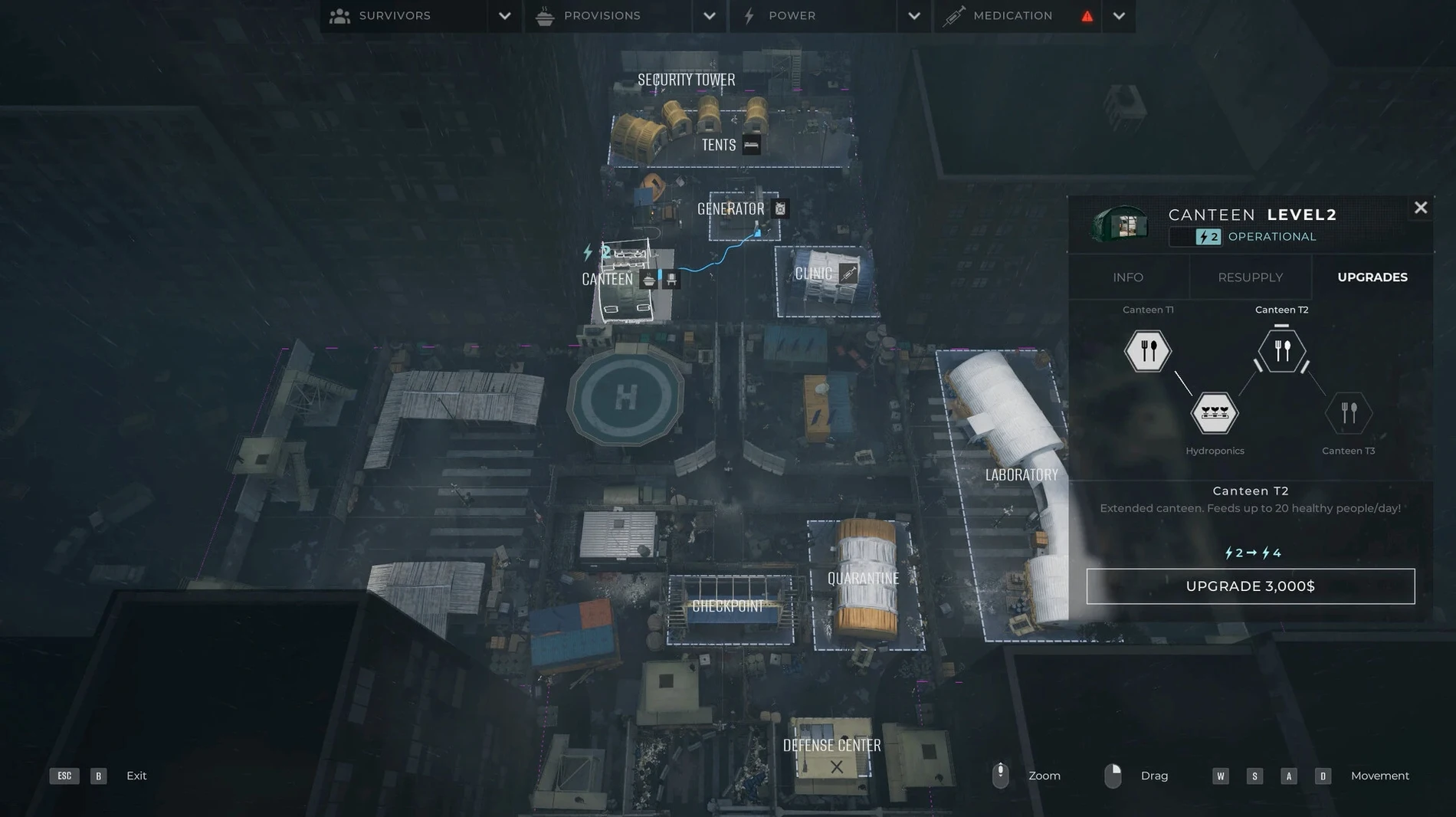
Each day brings a line of civilians to your booth. You inspect them for infections, scan for contraband, and occasionally spot rare collectible items tucked into their documents. Healthy survivors can be waved through. People showing suspicious symptoms need to be sent to quarantine. At the same time you're managing scarce supplies, reinforcing your barricades, and collecting samples from the newly turned undead to understand what you're dealing with. One wrong call can cascade into a breach that burns through your carefully rationed resources.
Wineskin wrapper packing Russian voiceovers and eleven interface languages
The 1.0.8.1357 build ships as a Wineskin wrapper tested on Apple Silicon. Voice work comes in Russian and English, while interface text supports eleven other languages including German, French, Japanese, and Korean. Saved games live inside the app bundle under SharedSupport/prefix/drive_c/users/Sikarugir/AppData/Local/QZSim/Saved/SaveGames. If a rainbow visual artifact appears, lowering the global lighting setting usually clears it up.
Drone response fixes and a memory leak patch for inspection hangs
The Wineskin wrapper in this build tidied up a few rough edges that early players complained about. Armed drone responses during alarm events now trigger more reliably. A memory leak that would slow inspection animations after the third or fourth in-game day has been plugged. The wrapper itself no longer requires a separate run of the Fix script for most Apple Silicon machines — though the disk image still includes it as a safety net.
Russian and English voice lines received a small re-recording pass, cleaning up clipped dialogue on the "unknown symptoms" examination results. The simulation doesn't pull its punches any less, but at least you hear the bad news clearly now.
Switching the renderer argument from -dx12 to -dx11 stops the day-two crash
- Day-two crash — The game quits immediately when the second day loads. Open the app bundle, go into Contents, launch Configure, and change the Windows app argument from
-dx12to-dx11. That switch resolves the renderer mismatch under Wineskin. - Rainbow visual bug — Textures turn into a psychedelic smear during lighting transitions. Drop global lighting by one notch in the graphics settings. It's a known quirk of the shader translation layer.
- Launch error — macOS blocks the app on first open. Run the
Fixscript from the disk image once, then launch normally. The quarantine zone won't bite until you're actually playing. - Save location — If you're copying saved games between machines, the path is buried inside the bundle at SharedSupport/prefix/drive_c/users/Sikarugir/AppData/Local/QZSim/Saved/SaveGames. Grab the whole folder.
- macOS Tahoe
- Apple Silicon (tested on Mac mini 2024 M4)
Questions I get before install
Which languages are supported?
Voice audio is available in Russian and English. The interface can be set to Russian, English, German, Spanish, Simplified Chinese, Korean, Polish, Portuguese, Turkish, Ukrainian, French, or Japanese.
Where are saved games kept on macOS?
They're stored inside the app bundle at SharedSupport/prefix/drive_c/users/Sikarugir/AppData/Local/QZSim/Saved/SaveGames.
Comments 0
Sign in to leave a comment.Sign inCreate an account
No comments yet. If a step is still there after you install it, say so.
More in Games
All in Games Raft
Strands you on a tiny wooden platform and asks you to build a life where no land exists.
6 steps saved
 Ravenswatch
Pulls you into a dark-fantasy world built on old folk tales and legends.
5 steps saved
 Prince of Persia: Lost Crown
Chains attacks and rewinds missteps inside a crumbling citadel.
6 steps saved
 Resident Evil Village
Hunts through a cursed European village in a survival horror tale.
22 steps saved
 Potion Craft: Alchemist Simulator
Grinds, stirs, and heats ingredients with a granularity that rewards precision.
6 steps saved
 Revhead
Starts you with a shed and a ute, then asks you to strip and rebuild a wreck.
12 steps saved
 Poppy Playtime - Chapter 5
Continues the toy-factory horror with new puzzles and the story's next chapter.
22 steps saved
 Poppy Playtime - Chapter 4
Pushes puzzle solving into the factory's darkest corners with new threats.