
It solves the problem of games that demand your constant attention. Your farm lives its own life.
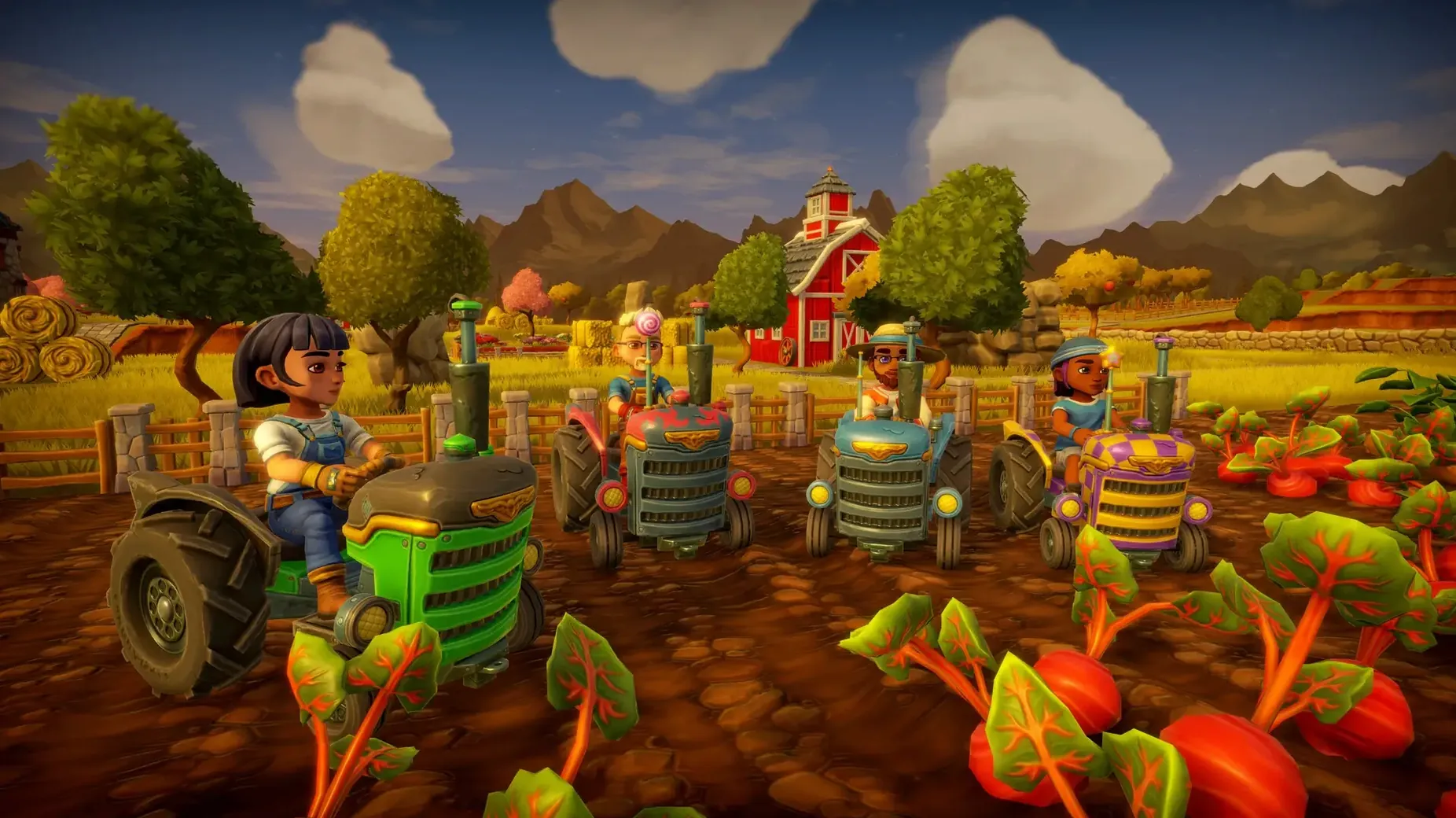
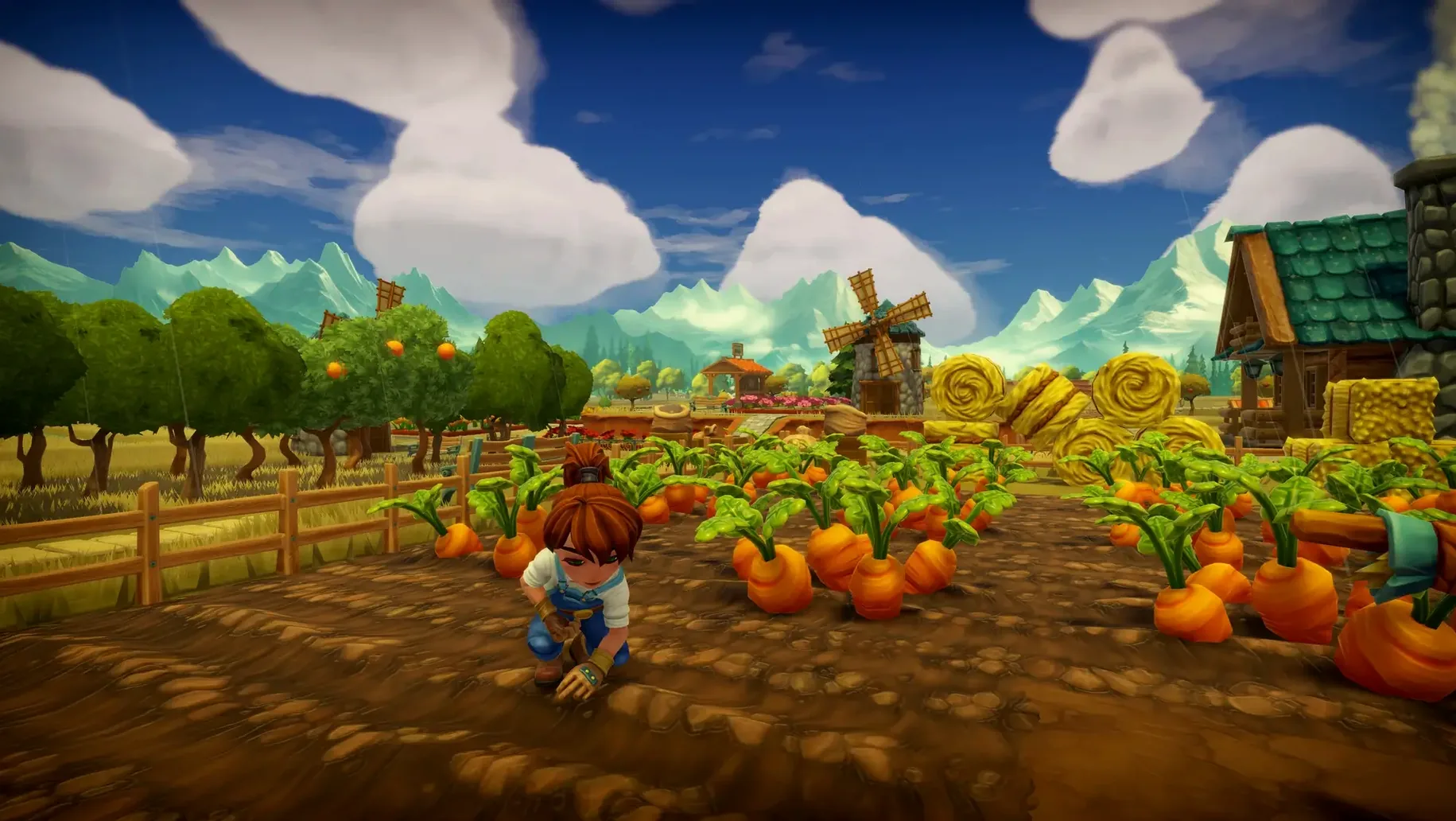
Planting — Choose a crop, hook up the tractor, and draw long rows across a plot. The timer starts. Come back when it finishes.
Harvesting — Drive over the ripe squares with the tractor or collect by hand. Everything sells for coin, and coin buys more land.
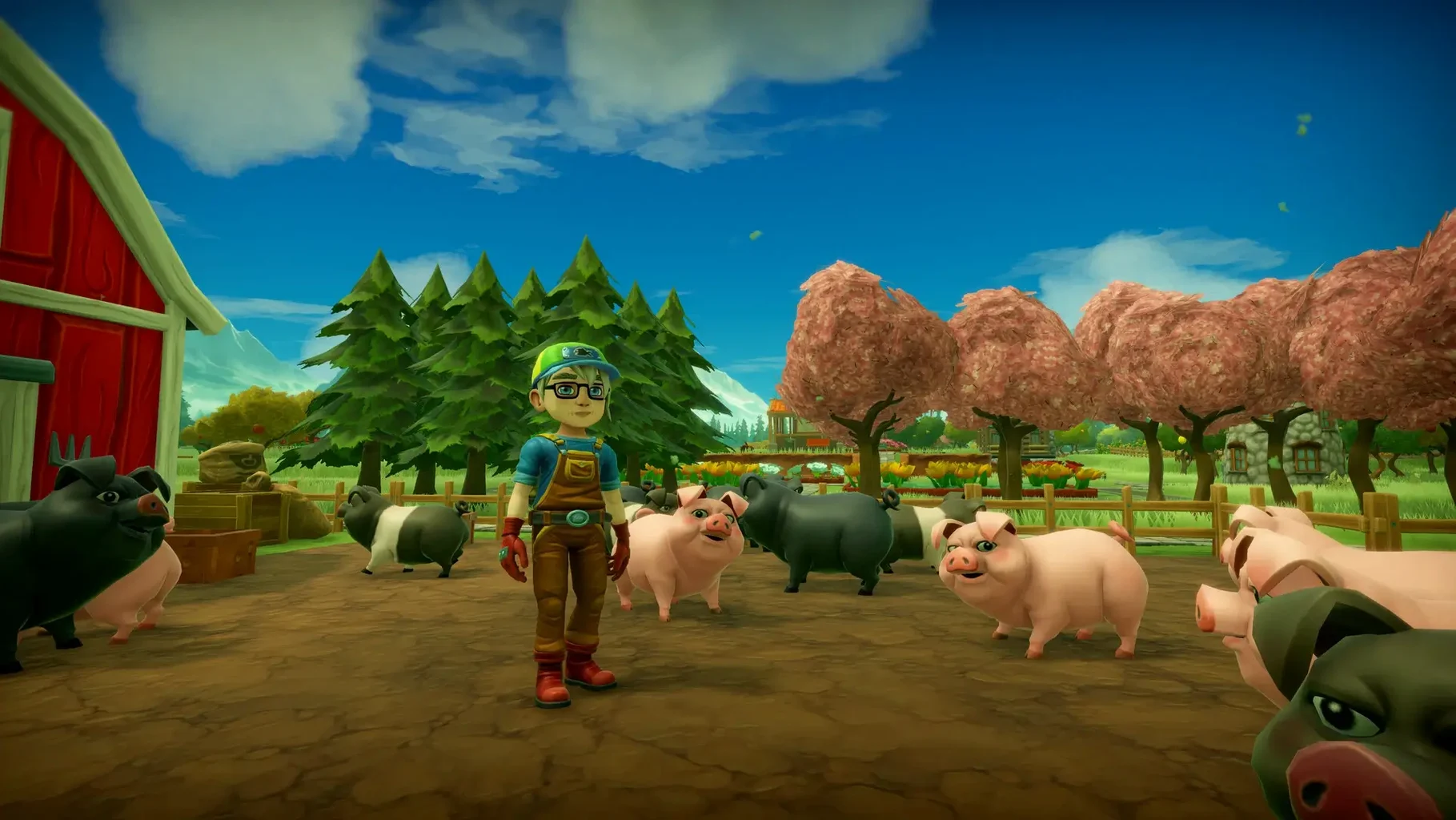
Offline growth — Shut down and walk away. Crops ripen, trees bear fruit, animals mature. The clock never pauses.
Tractor customisation — Swap paint, wheels and engine. It is your main tool, so you make it fit the farm.
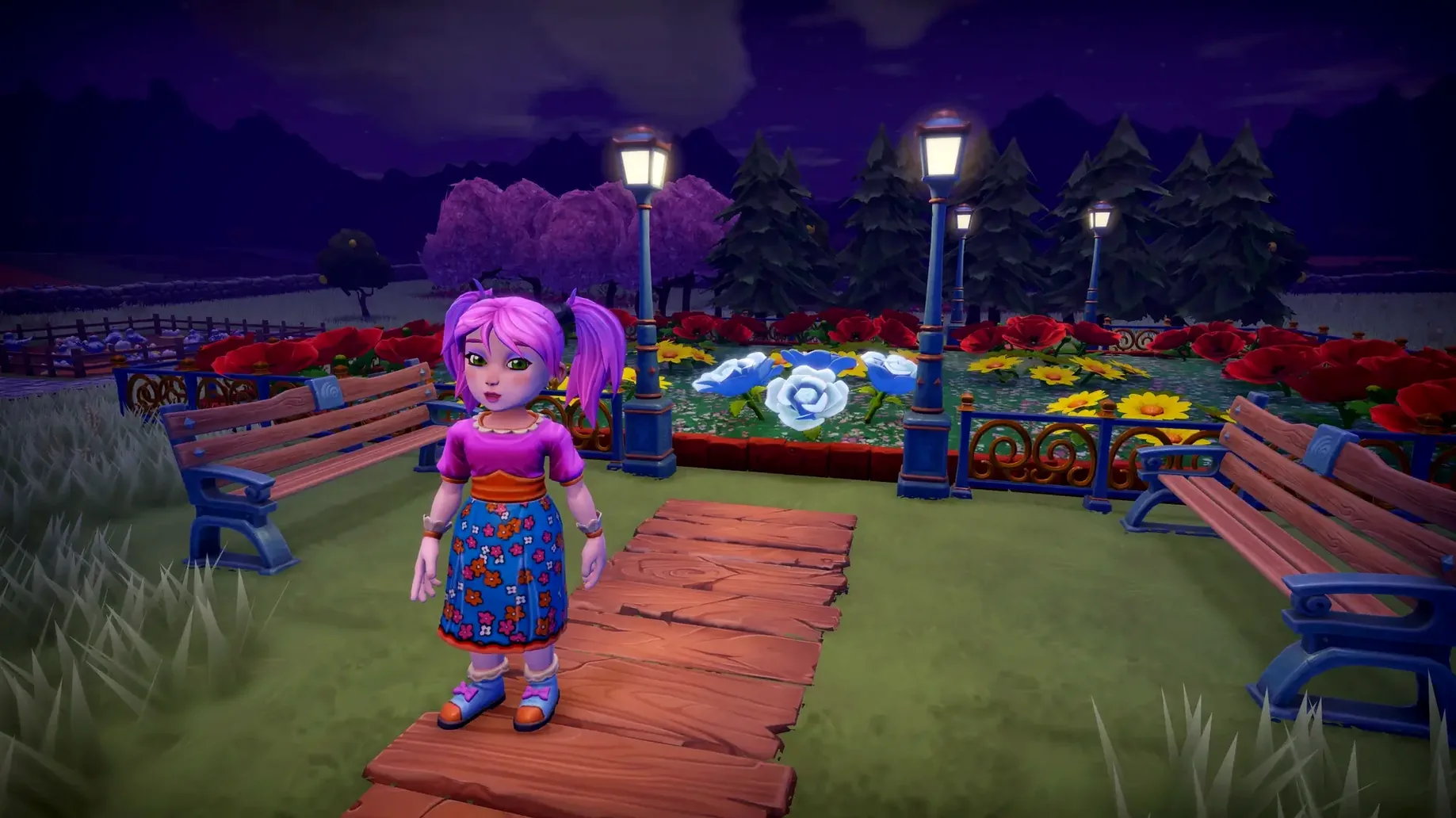
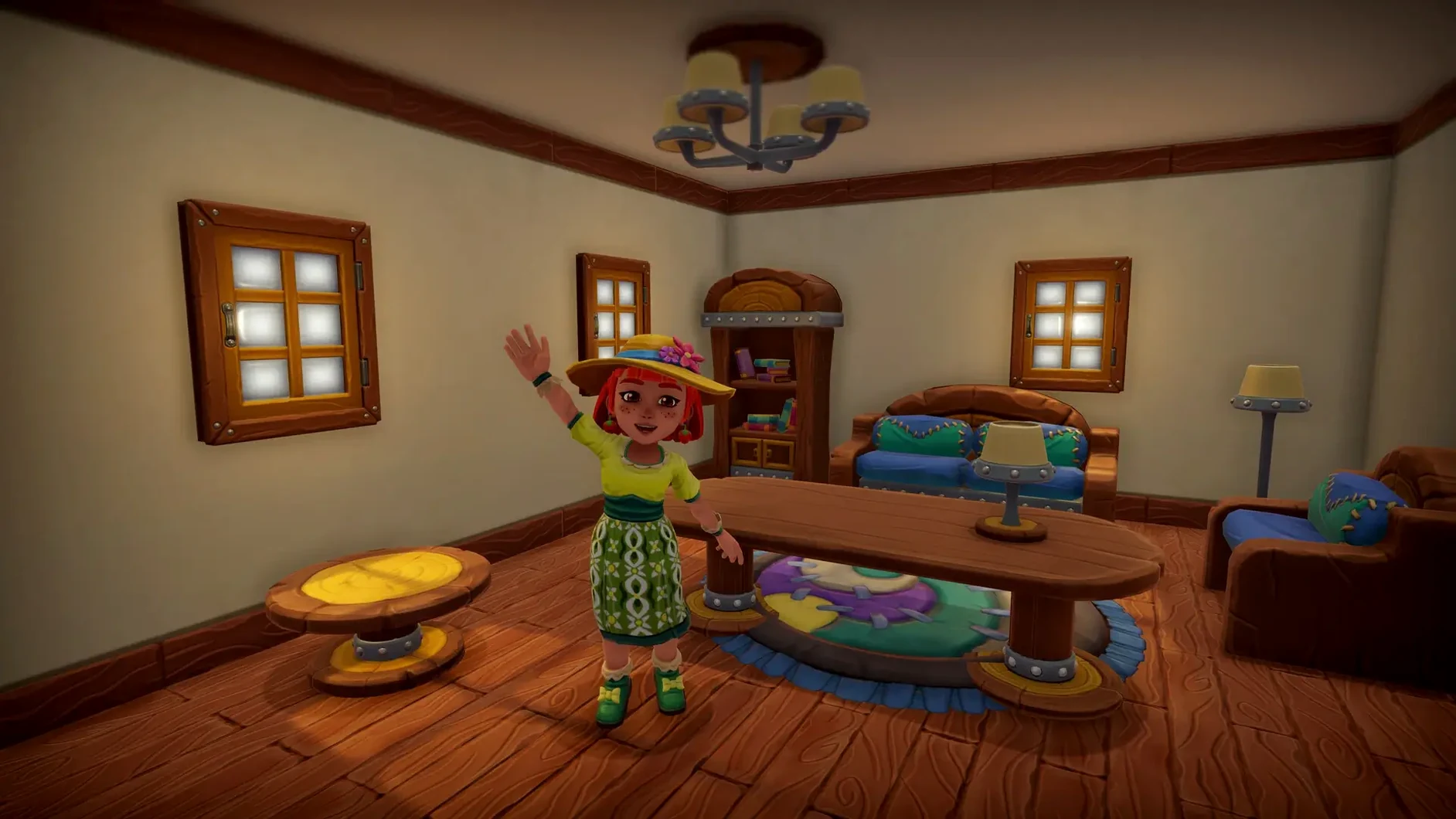
House decorating — Enter a separate interior space. Place furniture, change the floor, arrange rooms. A quiet side project away from the fields.
Expansion — Start with a small square of dirt. Buy adjacent plots until the farm stretches across the valley. Solo, with friends on an invite-only plot, or open to anyone with permission settings that keep strangers at a safe distance.
Questions worth asking first
Does the farm pause when I quit? No. Time keeps running while the app is closed. Crops finish, animals grow, trees produce. You come back to a farm that has moved forward without you.
Can I play alone, or is co-op the point? Both work. Solo play gives you the whole loop at your own pace. Co-op lets two or three friends drop into the same plot and clear tasks faster. You change the farm's visibility any time.
What can guests actually do? That depends on the permission you set for them. Planting, harvesting, moving items, even trading — each action has its own toggle. The Custom permission added in Update #33 now covers mushroom planting as well, so you can let someone help with fungi without handing over the whole farm.
Is it demanding on older Macs? The game runs on both ARM and 64‑bit Intel hardware. The visuals are bright and simple enough that a mid‑range Mac handles it without trouble. Large farms with hundreds of decorations will push any machine a little, but the engine copes.
Second-screen farming between messages
Farm Together 2 works well as a second-screen game. Keep it in a window beside Messages or a podcast app and tend the farm between other tasks. The offline growth means it never punishes you for ignoring it.
It also pairs naturally with Mission Control. Full‑screen mode gives the fields room to breathe, but windowed mode lets you drag the app to a separate Space and switch over with a three‑finger swipe. The game respects that rhythm instead of fighting it.
For co‑op, Game Center handles invitations and friend lists, so you do not need a separate account. For players who want to try farm together 2 macos free, the disk image install is straightforward: mount, drag to Applications, launch from Launchpad. No activation step gets in the way.
- Apple Silicon or Intel 64-bit Mac
Comments 0
Sign in to leave a comment.Sign inCreate an account
No comments yet. If a step is still there after you install it, say so.
More in Games
All in Games Fallout Shelter
Lets you carve out and manage an underground vault, balancing dweller needs against limited space.
15 steps saved
 Updated
Farming Simulator 25
Lets you plan fieldwork, manage equipment, and optimize yields across a working farm.
7 steps saved
 Fallout 2
Sends you across a post-nuclear desert in a classic turn-based RPG full of choices.
16 steps saved
 Updated
Factorio
Turns resource extraction into sprawling automated production lines on an alien world.
14 steps saved
 Fabled Lands
Lets your faction choice and profession reshape quest access across a war-torn kingdom.
16 steps saved
 Updated
Firehawk FPV: Drone Fighter
Puts a roguelike shooter loop behind the lens of a combat quadcopter.
13 steps saved
 Euro Truck Simulator
Puts you behind the wheel of a tractor unit to haul loads across a condensed European map.
21 steps saved
 Updated
Euro Truck Simulator 2
Delivers the quiet rhythm of long-haul transport across a rain-soaked continent.